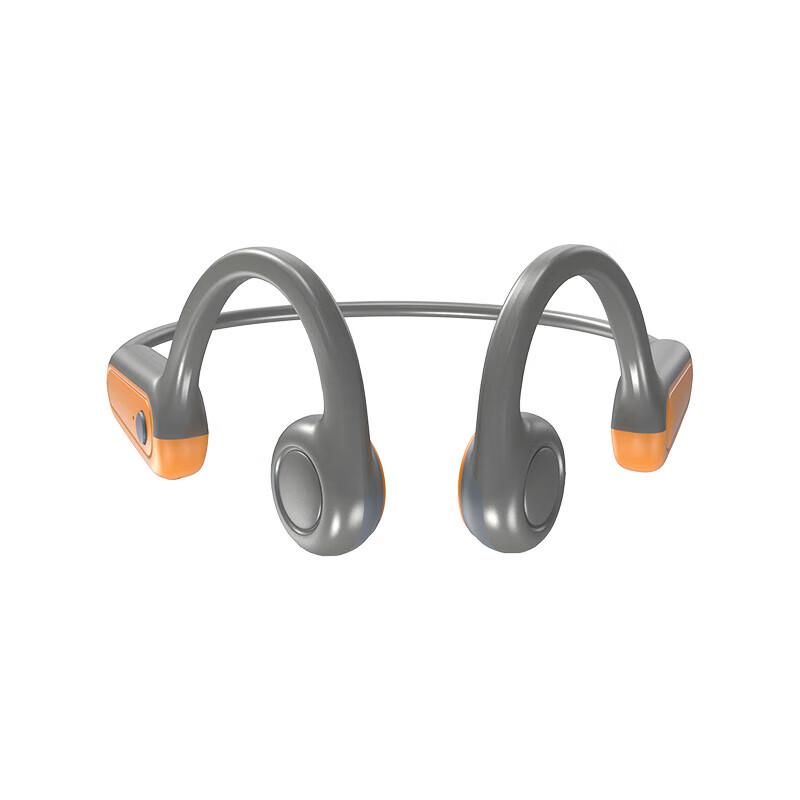
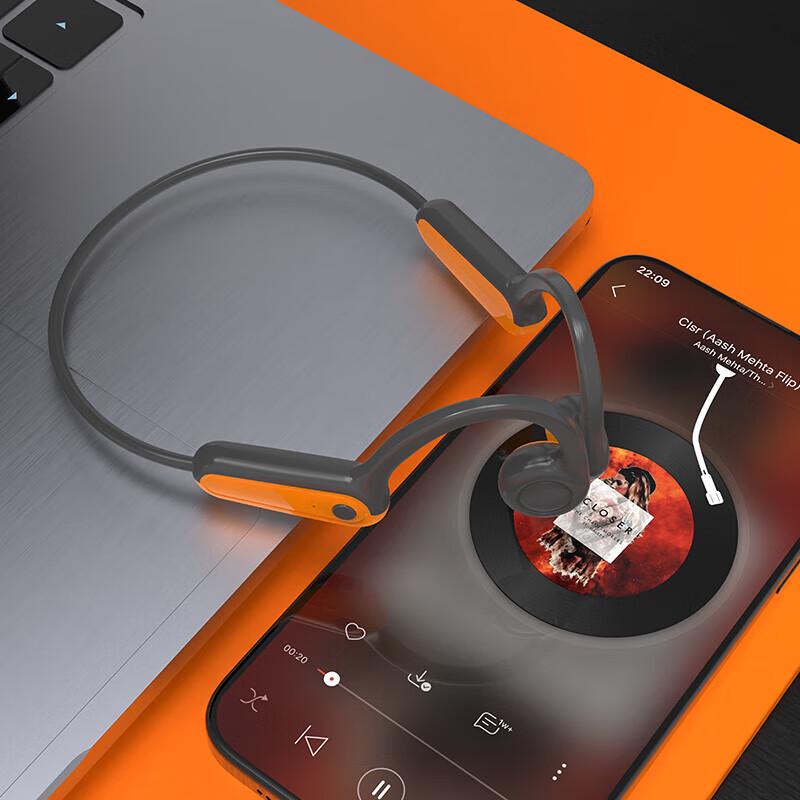
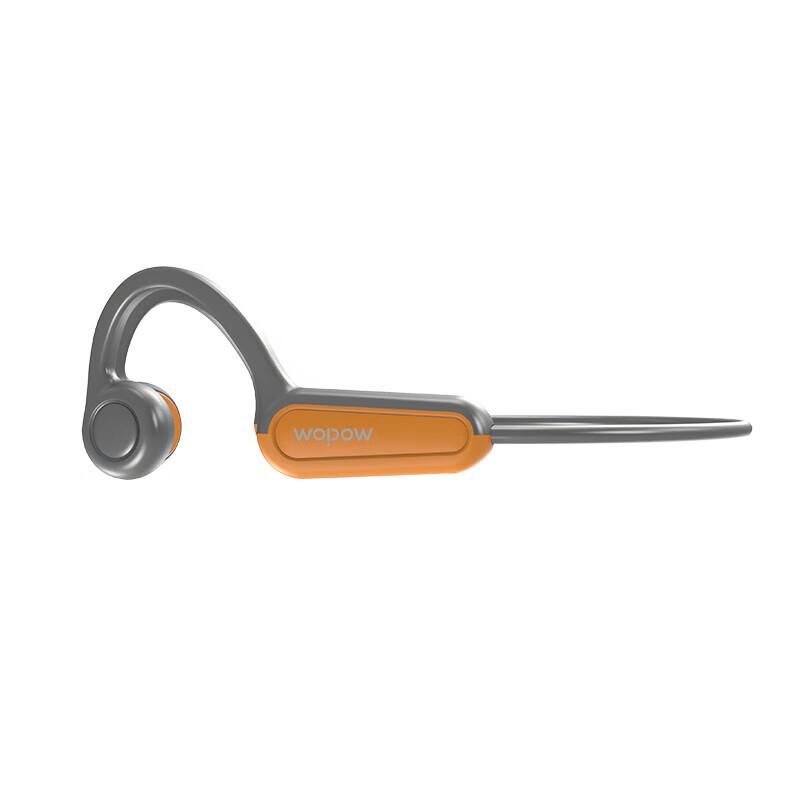
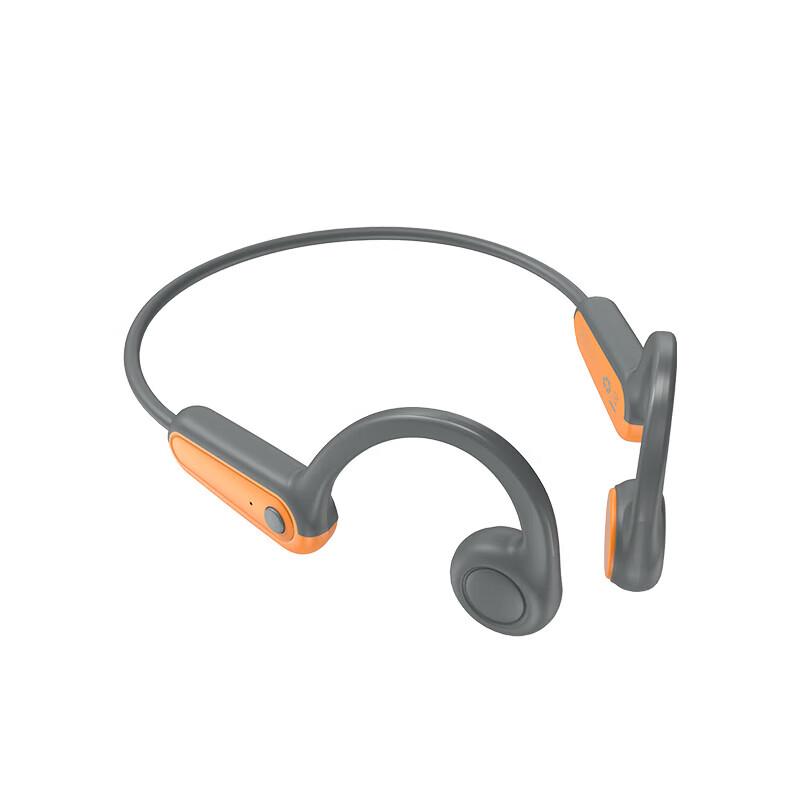
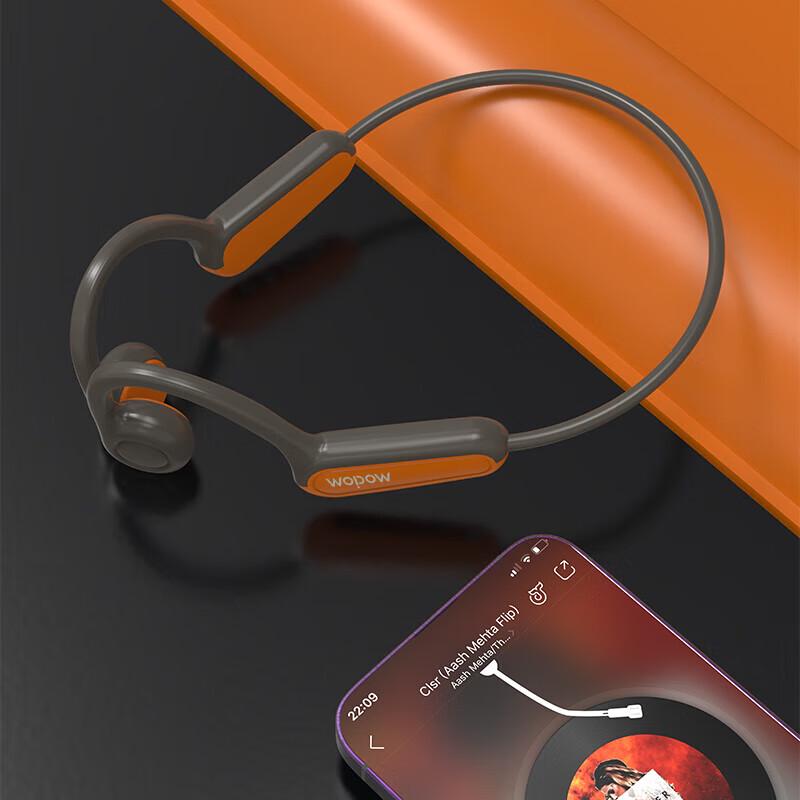
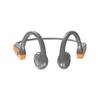
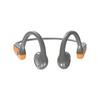
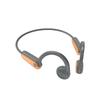
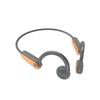
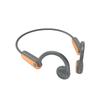
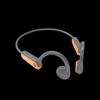
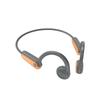
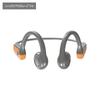
TI ALLOY FRAME: Crafted with a flexible ti alloy frame, these headphones can be easily bent without deformation. Enjoy effortless single handed operating with a user friendly call and music control, making your experience seamless and convenient.
TRANSFER: Utilizing bone conduction technology, these headphones do not block your ear canal, promoting ear . Stay aware of your surroundings while enjoying music, as sound bypasses the eardrum, reducing the of damage.
LASTING BATTERY LIFE: Experience powerful battery performance with up to 12 hours of continuous playback. These headphones feature dual playback modes, functioning as both an MP3 player and headphones, enhancing your listening versatility.
Item Type: Bone Conduction Headphone
Material: Silicone
Memory: 16GB
Battery: 350MAH Battery (Built in)
Connection: 5.0, Effective Distance 10m Celsius 32.8ft
Frequency Range: 20Hz-20kHz
Charging Time: 2 hours
Water Resistant : IPX8 Professional Water Resistant
Support Format: MP3, WMA, WAV, APE, FLAC
Characteristic: Clear Sound Quality, Passive Noise Reduction, True Wireless Stereo, Water and Dust Resistant
Troubleshooting:
1. Operating failure, unable to power on off, press the power button for 10 seconds for forced reset and restart.
2. When charging, the computer indicator does not light up or read the disk, check if the USB connection is correct, do not use an extension cable, directly plug the original data cable into the r or computer USB interface.
3. After automatically reconnects, the button has no function, pressing play to unlock.
How to use:
Power on: press the power on button for 3 seconds, the blue LED will light up, and it will enter the local music (MP3) playback mode by default.
Power off: press the power on button for 3 seconds to turn off the power, beep: POWER OFF.
Mode ing: Press the power on button once to between MP3 and mode.
Local music MP3 mode: press the power on button for 3 seconds to enter the MP3 mode.
MP3 mode: the red light will flash.
Connecting : Click the power on button in MP3 mode, to mode, the headphone beeps the mode . The LED flashes red and blue to enter the pairing state.i Search for and click on the link pairing. is not connected to the device for 5 minutes and then automatically shut down.
Pause Play: When the music is playing, click the play button to pause,and click it again to play.
Answer up: Under the incoming call status, click to answer, and then click again to up.
Volume up down: press +- key to adjust the volume up down.
Up and down music: Click + - key to up and down music.
Categorized playback recognition: Default is random playback. After adding a category folder to the disk, the songs in the folder will be played in the order of the computer name. Play the files in the order of the name of the computer.
Reset: Press and hold the power on button for 10 seconds to force a soft reset.
Charging: Plug the original cable into the charging hole and connect it to your computer or 5V USB r. When charging, the red LED lights up and turns off when charging is completed. The red and blue LEDs light up when charging from a computer, and the blue LED lights up when d.
Download: Use the original cable to plug into the charging hole, press the on button to turn on the headset and then connect to the computer to download, (please do not use the extension cable to and download).
Weight: Approx. 121.00g Celsius 4.27oz