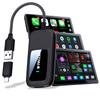
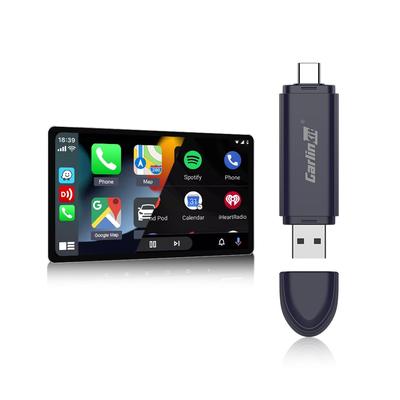
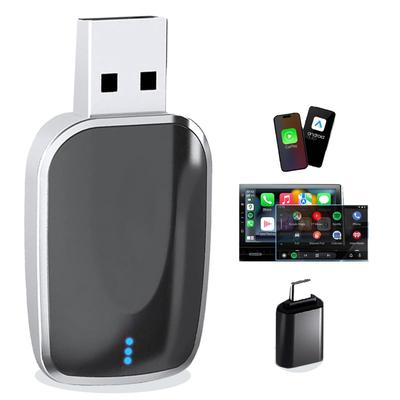
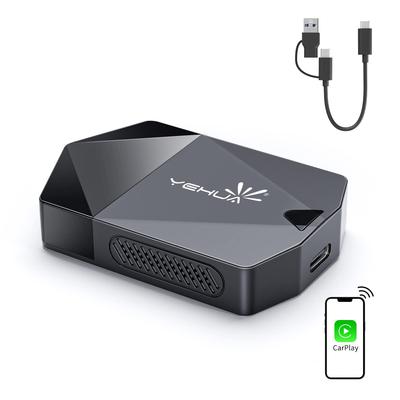
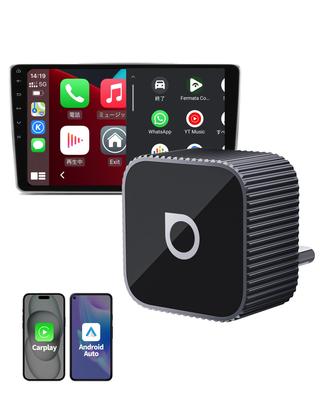
◆ [Android 12 AI Box Standalone System + Free App Installation] Turn your car into a "moving theater" with GetPairr Go 2.0. Equipped with a standalone Android system independent of the navigation system, you can enjoy popular apps like YouTube, Spotify, and Netflix smoothly in 1080P high-definition. You can also customize your own in-car entertainment environment by adding your favorite apps from the dedicated AppHub. From daily commutes to long-distance drives, you'll enjoy more freedom and enjoyment in your time with family and friends. *Not compatible with vehicles that require wireless CarPlay or do not have CarPlay.
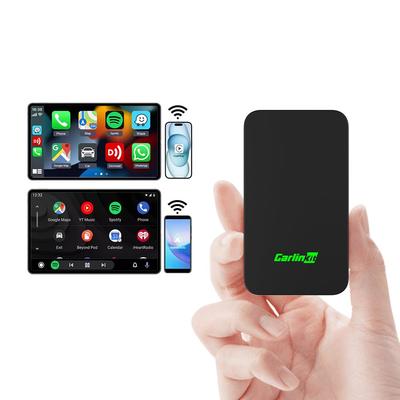
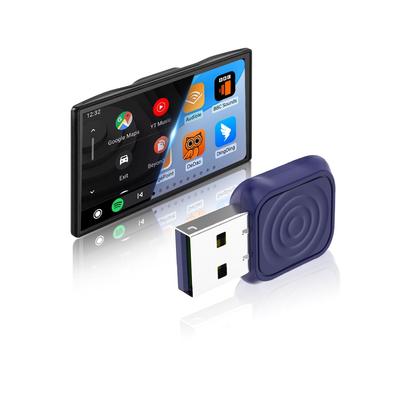
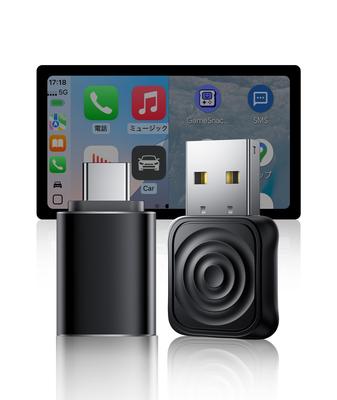
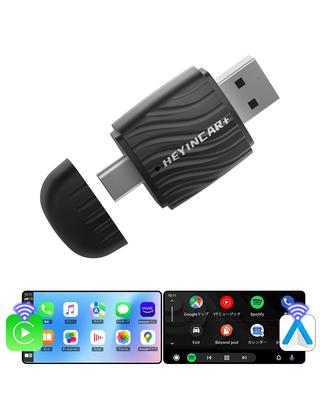
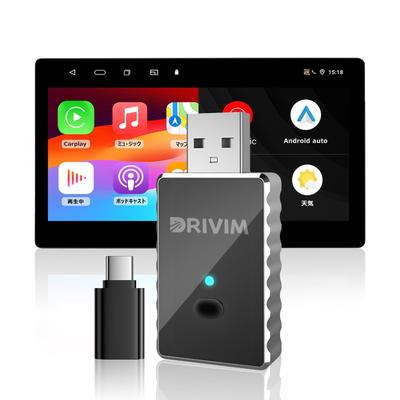
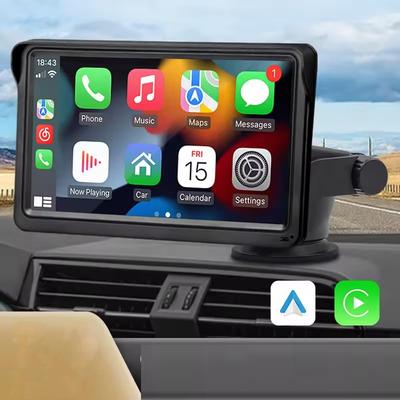
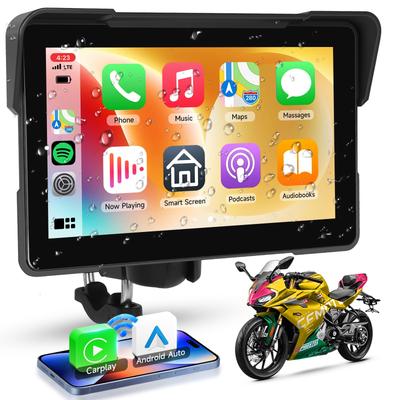
◆[Convert Wired CarPlay to Wireless & Android Auto Compatible] Enjoy a cable-free CarPlay experience with your iPhone or Android device. GetPairr on the go converts the factory wired CarPlay to wireless and is also compatible with Android Auto. Compatible with iOS 10 and Android 11 smartphones, once you complete the initial setup, the connection will be automatic the next time you start the car. Navigation, music playback, calls, and messaging are all seamlessly controlled without cables. Enjoy a more free and smart daily drive. *If your car has multiple USB ports, the power-only port will not recognize it. Insert your smartphone using the factory cable and make sure it is connected to the correct port (the USB port that displays CarPlay) (if the red light is not recognized).
◆[High-Speed Wi-Fi 6 Communication with 2.4G + 5G Dual Band Support] The GetPairr Go 2.0 AI Box supports the latest Wi-Fi 6 standard and is equipped with 2.4G and 5G dual bands. It provides a more stable connection and faster speeds, allowing for smoother video playback and navigation. It's comfortable to use in urban areas with high signal interference, and ensures a stable connection even on long drives. Wireless connections offer minimal latency, allowing for a stress-free daily drive. *For improved stability, please update to the latest firmware. Latest version: v1046.CA515a.20260104 (Do not turn off or unplug/plug the device during the update).
◆[Smartphone audio output to car navigation system + remote control operation] Bluetooth connection allows you to clearly play music and calls from your smartphone through the car speakers. Furthermore, using the separately sold remote control, you can switch between apps without touching the screen. It ensures safe and comfortable use while driving, so you can enjoy music and navigation naturally without interrupting conversations with family and friends. *Turn on your smartphone's Bluetooth/Wi-Fi, select the device name that appears, and allow connection. If past connection history remains, deleting it and re-setting it will improve stability.
◆[Assistive Touch Function + OTA Update Support] The floating button on the screen allows for intuitive operation, and allows for smooth switching between apps and navigation. Support for OTA updates ensures that the latest features and improvements are always automatically updated. If a problem occurs, you can contact support by submitting a log, allowing you to continue using the device with peace of mind for a long time. *If the device crashes, disconnects, or does not automatically connect, please try the following: 1) Check the plug, 2) Use a different USB/cable, and 3) Delete and re-set the pairing.
◆[Reliable Support] This product is compatible with vehicles equipped with the factory wired CarPlay. Please refrain from operating the screen or watching videos while driving. It has been certified by the Technical Standards Approval Law in Japan and comes with a one-year warranty and Japanese-language support. We provide thorough support after purchase, so you can enjoy your daily car life with peace of mind, from commuting to weekend drives and travel.
GETPAIRR Go 2.0 - Watch videos in your car with CarPlay/Android Auto