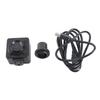
Feature:
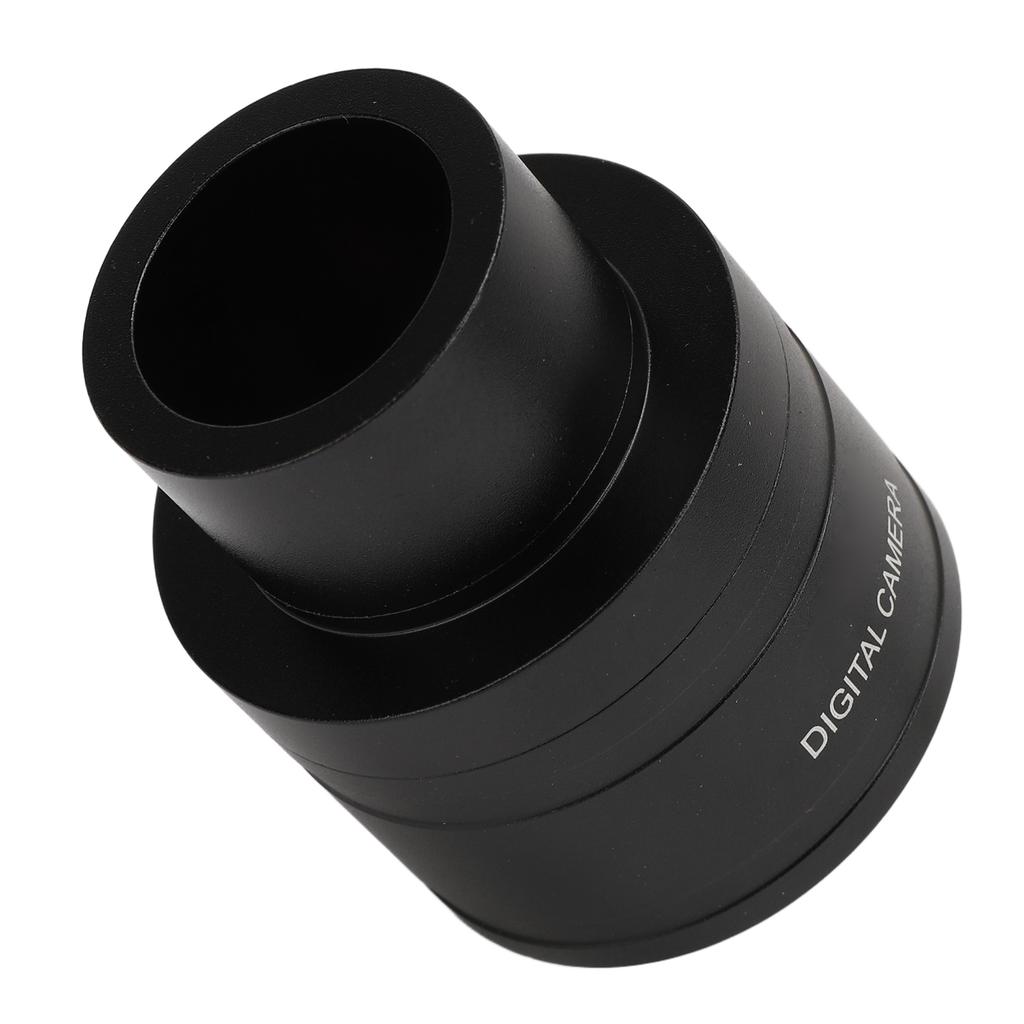
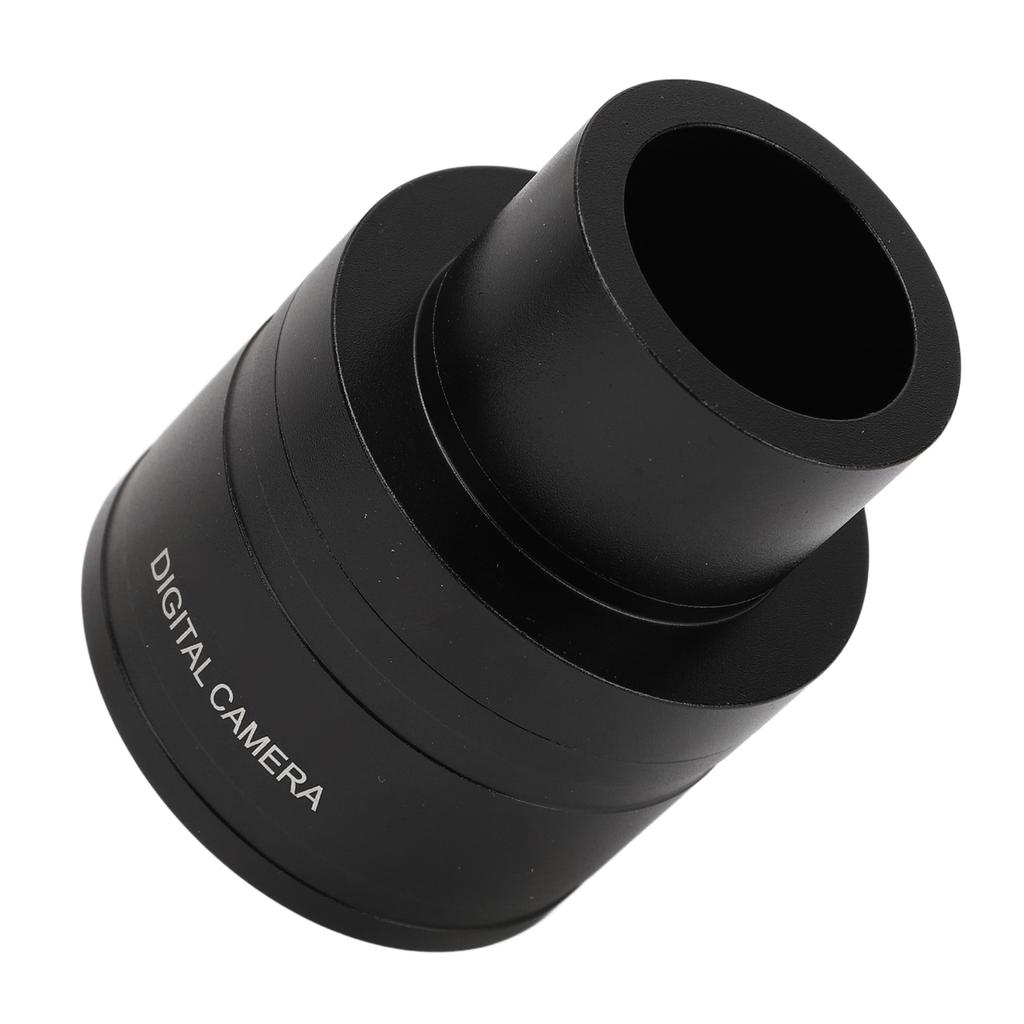
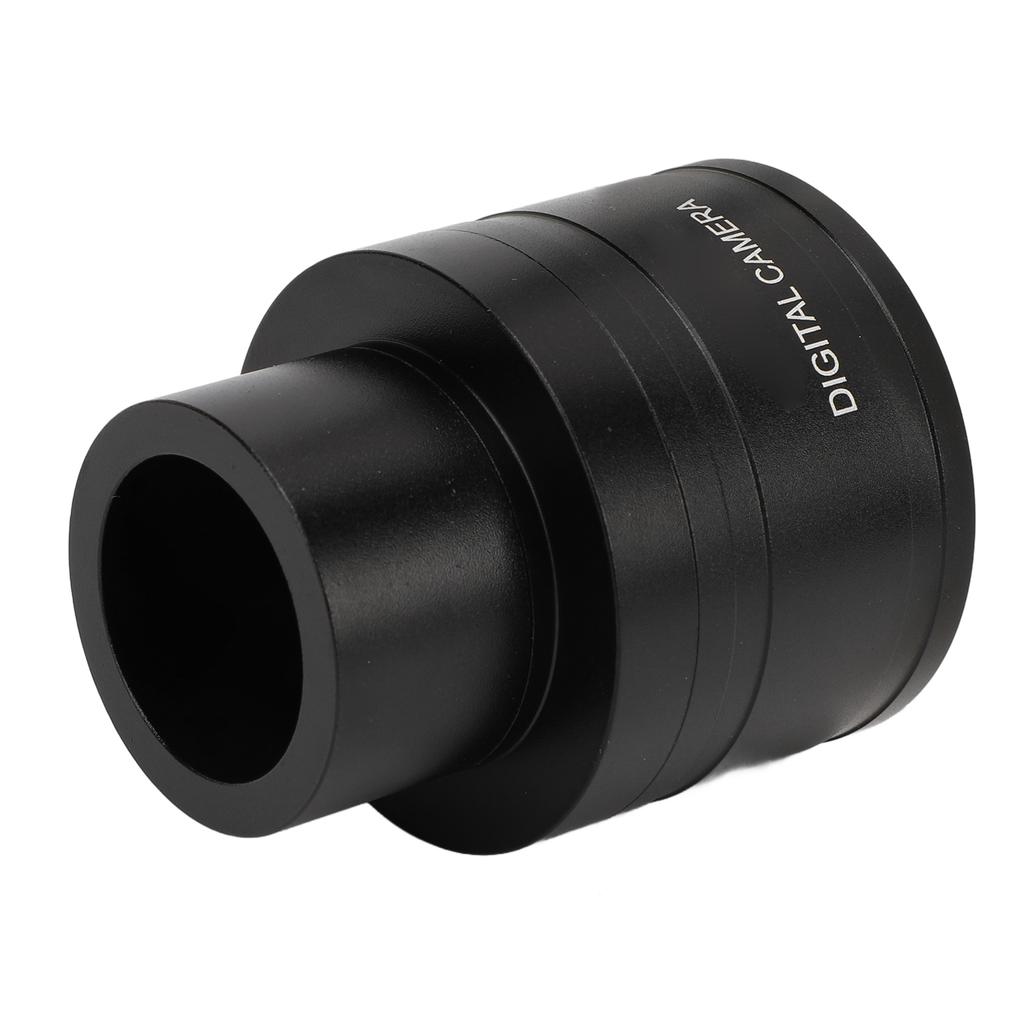
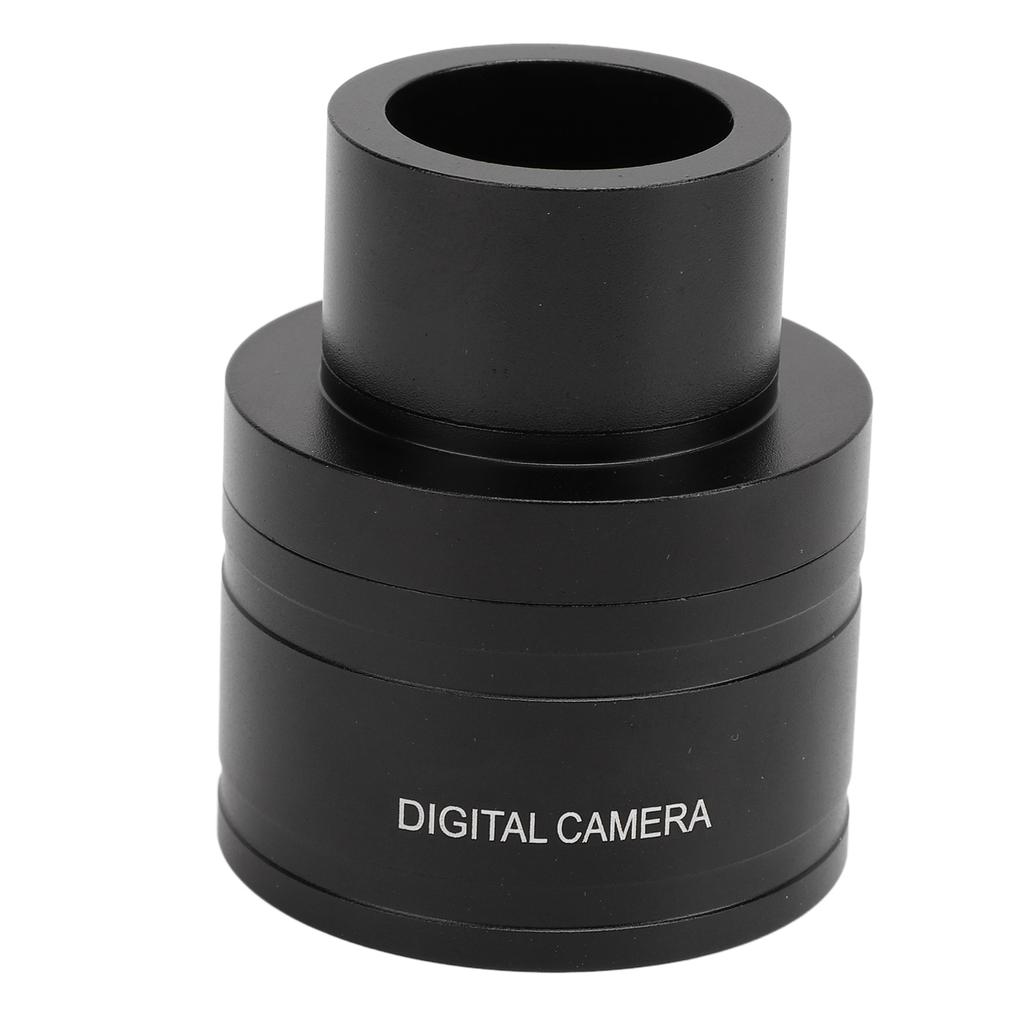
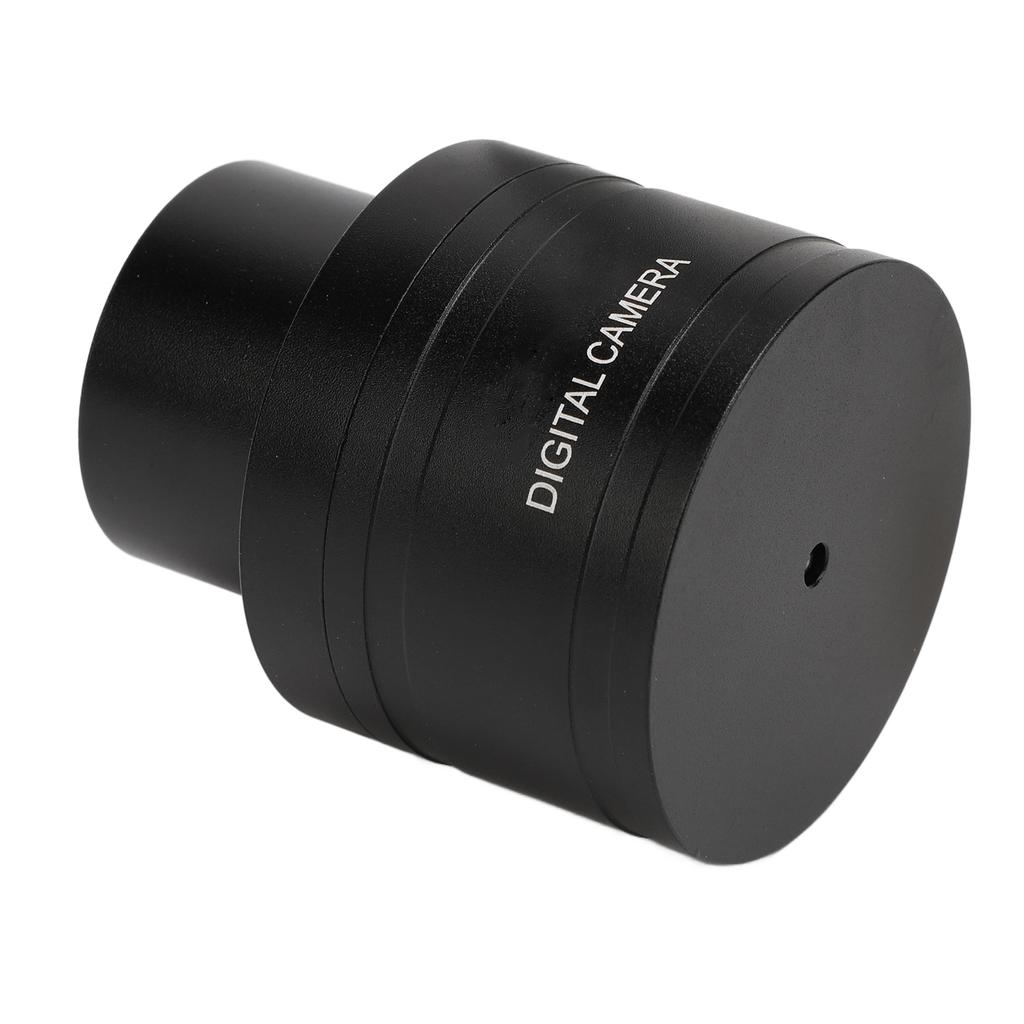
1. PREMIUM MATERIAL: It is made of premium aluminum alloy, which is sturdy and not easy to be damaged, ensuring stable use for a long time. This material not only provides a good appearance and texture, but also has better durability.
2. MULTIPLE CONNECTION METHODS: Supports connecting to computers, tablets and for Android phones for instant video access. This multiple connectivity brings greater convenience.
3. CONVENIENT: This telescope electronic eyepiece supports the save video function, so you can no longer keep a close eye on the eyepiece, and at the same time it can be viewed by more than one person, making it more convenient to use.
4. HD IMAGING EFFECT: It has a high resolution sensor and 2MP pixels for clear imaging and more excellent results. Plug and play, easy to use, can realize the easy access to images and videos.
5. HIGH SPEED TRANSMISSION: Telescope electronic eyepiece adopts USB interface for high speed transmission, which can quickly transfer image and video data and improve work efficiency.
Specification:
Item Type: Telescope Electronic Eyepiece
Material: Aluminum Alloy
Resolution: 1920X1080
USB Interface: USB 2.0 No Drive
Pixel: 2MP
How to Use:
Electronic eyepiece adjustment test method
How to adjust the electronic eyepiece by computer
Method 1:
After installation, plug the other end of the USB port into the computer, open "My Computer", "Video Devices", the image can appear. (Or you can use the video software we provide).
Method 2:
1. After the video software is unzipped, install it directly according to the default way, after the installation is finished, double click the mark
of the video software "S EYE";
2. In the open "S EYE", click on the upper right corner of the "USB 2.0 CAMERA", for laptops and other built in camera, you need to turn off the camera.
Methods of detecting electronic eyepieces:
Computer:
Video software, double click to open, in the open "S EYE", click on the upper right corner of the "USB 2.0 CAMERA", the picture appears. Cover the camera with your hand, the screen becomes black, remove your hand, the screen becomes bright, which means there is no problem.
Cell phone or Tablet:
When you click the USB camera and the screen appears, cover the camera with your hand, the screen turns black, and then remove your hand, and the screen becomes bright, so there is no problem.
Astronomical Telescope Adjustment:
1.Adjust the focusing handwheel to adjust the sharpness.
2.First find the target with an ordinary eyepiece, fix it in the approximate direction, replace it with an electronic eyepiece, and then slowly adjust the focus. The focus position of the eyepiece is different from that of the electronic eyepiece. So with the eyepiece can see the target, remove the eyepiece and replace it with an electronic eyepiece, it is not focused on the target. So you need to be patient and slowly find. After adjusting the target image will be clear. For example: the installation of the eyepiece, the night is aligned with the moon, and change the electronic eyepiece, you may find that the electronic eyepiece in the computer display is black, can not see the moon.
The reason is: when the eyepiece is mounted on the zenith mirror, it is fixed with screws. At this time, the centerline of the eyepiece and the center of the zenith mirror are not coincident, the degree of deviation according to the eyepiece, the zenith mirror gap is different and different. After replacing the electronic eyepiece, the gap has changed, so this situation arises. This is normal, just readjust..
Package List:
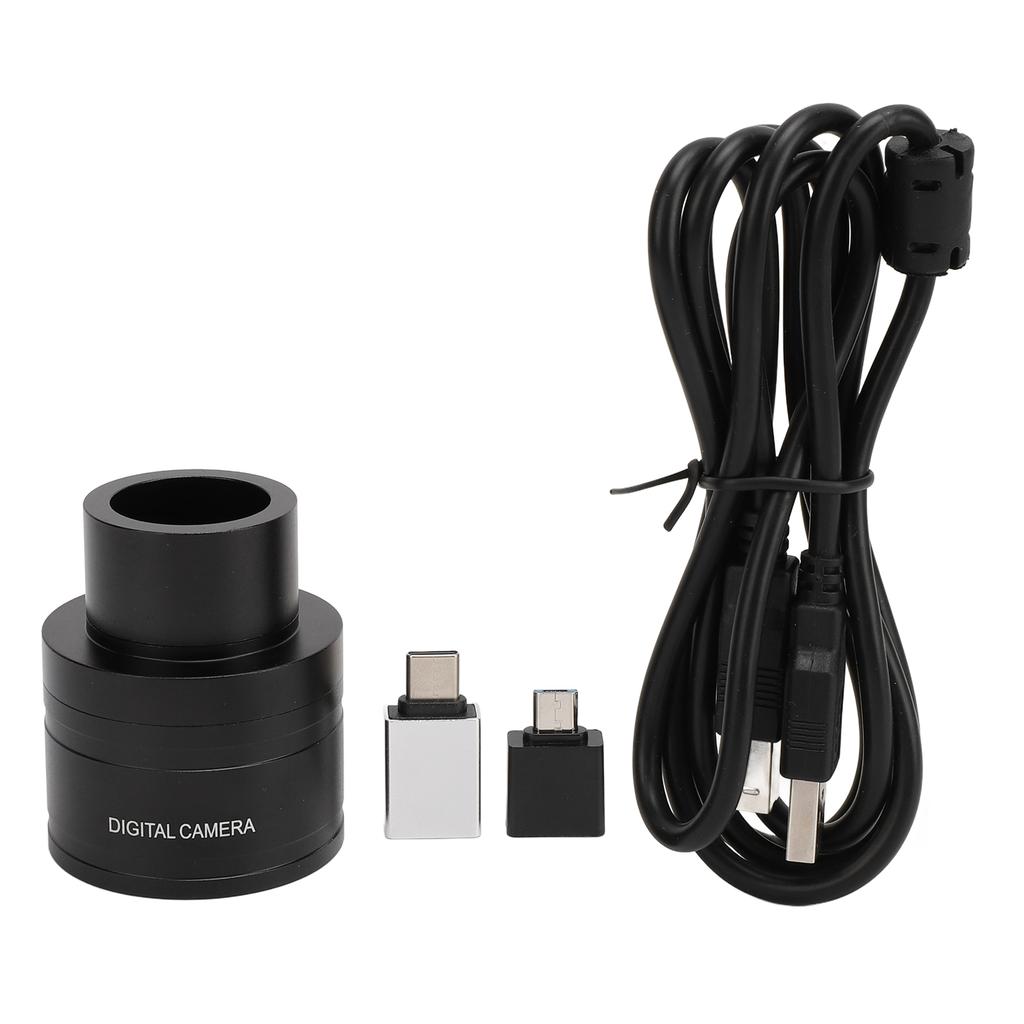
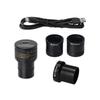
1 x
Telescope Electronic Eyepiece1 x Cable2 x Conversion Interface