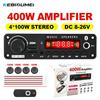
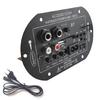
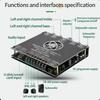
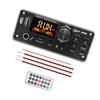
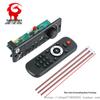
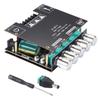
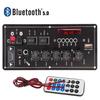
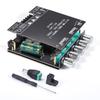
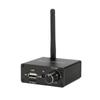
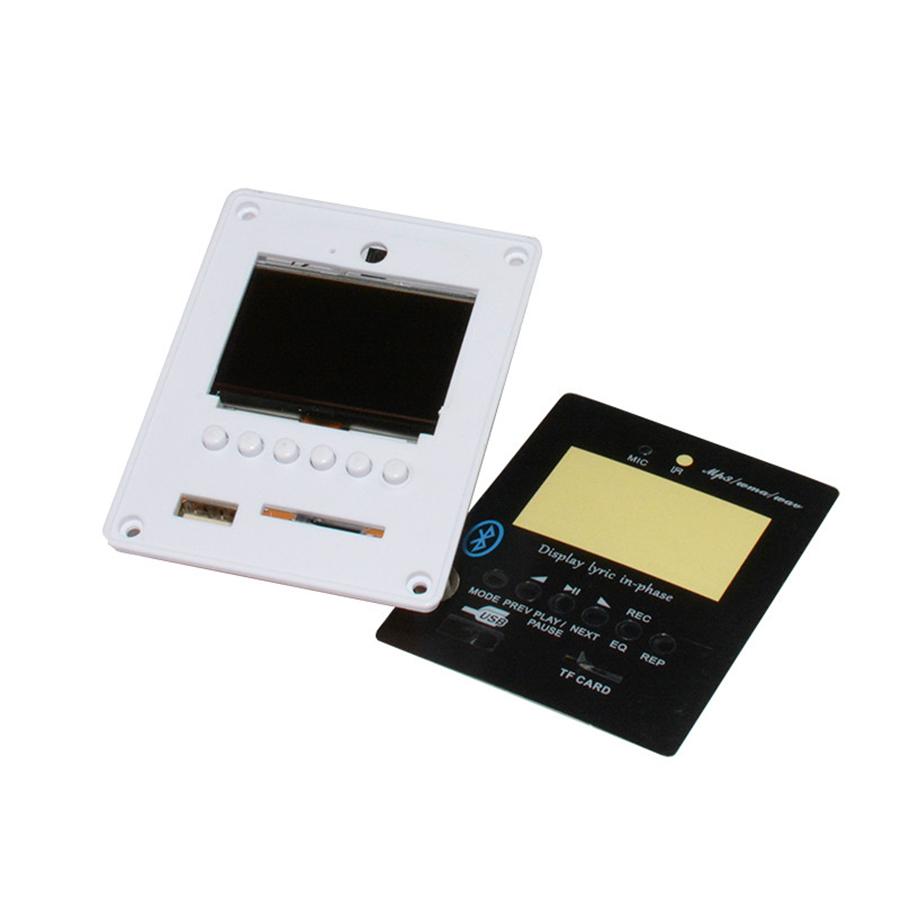
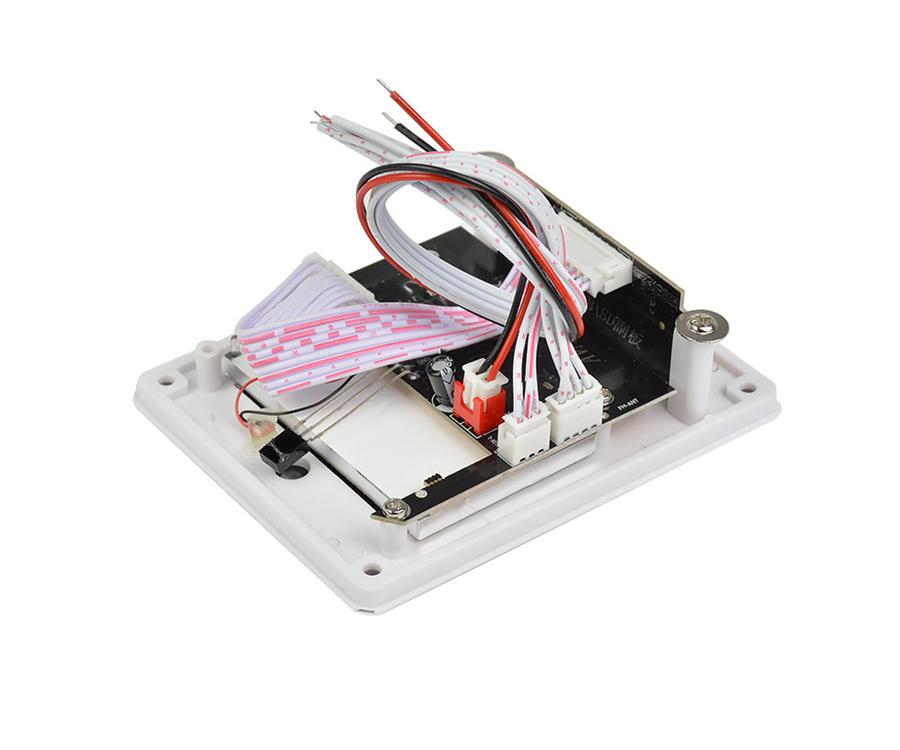
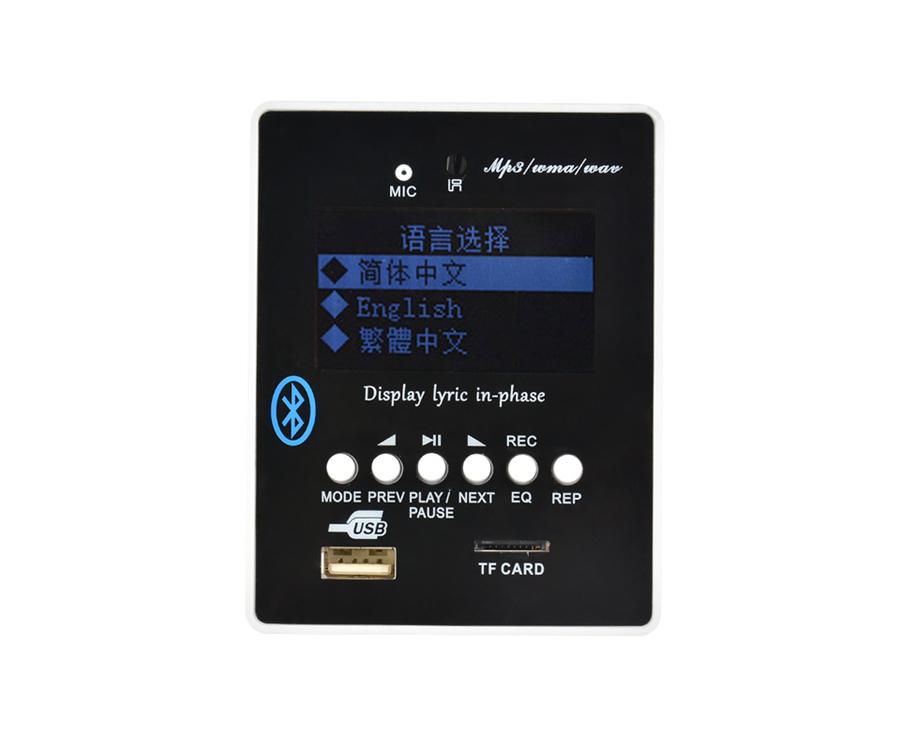
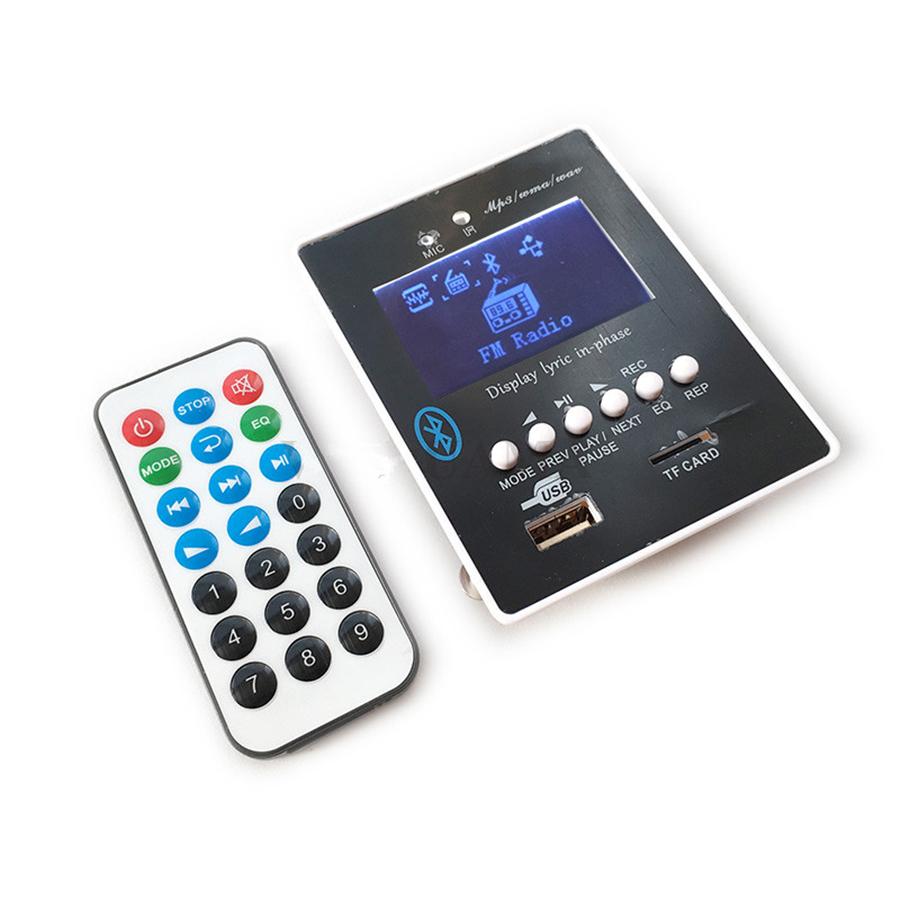
DIY Reproductor MP3 Player TF Card USB Decoder Module DC 12V WAV Lossless Decodering Board Bluetooth Blue LED FM Radio Car KIT
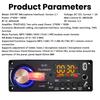
Working Voltage : DC7-12V (Power should be DC ONLY , Never use AC , Over 12V Neither)
Working Current : MAX 1A , 200MA will be ok
- Support outside signal switch directly.
-- Support Bluetooth
--Support Lyric Display ( need download the lyric file )
-- Support Sound Card and Card Reader Function
-- Support USB / TF / Bluetooth / FM / LINE switch automatically.
-- module containing MP3/WMA/WAV music decoder chip.
-- Support USB, TF card for playback.
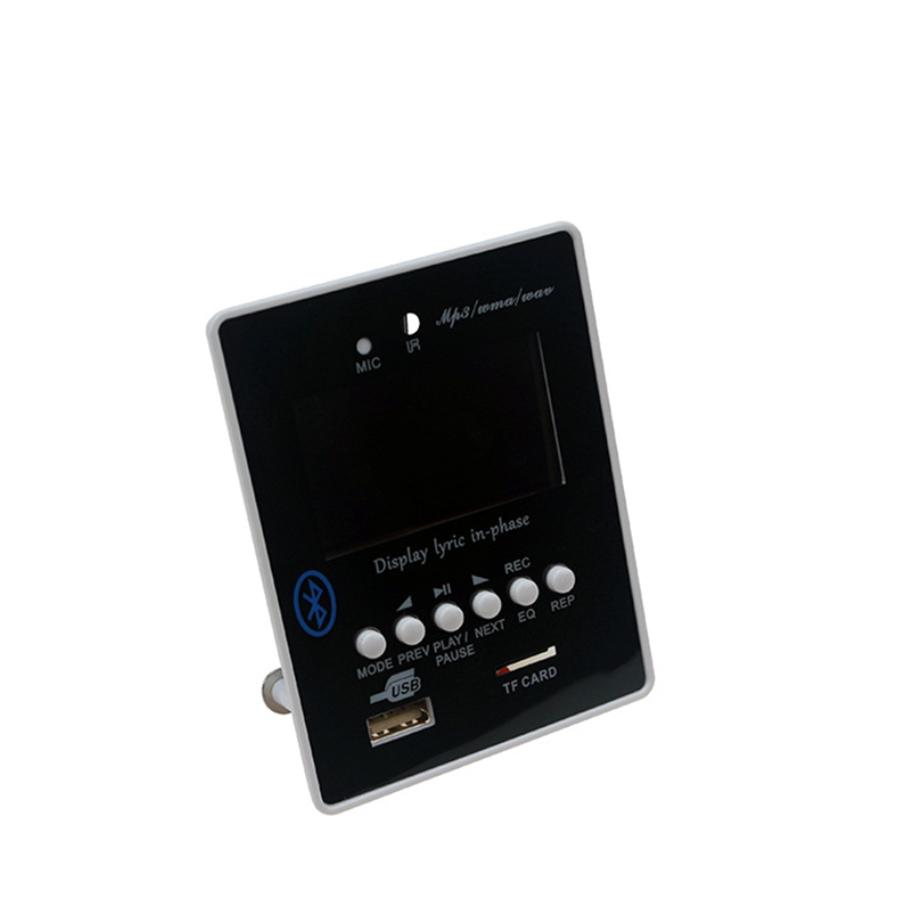
-- Support USB / TF card switch, the song, the next song, fast forward, rewind, adjust volume, EQ, play / pause, stop, single repeat, mute, shutdown, elections songs.
-- Support Bluetoot previous song, next song, adjust volume, EQ, play / pause, mute, shut down.
-- Support FAT16, FAT32 file system.
-- Support MP1 Layer3, MP2 Layer3, MP3 Layer3 version of the song.
-- Support 32-1000kbps MP3 songs.
-- Support Folder Switch
-- Support FM ( 87.5-108Mhz ) , choose to FM Mode , long press "play/pause " for auto seaching two to three times
-- Support Record
How to use sound card and card reader Function ?
1. Use usb cable connect o PC'S USB SLOT , after install the usb dirver in PC ,Plug the U Disk/SD/MMC Card to
Flyer-Fish MP3 Bluetooth Module for data transfer ( to PC Or to Card )
2.At that time , open PC' S Player to play via FLYER-FISH MP3 Bluetooth MODULE ( That USB Sound Card Function )
How To use Record ?
1. Radom 48KHz , MP3 Formate
2 Choose the Mode to Record Page ,Long press ' EQ " To enter record , press "paly/pause" to stop record and play
3. In FM Mode ( make sure USB OR SD in ) , long press "EQ" To record , press "play/pause" to stop reacod and play
4. In AUX Mode ( make sure USB OR SD IN ) , Long Press " EQ " To record Current AUX audio in , press "play/pause ' to stop
record and play .
5. For play records , choose mode to "play record " enter to " recorded " , press " next " or "prev " for choose
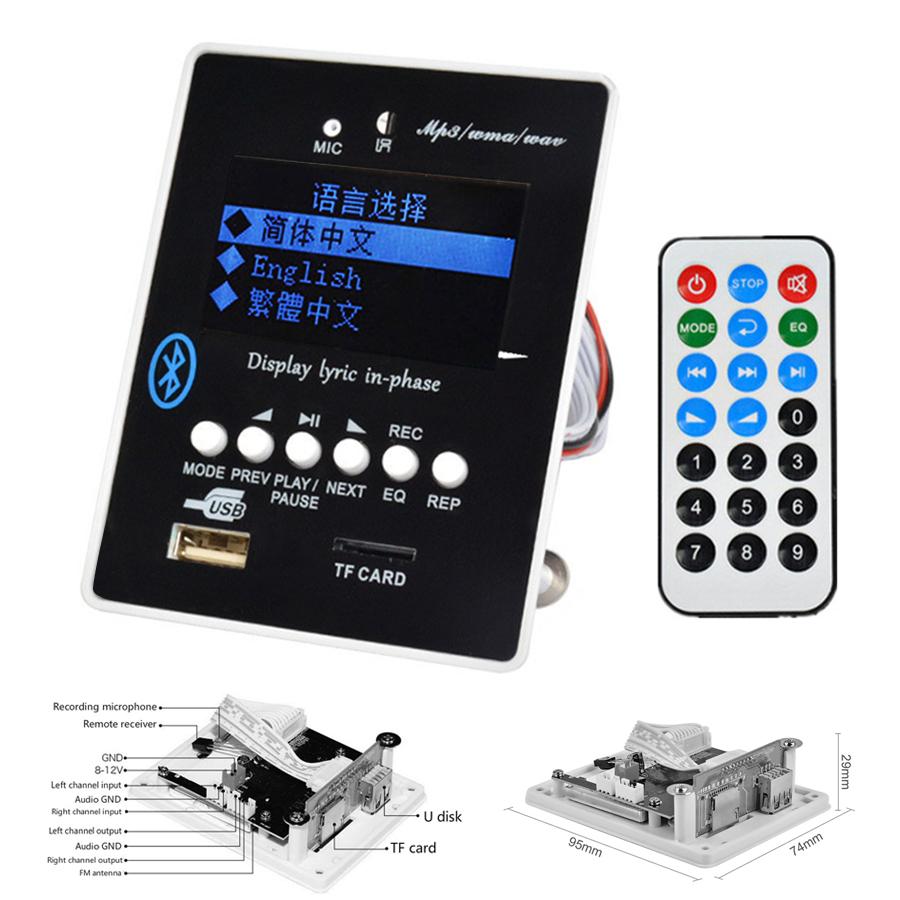
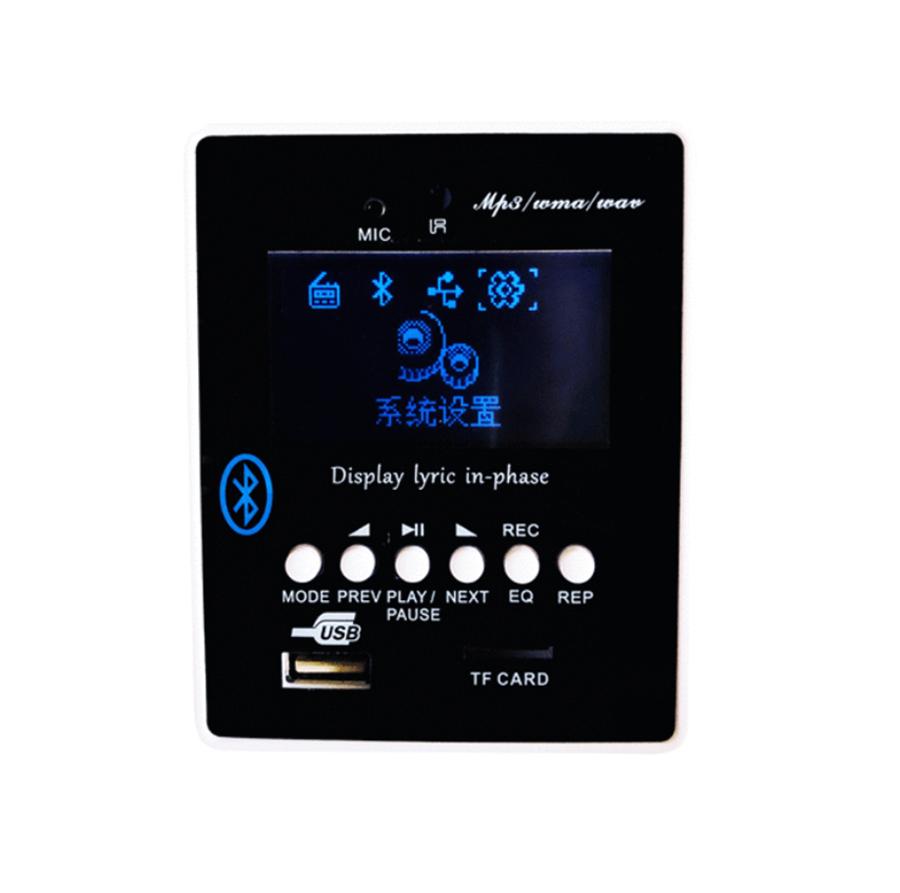
Instructions to change factory settings (back light off, Chinese): - Press MODE button, then NEXT until the Settings Screen (two gears) comes up, press PLAY to select Settings - Press NEXT until language "English" appears, Press PLAY to select - For back lighting on, find back light setting and select "Always On".
How to use:
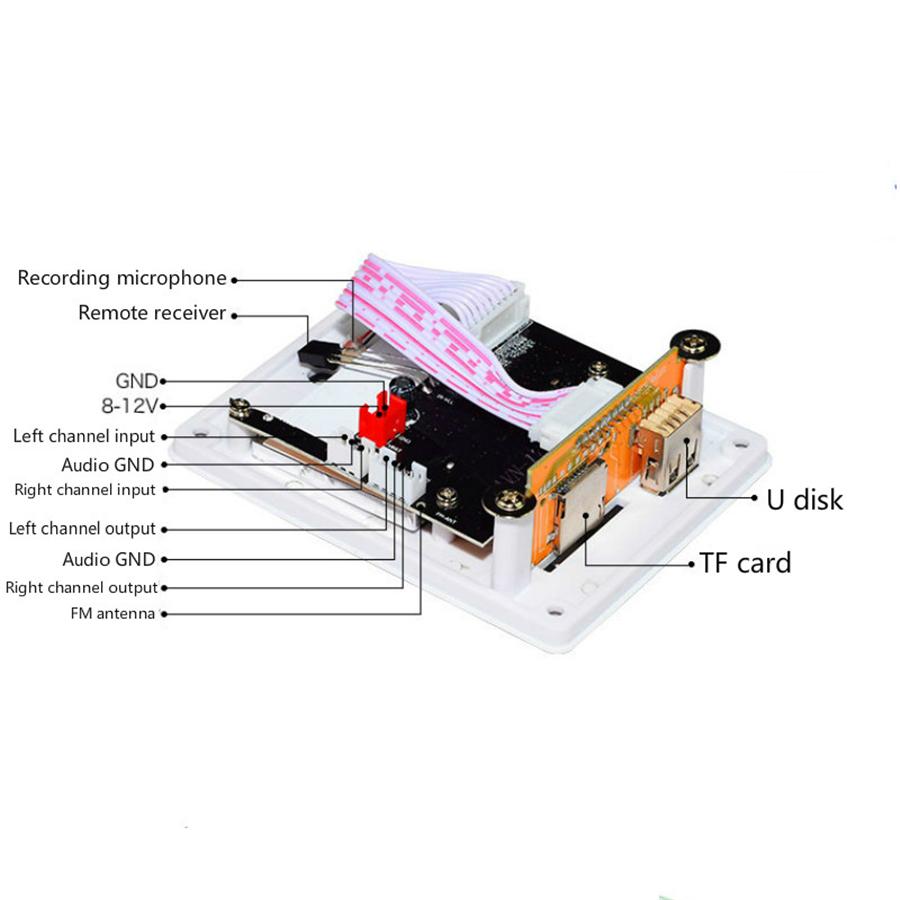
1 , connect power ( Max DC12V , working current less than 1A) ,use a voltage regultor first if connect to car's power
2, Add Amplfier , (sole power supply for this moudel and amp module ) ,audio out to amp's audio in , amp'a audio out to speaker .
3, Bluetooth or PLUG TF /USB / Audio input for enjoy.
Packing List :
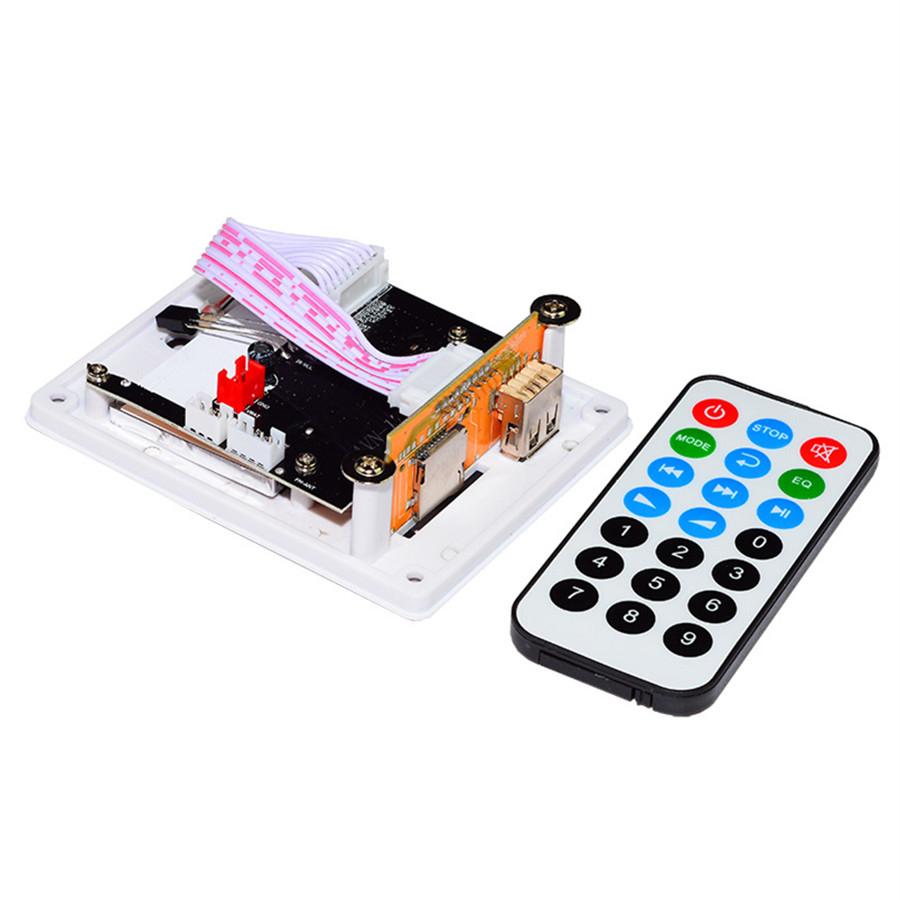
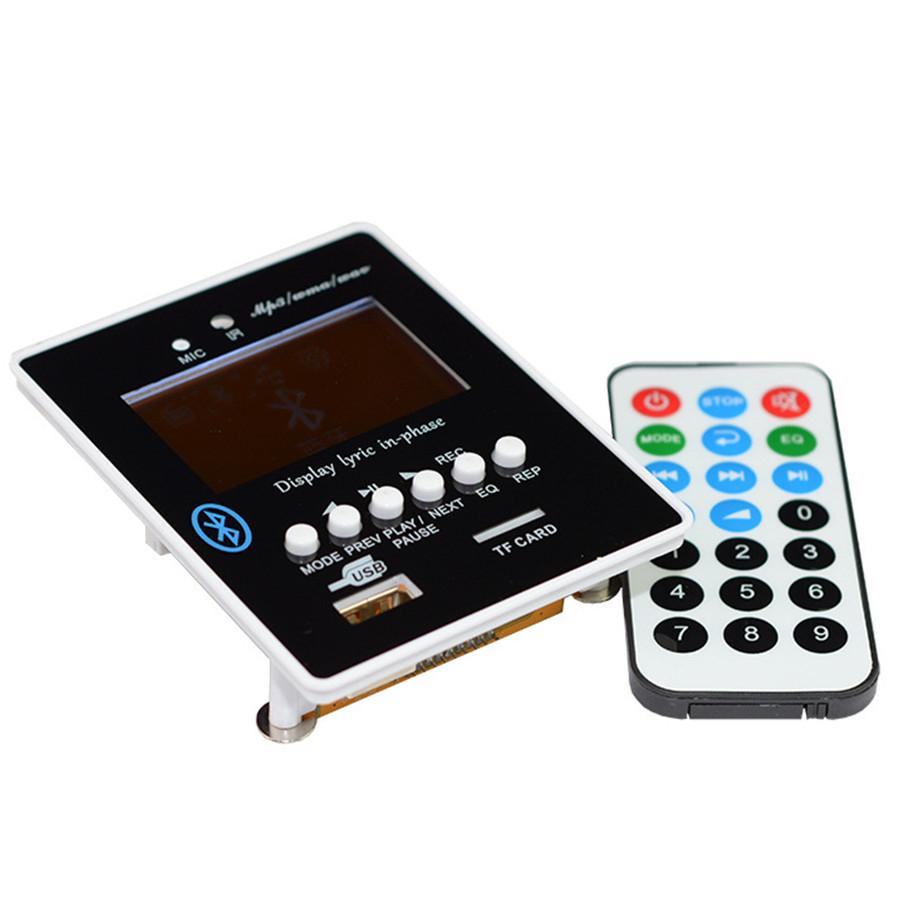
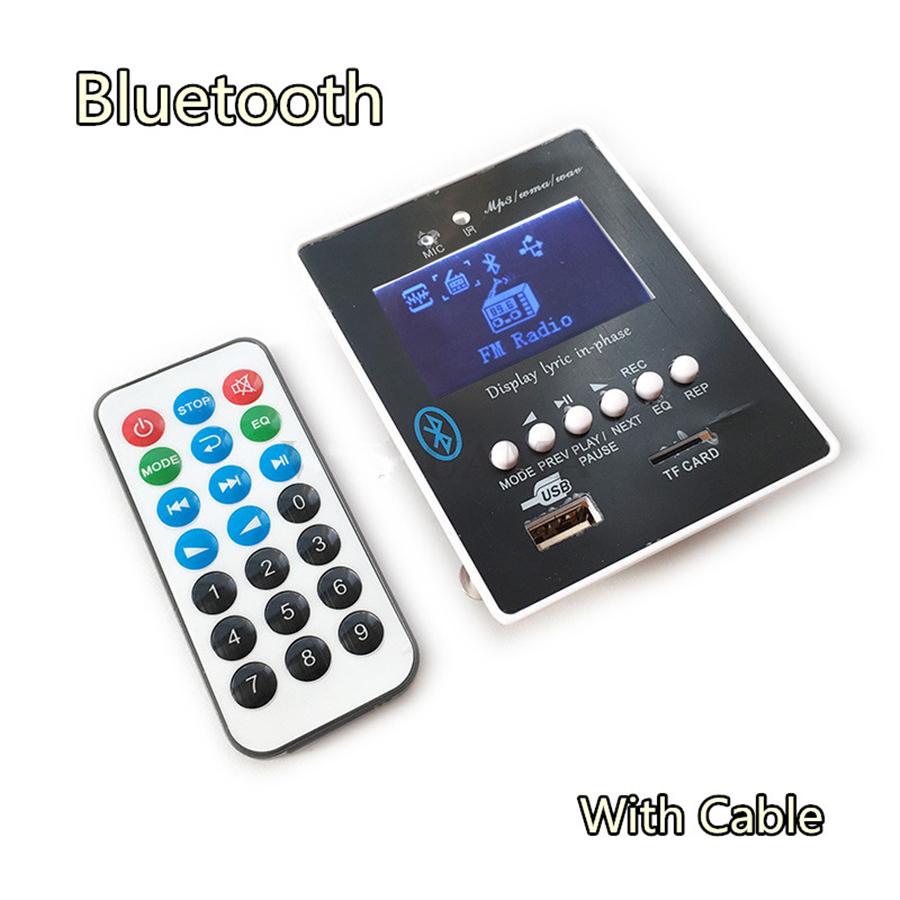
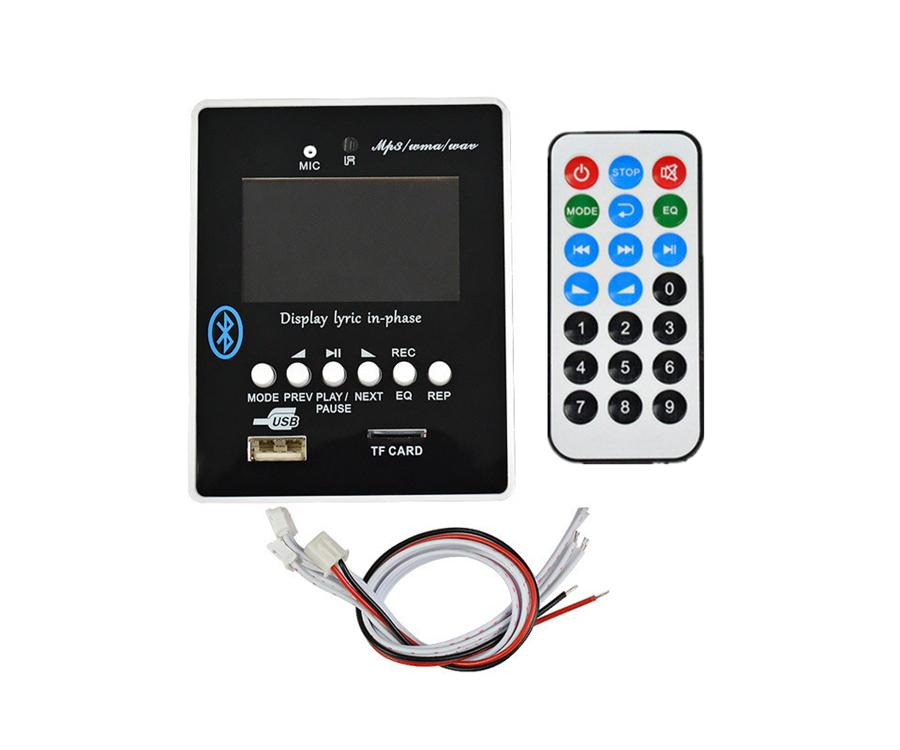
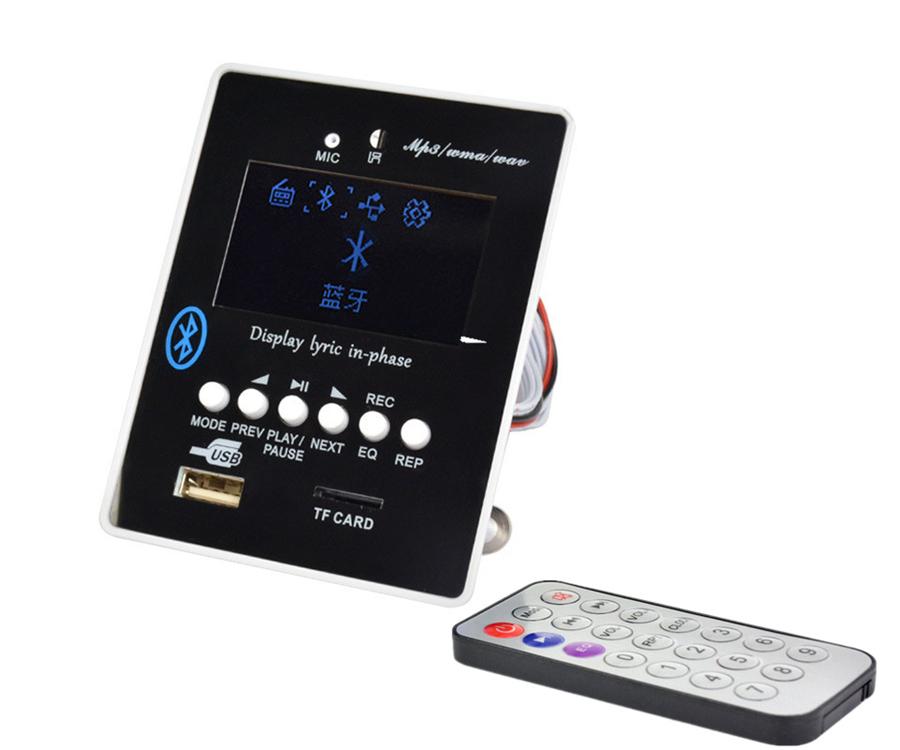
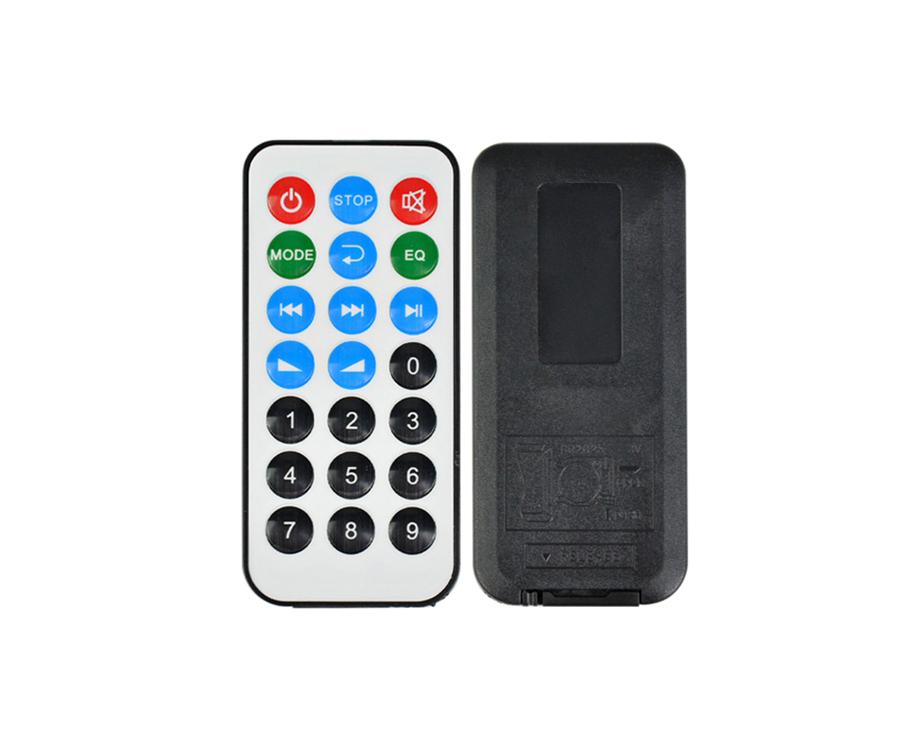
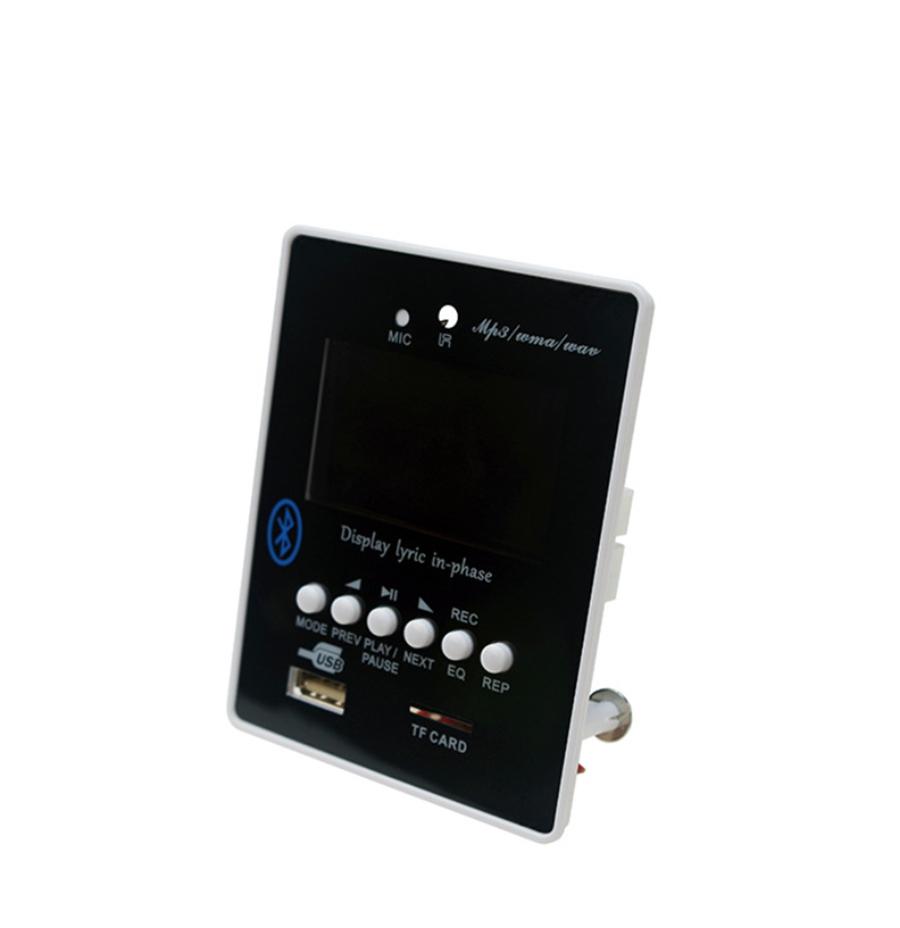
1PCS*MP3 Module + Normal Remote + 1pcs 2pin cable +1pcs 3pin cable +1pcs 4pin cable


 Vrácení peněz při nedoručení