---------------------------------------------------
【Stav】
Prosím zkontrolujte popis produktu a fotografie pro stav.
Některé položky mohly nebýt testovány nebo mohou vykazovat známky používání.
【Obsah balení】
Příslušenství je omezeno na to, které je zobrazeno nebo zmíněno v popisu produktu.
Položky jako manuály, krabice nebo kabely nejsou zahrnuty, pokud není výslovně uvedeno.
【Specifikace produktu a firmware】
Některé japonské domácí modely mohou mít v zahraničí omezenou funkčnost.
Před nákupem zkontrolujte kompatibilitu.
【Kompatibilita napětí】
Naše produkty jsou vybrány tak, aby podporovaly mezinárodní rozsahy napětí (např. 100–240 V).
Před použitím se však ujistěte, že je napětí ve vaší síti kompatibilní, protože nesprávné napětí může stále způsobit poruchu.
【Typ zástrčky】
Naše výrobky používají japonské typy zástrček (Typ A nebo B).
V případě potřeby použijte konverzní adaptér.
【Důležitá poznámka k transformátorům a adaptérům】
Transformátor upravuje napětí tak, aby odpovídalo požadavkům vašeho zařízení.
Konverzní adaptér pouze mění tvar zástrčky a neupravuje napětí.
Použití pouze konverzního adaptéru bez transformátoru může vést k poškození produktu.
【Odpovědnost】
Neneseme odpovědnost za poruchy ani škody způsobené nesprávným použitím, jako je například provozování produktu bez vhodného napětí nebo vybavení.
---------------------------------------------------
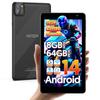
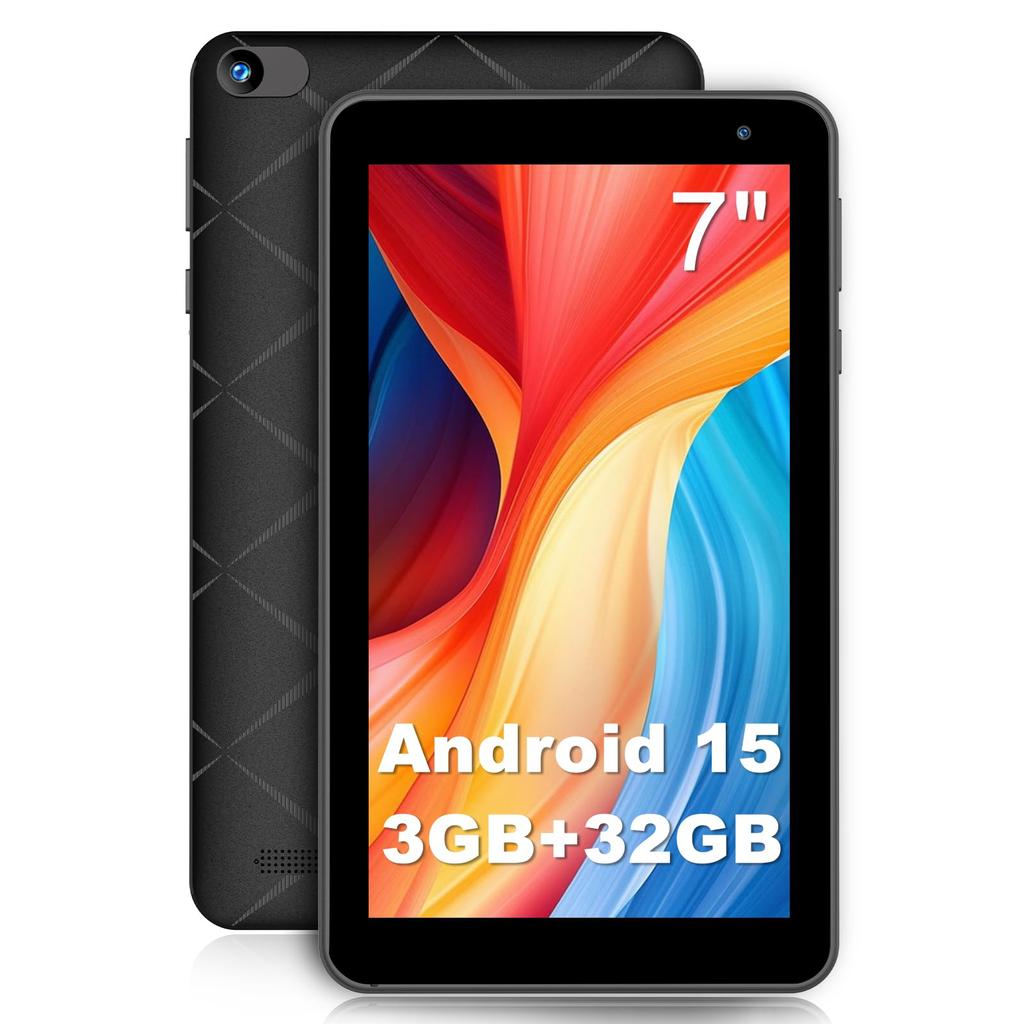
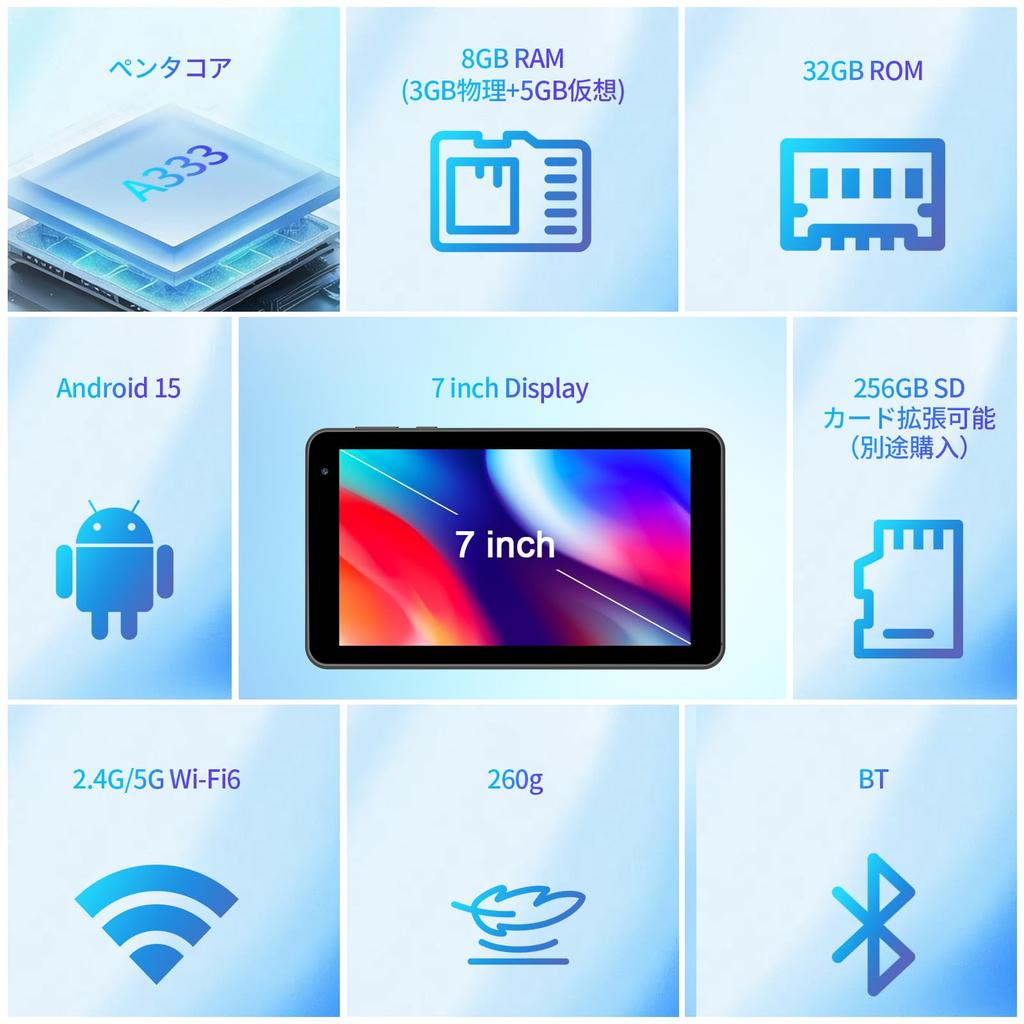
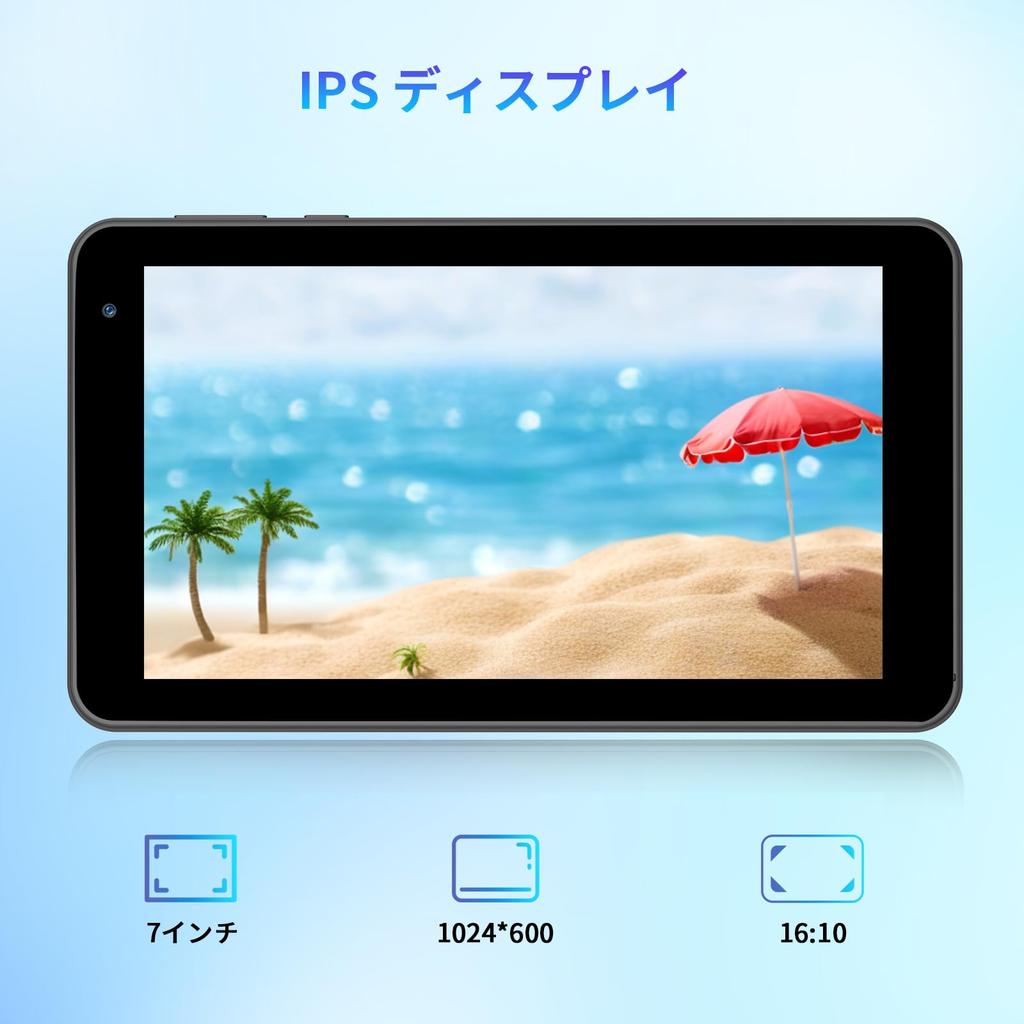
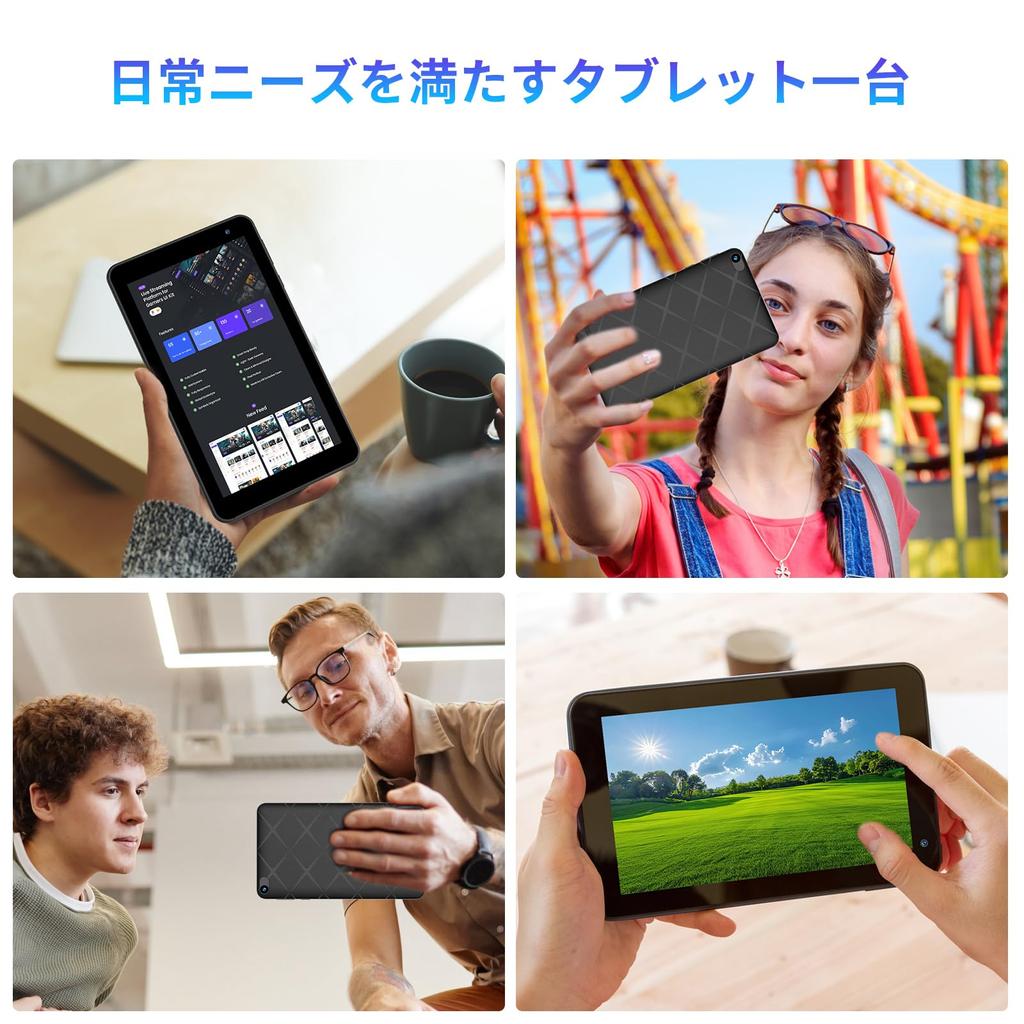
[7palcový tablet, který se vejde do vaší tašky] 7palcová obrazovka tabletu PRITOM TAP7 je větší než smartphone, ale menší než 10palcový tablet, čímž si zachovává vynikající rovnováhu, která pohodlně padne do ruky.. Je lehký a tenký, váží přibližně 259 g a měří 0,6 cm na tloušťku, což vám umožňuje jej pohodlně používat jednou rukou bez obav o čas.. Ačkoli malý, 1024*600 IPS displej poskytuje jasný, ostrý text. Opravdu se to cítí jako vyhrazené zařízení pro prohlížení.. Doporučuje se nejen pro běžné sledování hudby a videa, ale také pro online články a e-knihy.. Děti jej mohou dokonce používat pro hru jednou rukou.. Díky jeho velikosti do tašky si ho můžete snadno vzít s sebou, ať už jste doma nebo na cestách.. (*Výkon je omezený, takže není vhodný pro hraní her.)
[Režim ochrany očí & 3500mAh & 3,5mm sluchátkový jack] Tmavý motiv můžete změnit v nastavení. Automaticky upravte podsvícení a snižte oslnění pro snížení únavy očí.. Také šetří energii. Tenký design ukrývá baterii s kapacitou 3500 mAh, která vám umožní užívat si e-knihy, sledování videí, poslech hudby a další.. (Vzhledem k malé kapacitě prosím během používání sledujte zbývající úroveň baterie.) 3,5mm sluchátkový jack poskytuje lepší zážitek při poslechu hudby nebo čtení.
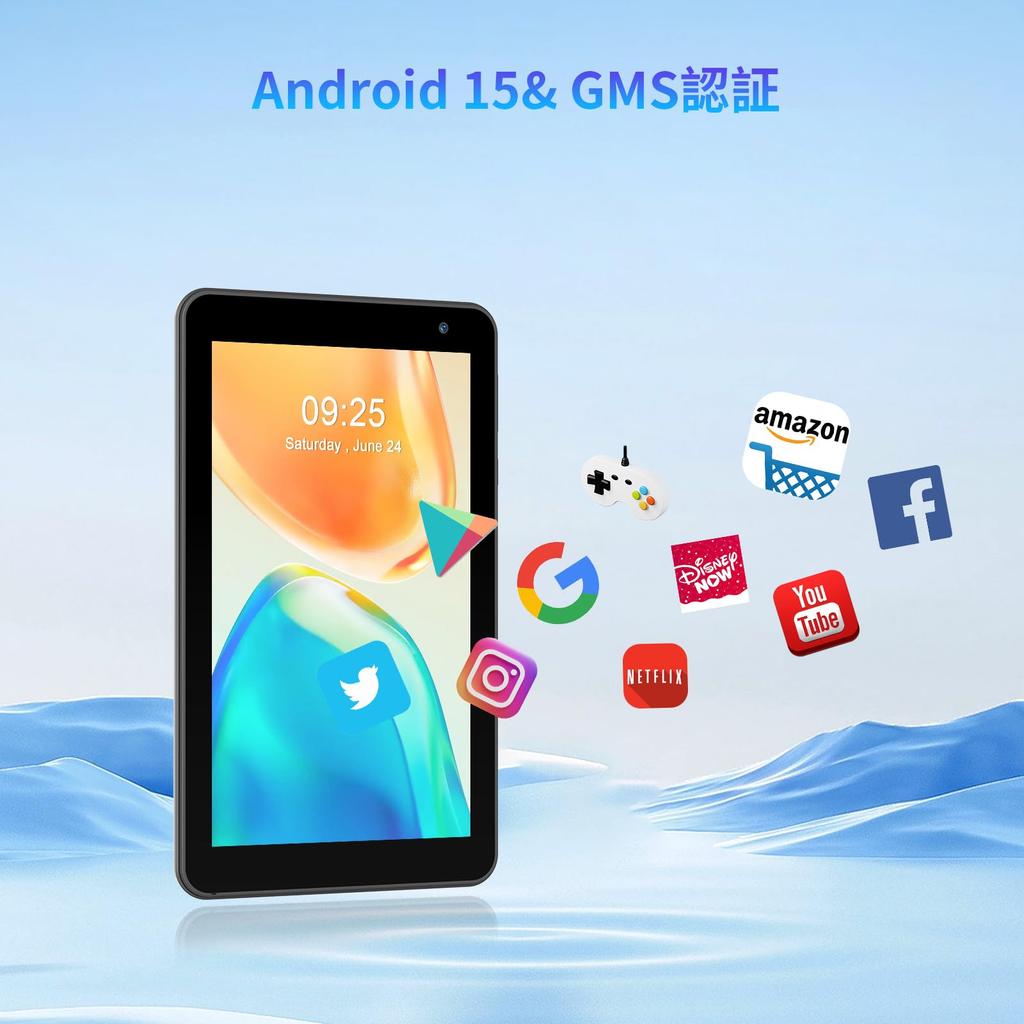
[Android 15 Go & 5jádrový procesor & 3 GB RAM + 32 GB ROM + 512 GB rozšíření] Systém Android 15 Go vylepšuje různé funkce a zajišťuje plynulý provoz. Je vybaven 5jádrovým procesorem Allwinner A333 a 1,6GHz Wi-Fi připojením pro rychlejší přenos dat.. Vybaveno 8GB (3+5GB virtuální) RAM a 32 GB ROM, zvládne hudbu, prohlížení webu, e-knihy a další, i když může mít potíže se spouštěním her nebo velkých aplikací. Rozšiřitelné až na 512 GB, to je dostatek úložiště pro vaše potěšení.
[5G Wi-Fi6 & Bluetooth4.0 & Jazyková nastavení] Podporuje 2,4/5GHz WiFi6 a Bluetooth 4.0, což umožňuje stabilní komunikaci a vysokorychlostní přenosy. Nemá FM funkcionalitu. (*GPS není podporováno) Japonština může být nastavena jako výchozí nastavení. Pokud jste zapomněli, podívejte se na následující pořadí: (Systém) Systém - (Jazyk a vstup) Jazyky a vstup - (Jazyk) Jazyky - (Přidejte jazyk) Přidat jazyk - Vyberte "Japanese" - Stiskněte dvě čárky vpravo od "Japanese" a posuňte nahoru.
[Certifikace TELEC & Obsah balení & 6měsíční záruka] Tento produkt získal značku technického schválení a certifikaci GMS. Dodává se s ochrannou fólií (aplikováno před odesláním), napájecí adaptér, kabel USB-C a japonský návod k použití. Užijte si vyhrazený nabíjecí port USB typu C pro tablety. Dodává se se 6měsíční zárukou. Máte-li jakékoli dotazy, neváhejte nás kontaktovat. Jak nás kontaktovat: 1. Klikněte na "VASOUN-Tech" pod tlačítkem "Přidat do košíku" na stránce produktu, poté klikněte na "Položit otázku" v pravém horním rohu a kontaktujte nás.. 2. Můžete nás také kontaktovat tak, že přejdete na „Služby účtu“ – „Historie objednávek“ – „Související objednávky“ – „Kontaktovat prodejce.“ 3. Pokud nás kontaktujete e-mailem, uveďte prosím předem číslo vaší objednávky.
[Poznámka]: Japonština může být nastavena jako výchozí nastavení. Pokud jste zapomněli, podívejte se na následující pořadí: (Systém) Systém - (Jazyk a vstup) Jazyky a vstup - (Jazyk) Jazyky - (Přidejte jazyk) Přidat jazyk - Vyberte "Japanese" - Stiskněte dvě čárky vpravo od "Japanese" a posuňte nahoru.



 Vrácení peněz při nedoručení




![Model přicházející v Androidu 15 6000mAh Velký Widevine 6 Android IPS Displej [10palcový 2025] Tablet, 10palcový, Model Wi-Fi, 16GB+64GB+1TB Rozšíření, 8jádrový](https://img.joomcdn.net/014fdb8370359cf7b83d9ba80b990554bf9a64c3_100_100.jpeg)

![AGM PAD T2 Android 8 256 GB MTK G91 1920x1200 FHD Widevine 8000 mAh GMS Face Plně kovový a Japonský návod k použití [11palcový Wi-Fi tablet] 14,](https://img.joomcdn.net/82b7479093ec20c53661e93005d9f7af5e0d474c_100_100.jpeg)