Product Introduction
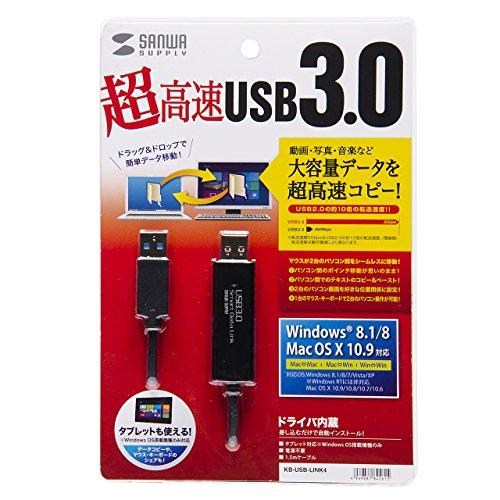
● This USB 3.1/3.0 link cable supports USB 3.1 Gen 1 (USB 3.0) for fast data transfer, even with large volumes of data.
* Both computers must be USB 3.1/3.0 compatible. If one computer is a USB 2.0 port, transfer speeds will be USB 2.0-compliant.
● Easily transfer files with intuitive drag-and-drop operations.
● Compatible with Mac and Windows, it allows data transfer between Macs, Windows computers, and even between Mac and Windows computers.
● Freely move the mouse cursor between two computers, and copy files from one computer to the other and paste them anywhere.
● Copy and paste is also supported, allowing you to paste content copied from Excel or the web into any file (such as a Word document) on the other computer.
● The link cable has no local or remote connection orientation, allowing file transfer and copy and paste from either computer.
● The two computers can be positioned freely, vertically, horizontally, or horizontally. Simply move the mouse to the edge of the screen and the mouse will automatically move to the other computer, allowing for seamless switching.
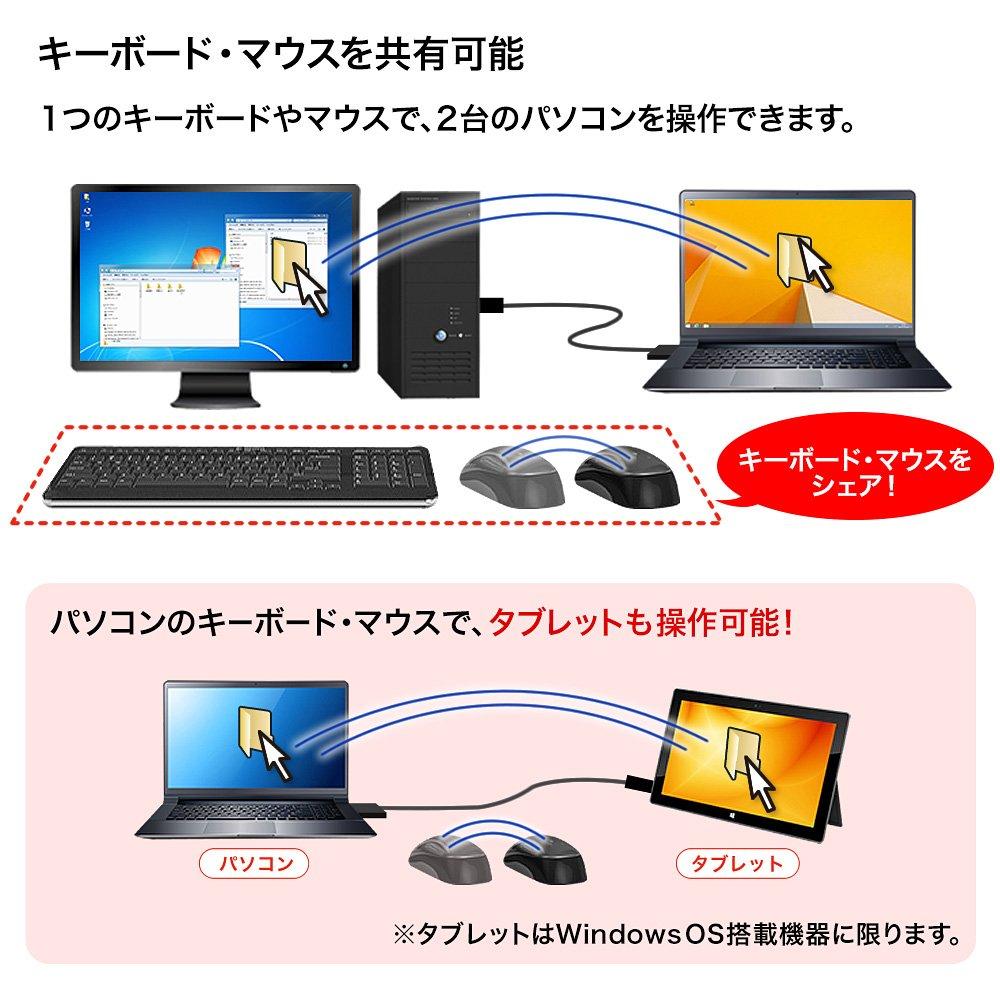
● Simply move the mouse cursor to the other computer and control it with the mouse and keyboard of your main computer. It can also be used as a keyboard/mouse switcher.
● Ideal for data transfer and operation with computers that do not have a keyboard or mouse, such as Windows tablets.
● The Smart Data Link (driver) is stored inside the link cable, so the driver can be automatically installed on the first computer connected. You can instantly link data while on the go.
<Notes>
* When you connect the cable, the driver (Smart Data Link) and software installation will begin automatically. (Please install the software if prompted.)
* If security settings, USB port usage restrictions, or application launch/installation restrictions are in place, you may not be able to install or operate this product's driver. Please contact your computer administrator for details.
■ Interface Standard: USB Specification Ver. 3.1 Gen 1 (USB 3.0) compliant (USB Ver. 2.0 backward compatible/1.1 backward compatible)
■ Communication Speed: 5 Gbps when USB 3.1/3.0 is recognized, 480 Mbps when USB 2.0 is recognized
*Communication speeds are theoretical values. Actual speeds will be slower.
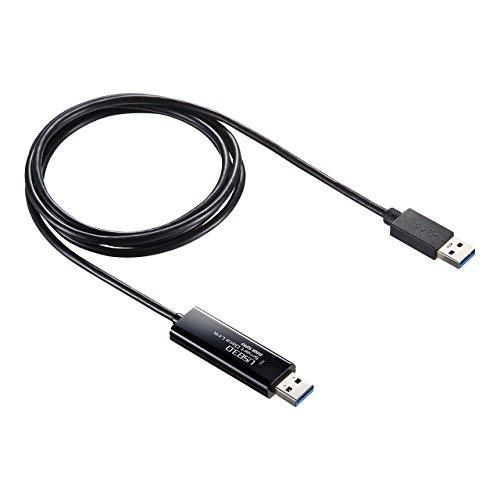
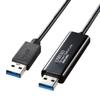
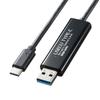
■ Connector: Two male USB 3.1 Gen 1 (USB 3.0) connectors
■ Current Consumption: Approximately 160 mA (max)
■ Cable Length: Approximately 1.5 m
■ Weight: Approximately 60 g
From Amazon
Intuitive File Transfer with Drag-and-Drop
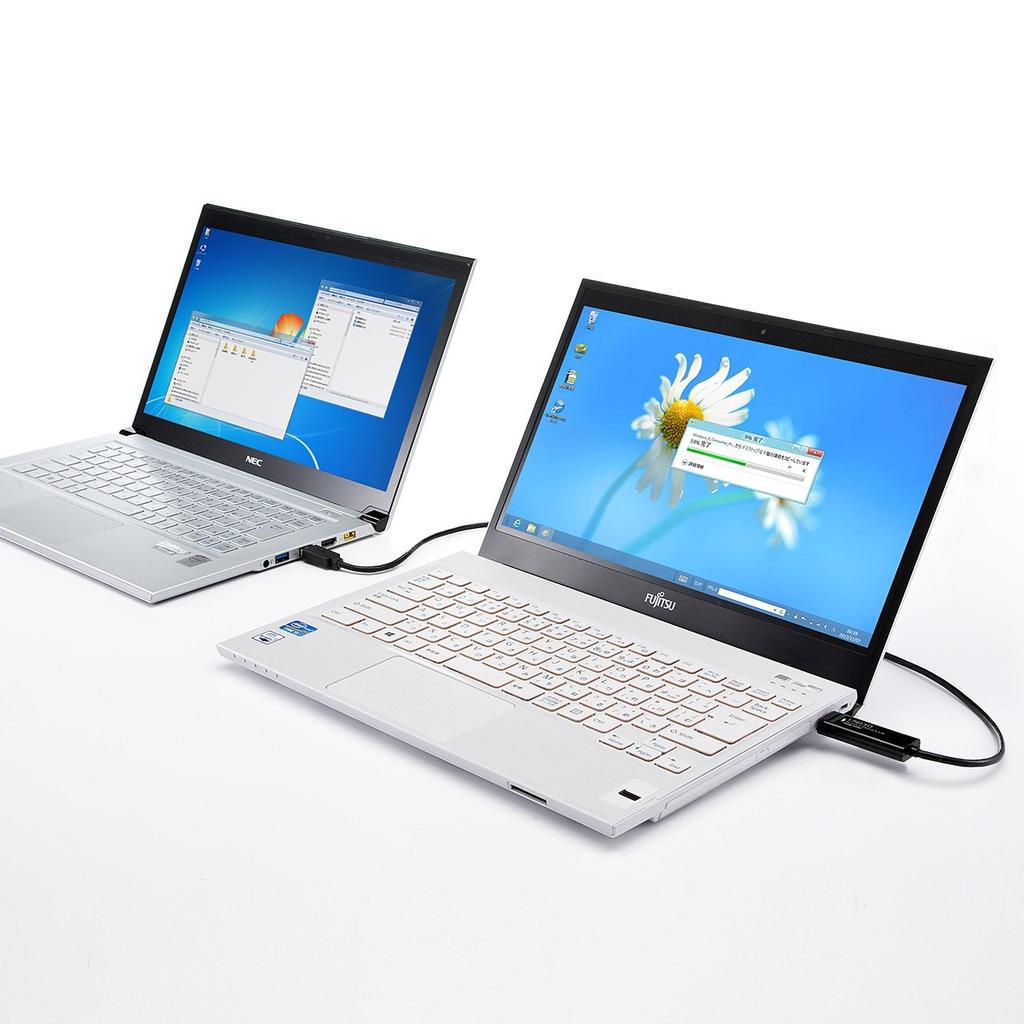
Simply connect two computers with a link cable to move the mouse cursor back and forth.
Easily transfer data with drag-and-drop.
Copy text or images and paste them into Word files on the other computer. High-Speed Copy of Large Data
Compatible with USB 3.0, you can transfer large amounts of data, such as videos and images, in a short amount of time.
Transfer speeds are approximately 10 times faster than USB 2.0. Compatible with both Windows and Mac
・Windows to Windows
・Windows to Mac OS
・Mac OS to Mac OS. Data transfer between PC and tablet is also possible.
Data transfer between tablet and PC is also possible.
You can also control the tablet using your PC's keyboard and mouse. Position the second PC anywhere, up, down, left, or right.
You can freely position the two PCs relative to each other, up, down, left, or right.
Moving the cursor to the edge of the screen will directly move the cursor to the other PC, making it feel like the monitors are connected as one. Keyboard and mouse sharing is also possible.
Operate two PCs with a single keyboard and mouse, making data transfer intuitive.
How to Use
This USB 3.1 Gen 1 (USB 3.0) compatible USB 3.1/3.0 link cable allows for fast data transfer, even with large amounts of data. *Both PCs must be USB 3.1/3.0 compatible. If one PC is connected using a USB 2.0 port, transfer speeds will be USB 2.0 compliant.
Important Notice (Disclaimer) > Please Read
This product may be out of stock due to its compatibility with other products. Thank you for your understanding.
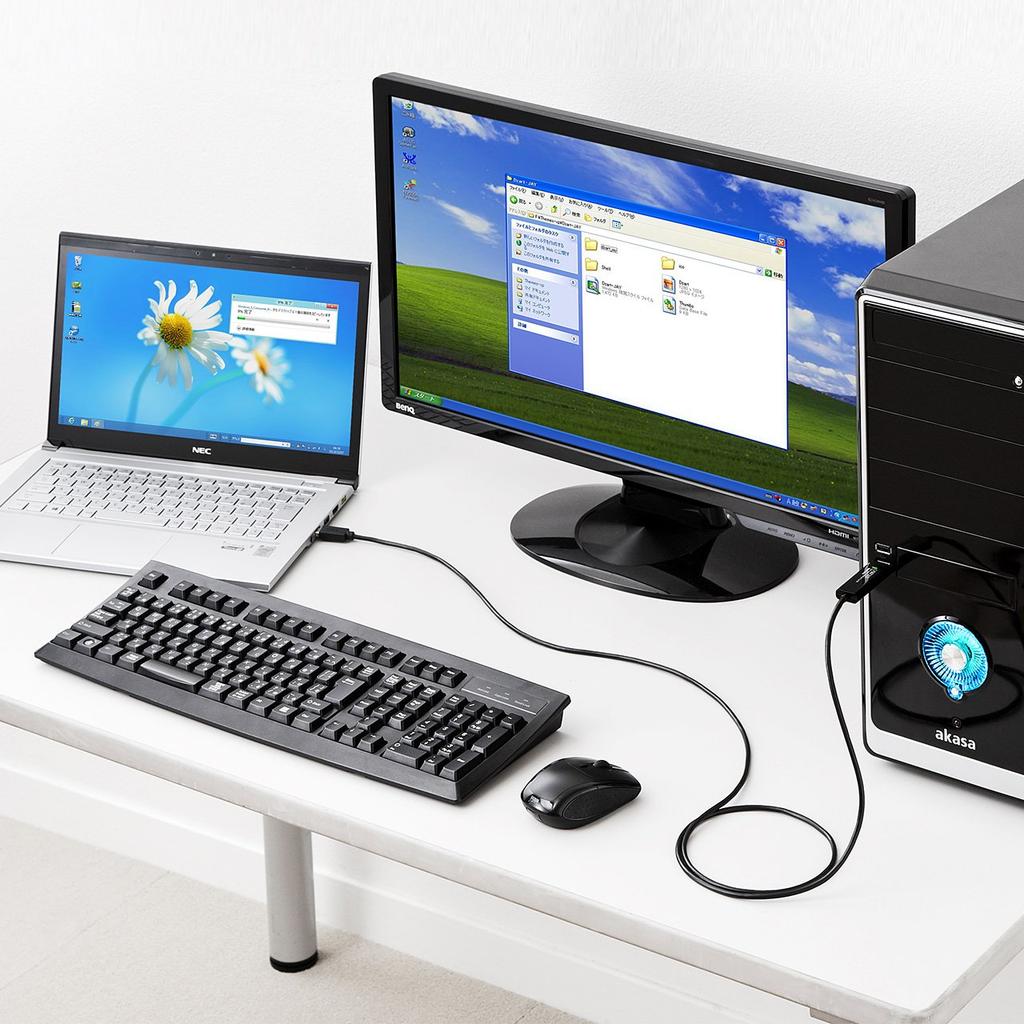
This convenient USB 3.0 link cable allows for intuitive drag-and-drop file transfer between two computers. Connection Example: Connect this cable to the USB 3.0 ports of two computers.
[Interface Standard]: Compliant with USB Specification Ver. 3.0 (backward compatible with USB Ver. 2.0)
[Communication Speed]: 5 Gbps when recognized as USB 3.0, 480 Mbps when recognized as USB 2.0
[Current Consumption]: Approximately 160 mA (max)
[Connector]: Two male USB 3.0 connectors







 Vrácení peněz při nedoručení




![Kabel ELECOM pro migraci dat [kompatibilní se systémem Windows Mac] Adaptér USB3.0 Type-C součástí balení 1,5 m černý UC-TV6BK](https://img.joomcdn.net/7acf2a383b34d8b591f185c8d9f36e51600fd555_100_100.jpeg)