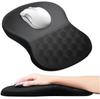
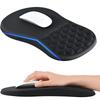
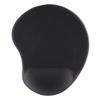
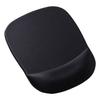
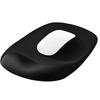
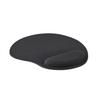
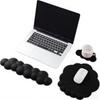
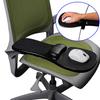
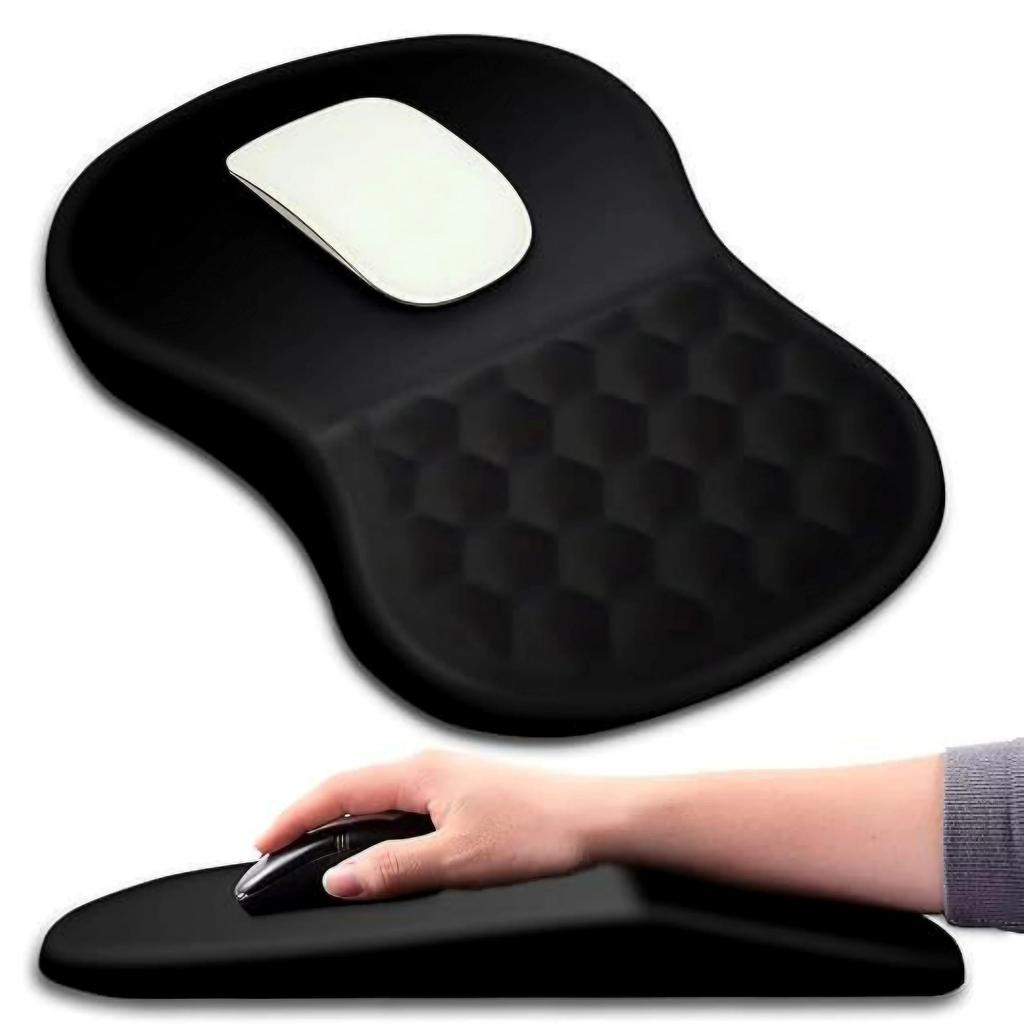
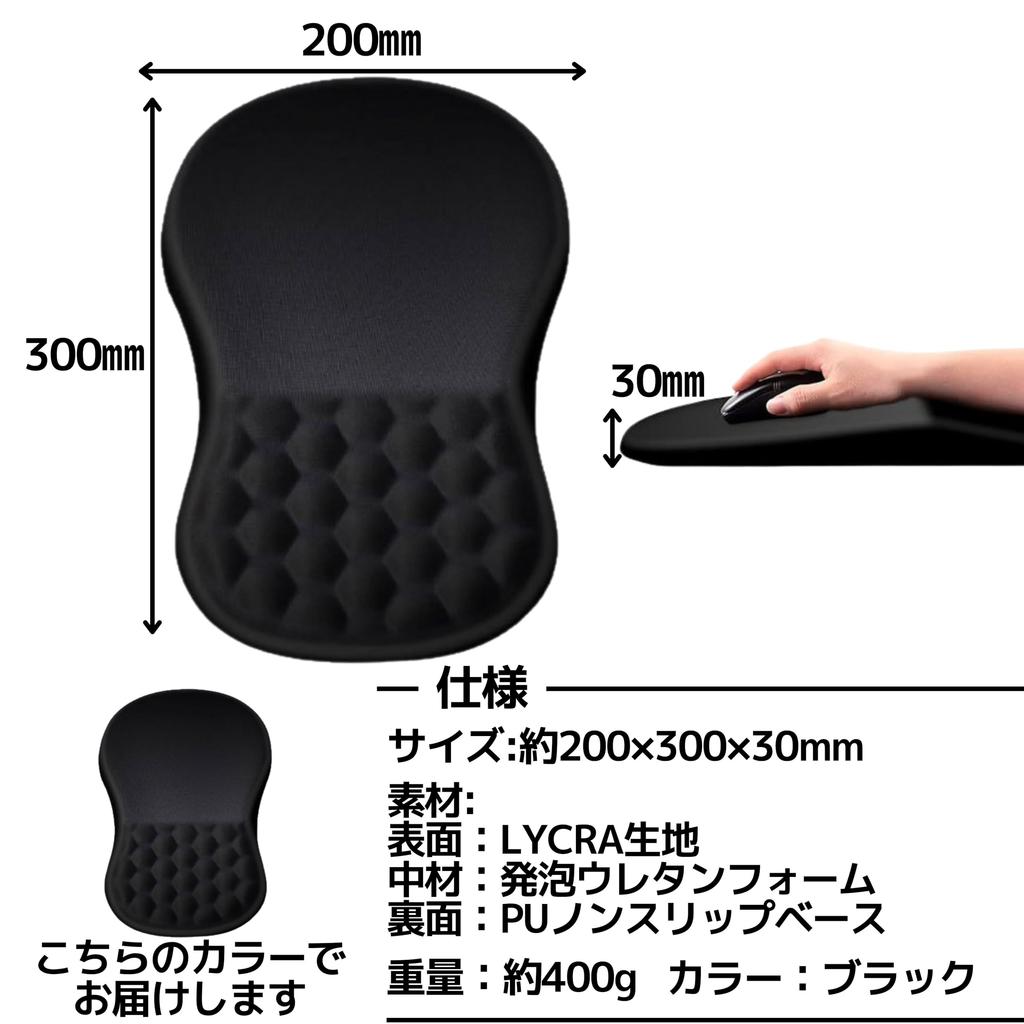
For those who find the "point support" of typical wrist rests unsuitable. This large, honeycomb-like design with its "surface support" helps you maintain proper posture simply by placing it on your desk. [Put an end to that "fatigue" at the end of a click] The gently tilted wrist rest prevents your wrist from concentrating on one point, leading to a natural angle. It maintains a stable posture from cursor movement to click return, reducing the "gradual fatigue" you experience even after extended use. [Solves the problem of being too small. The large design reduces mouse repositioning] The large design provides ample work surface space. It supports not only your wrist but also part of your forearm, reducing mouse repositioning even with low sensitivity settings and delicate operations. *Please check the balance with your desk depth and keyboard position. [90% of slippage and warping prevention lies on the backside] The backside is a PU (polyurethane) non-slip base. It adheres snugly to your desk, preventing unnecessary movement while you work. If you notice a loss of adhesion, simply wipe away any dust or oils from the surface and backside to restore grip. *Avoid harsh chemicals and high temperatures. [Tips for Use] First, find a comfortable position for your shoulders and elbows. Adjust the pad later. Adjust the height of your keyboard and chair, and first determine a position where your elbows can bend comfortably without raising your shoulders. Next, fine-tune the pad's forward/backward position so that your wrists and forearms rest naturally on the pad's wrist rest. This will make the most of the slope and make it easier to maintain a posture that doesn't rely on grip strength. [LYCRA Glide Feel x Honeycomb Surface Pressure Distribution] The surface is made of LYCRA fabric. It's snag-resistant, providing a light, gliding feel for everything from everyday work to gaming. The palm side is made of a three-dimensional honeycomb cushion that absorbs weight across the surface, preventing excessive sinking while maintaining comfort. *The feel of the unevenness may vary from person to person. [Specifications] Shape: Integrated wrist rest Surface: LYCRA fabric Back: PU non-slip base Structure: 3D honeycomb design Color: Black Size: Care: Dry or wet wipes are possible (do not use detergent, soak, or dry at high temperatures) [Usage Precautions] This product is a general-purpose computer mouse pad. We do not guarantee medical or therapeutic effects. The anti-slip performance may vary depending on the desk material, dirt, and humidity. Clean and dry the surface before use. Avoid direct sunlight, high temperatures and humidity, cleaning with detergents or solvents, soaking, and drying. This may cause deformation or discoloration. Keep out of reach of children. We are not responsible for any accidents or damage to the device during use.
[Put an end to that fatigue after clicking] The gentle tilt of the integrated wrist rest prevents your wrist from concentrating in one spot and leads to a natural angle. It maintains stable posture from cursor movement to return to the click, reducing the onset of fatigue even over long periods of use.
[Solved: Too Small Problem. Large Size Reduces Repositioning] This mouse pad is designed for more comfort than a standard mouse pad. It's easy to rest not only your wrist but also part of your forearm, reducing the need to reposition your mouse even with low sensitivity settings and fine movements. *Please check the balance with your desk depth and keyboard position.
[LYCRA Glide Feel x Foam Pressure Distribution] The LYCRA surface prevents snags, providing a light and smooth glide for everyday tasks and gaming. The palm side is cushioned with urethane foam, absorbing weight evenly, reducing excessive sinking and providing comfort. *The texture of the surface may vary from person to person.
[90% of slippage and warping prevention lies in the backside] The backside is a non-slip base made of PU (polyurethane). It adheres firmly to the desk, preventing unnecessary movement while you work. If you feel that the adhesion has weakened, simply wipe away any dust or oils from the surface and backside to restore grip. *Avoid strong chemicals and high temperatures.
[Tips for use] First, find a comfortable position for your shoulders and elbows. Adjust the pad later. Adjust the height of the keyboard and chair, and first determine a position where your elbows can bend comfortably without raising your shoulders. Next, fine-tune the front/back position so that your wrists and forearms rest naturally on the pad's wrist rest. This will make the most of the slope, making it easier to achieve a posture that doesn't rely on grip strength.





 Vrácení peněz při nedoručení