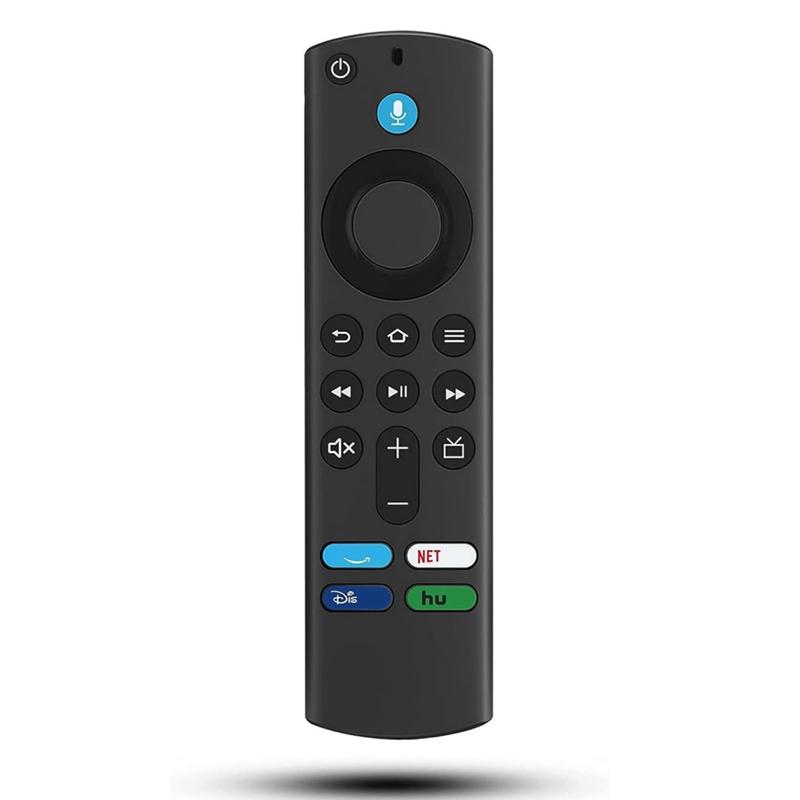
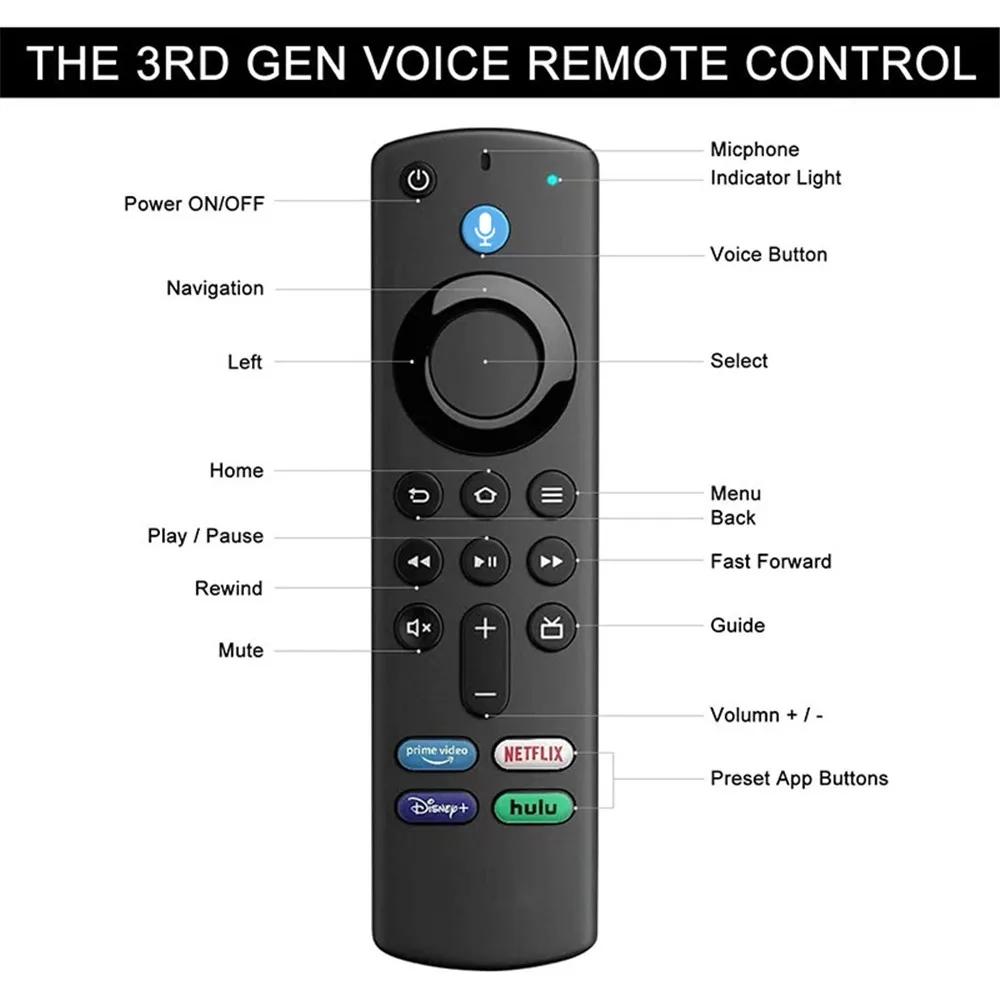
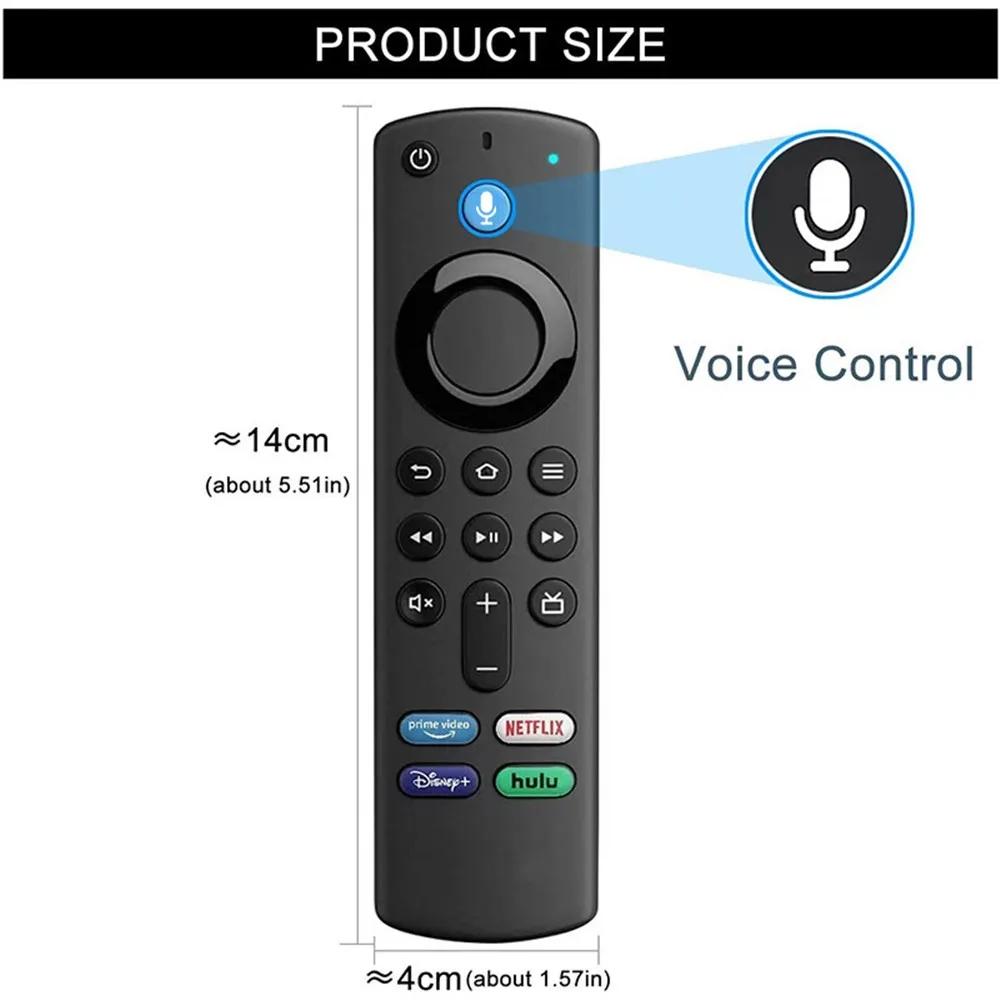
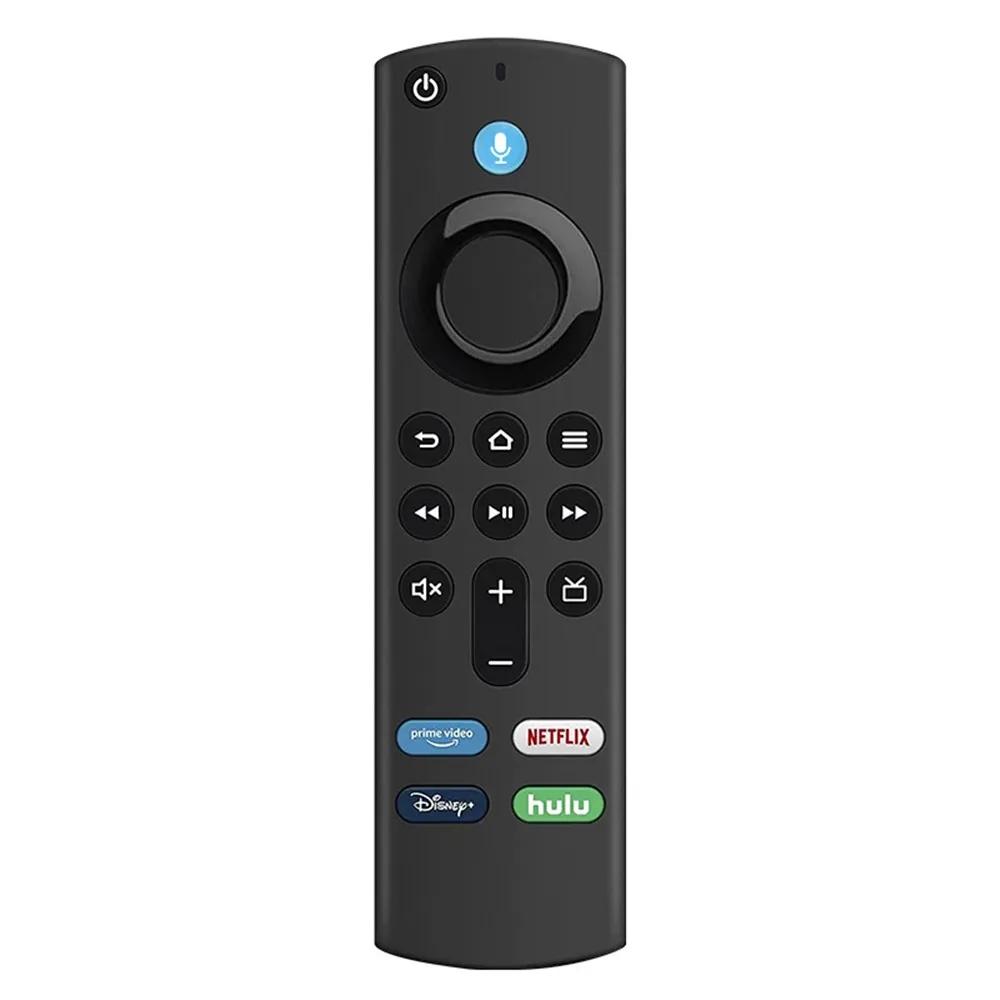
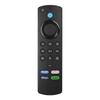
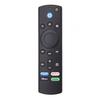
Good luck with your favorite purchasesCompatible with:This voice replacement remote control only applicable for Fire TV stick (4K, 4K Max, Lite), Fire TVs stick (2nd Gen,3rd Gen), Fire TV cube (1st Gen and Later), Fire TV stick 4K bundle.
Not Compatible with: Please note, this remote control can not compatible with Fire TV (1st and 2nd Gen), Fire TV stick (1st Gen), or Fire TV edition smart TVs. if your product doesn't work, please send your message to us, we must give you the best solution in the end.
With Voice Function:You can ask it to find your favorite content, Quickly jump to your favorite scenes with standard navigation and playback controls. Preset 4 app button shortcuts, Quick access to your favorite content.
How to Pair:First Press and Hold the Home button about 10-15 seconds, release when the LED starts to rapidly flash (Entering Pairing mode), waiting about 30-60 seconds, Then remote should automatically pair with your device.
Note:
1. Make sure your old remote's batteries are removed before pair,if the old remote is still pairing,the new one can not be used
2. Please confirm your remote whether connected more than 6 limits;
3. You will get 1*Voice Remote (AAA battery not included).
Trouble Shooting:If you're trying to control the TV volume and power with the fire TV remote but it does't work, we recommend following the Equipment Control steps after putting fresh batteries in the remote. Also, ensure the device has no pending updates before you try.
1. Go toSettingson your Fire TV device.
2. SelectEquipment Control.
3. SelectManage Equipment.
4. SelectTV.
5. Select Change TV.
6. SelectChange TVagain to confirm.
7. Wait for your remote to be prepared.
8. Select your of TV. The most common s are listed first. Then there will be an all inclusive list of s in alphabetical order. Should you not see your , selectBrand not listedwhich will be at the bottom of the list.