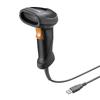
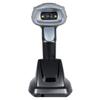
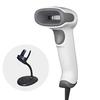
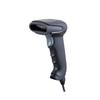
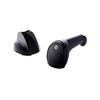
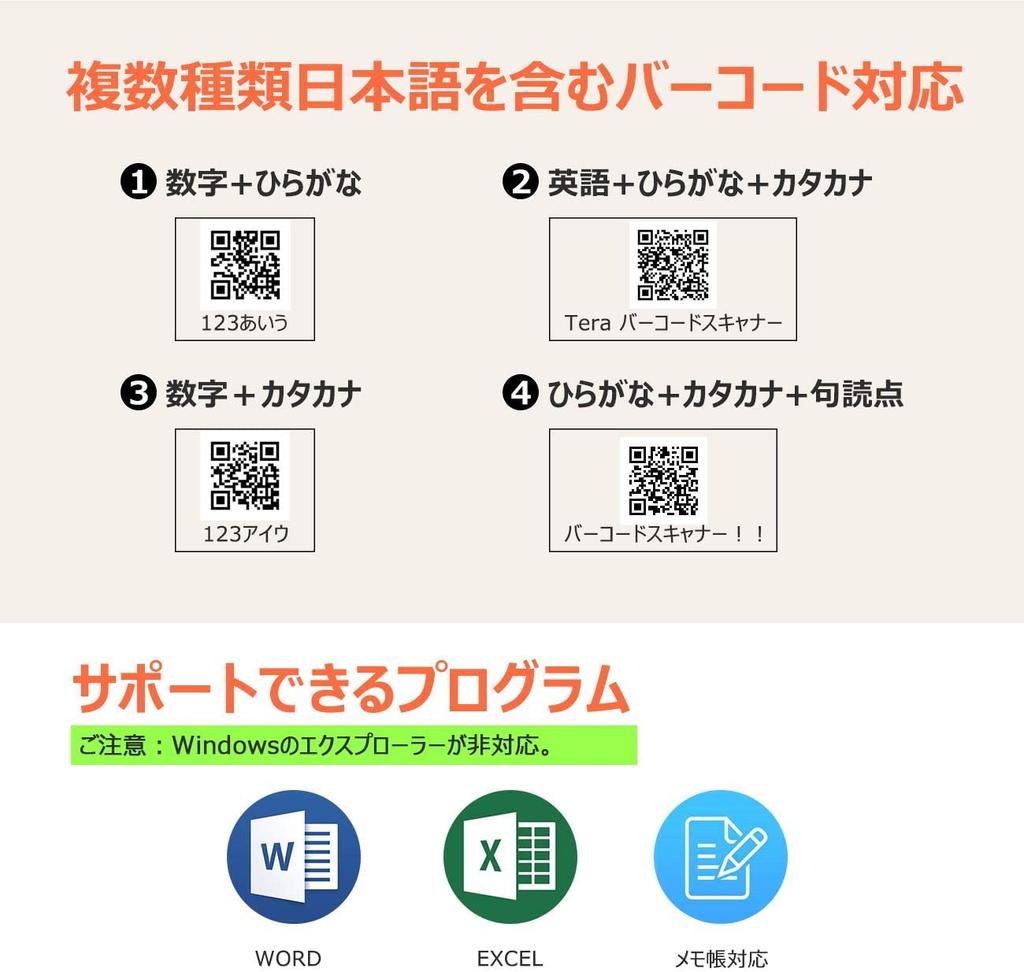
[Supports Barcodes Including Japanese (Kanji)] --- This device supports barcodes containing Japanese characters. It can successfully read barcodes containing numbers, hiragana, katakana, and English. It can also input data into Excel, Word, and Notepad. Simply scan the setup code listed on page 10 of the instruction manual to successfully input barcodes containing Japanese (Kanji). If it still doesn't work, switch the input language on your Windows 10 PC to Japanese or English, or set your Windows 10 PC to "Use the previous version of Microsoft IME."
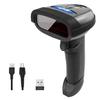
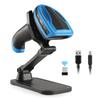
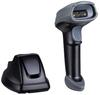
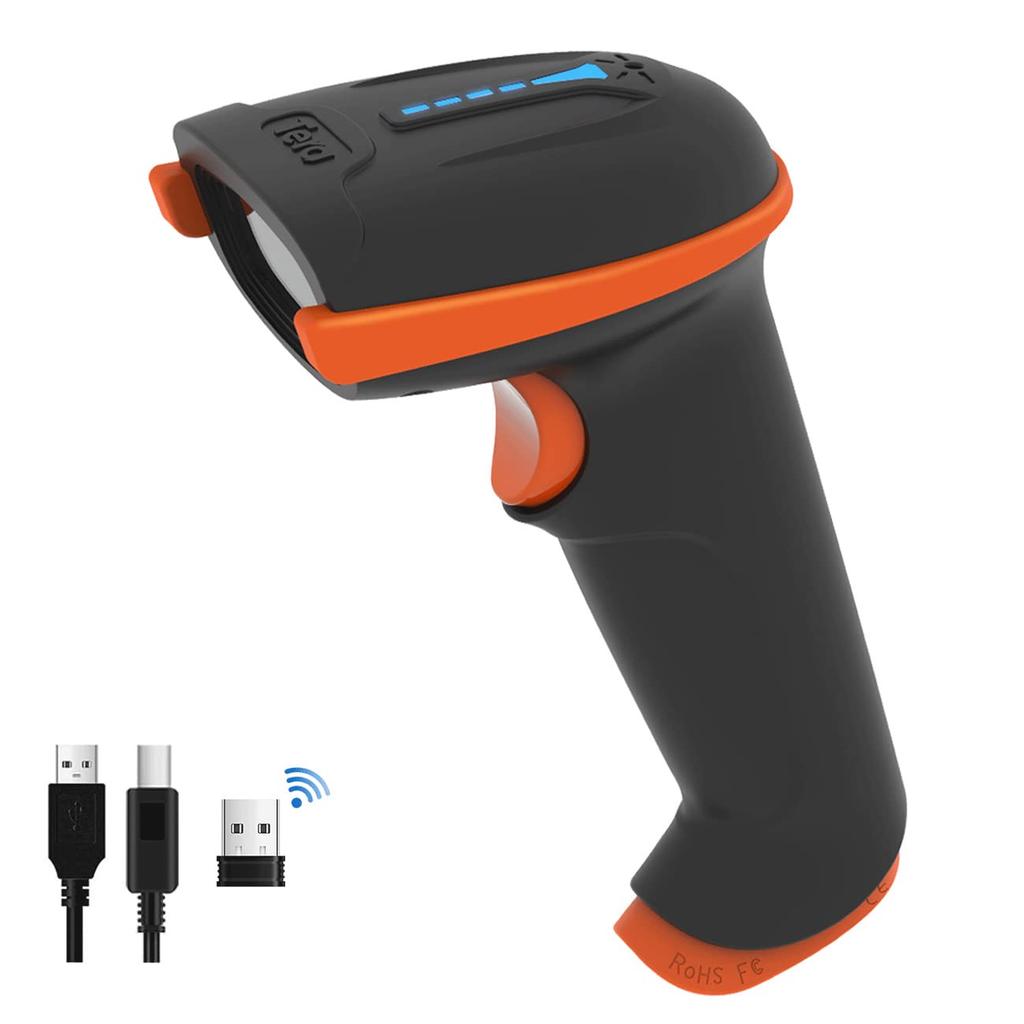
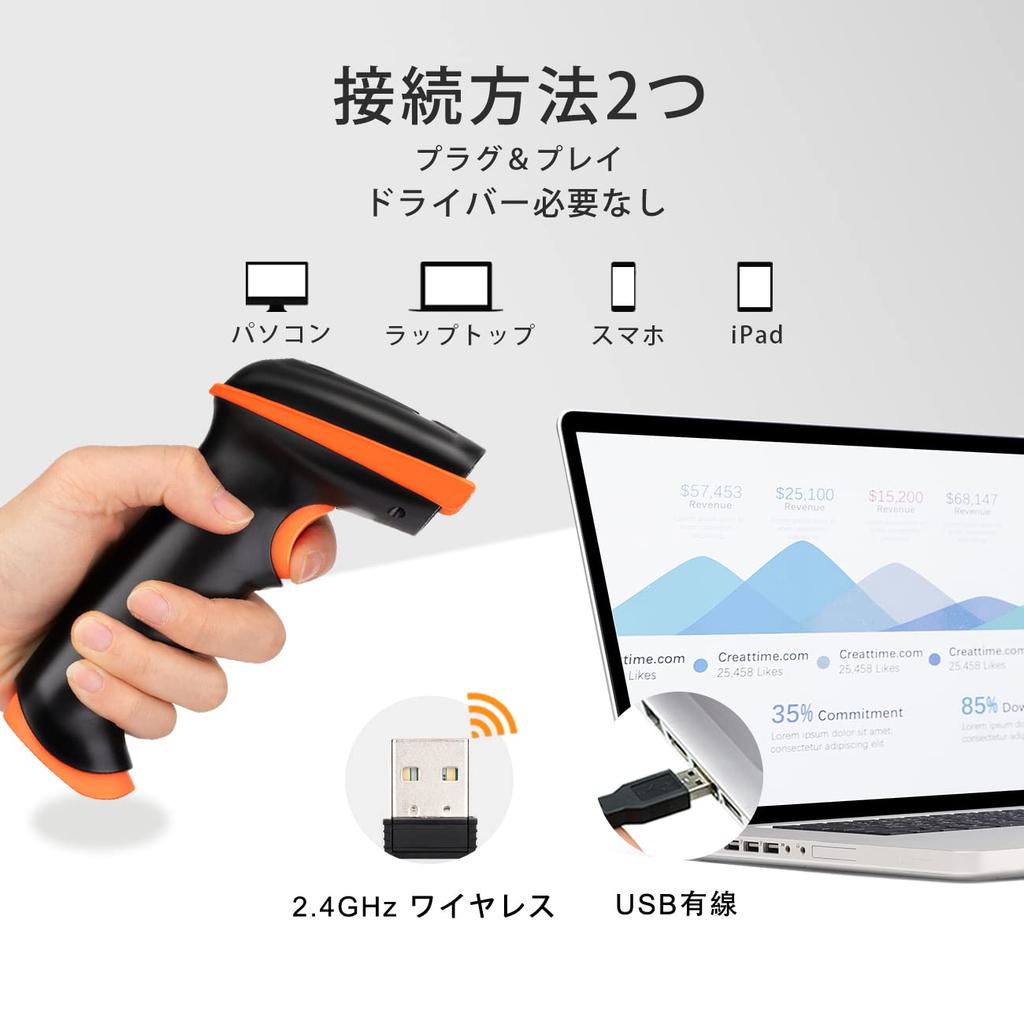
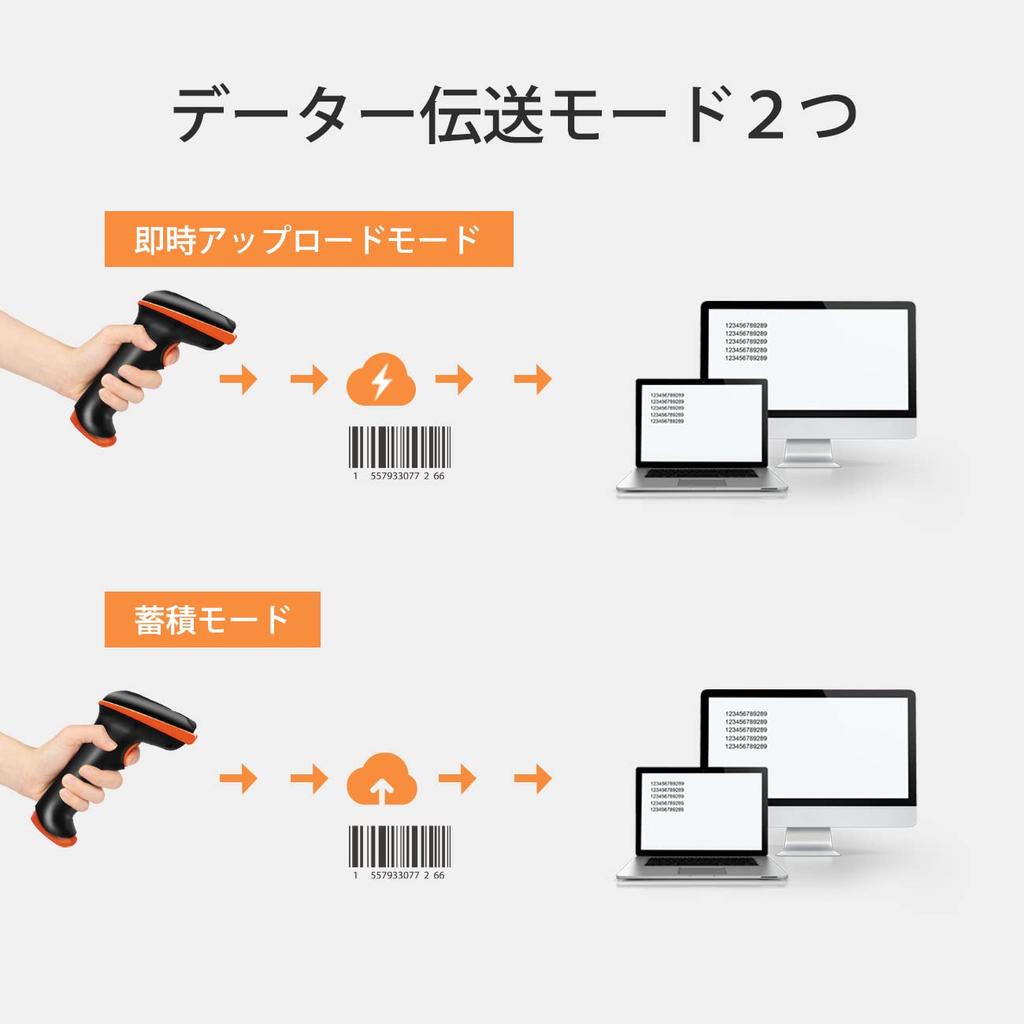
[Wireless & Wired Connection] For wired connection, simply plug it into your PC's USB port; "plug and play" is all that's needed. A wireless receiver is also included, making wireless connection easy and allowing you to use the scanner's storage mode.
【Supported Code Types/QR Codes/1D Codes】---2D Codes: Barcodes including Japanese, QR Codes, Aztec Code, Codablock F, DOT_CODE, HANXIN, Maxicode, MicroPDF417, Micro QR Code, MSI, PDF417, QR Code, DataMatrix. 1D Codes: Codabar, Code128, Code11, Code32, Code39, Code93, EAN/UPC, EAN-8, EAN-13, GS1 DataBar Expanded, GS1 DataBar Limited, GS1 DataBar Omnidirectional, Interleaved 2 of 5, Matrix 2 of 5, Industrial 2 of 5. If you cannot confirm, please contact the seller.
【Two Scan Modes & Editable Barcodes】---In addition to trigger scanning, continuous scanning is possible without pressing the trigger button. -Barcodes can be edited according to your requirements. You can add suffixes, prefixes, hide text, and set terminators.
[Vibration Function] Even if the buzzer sound is turned off in offices or libraries, you can confirm the reading by vibration. Even in noisy places like factories where the buzzer sound cannot be heard, you can confirm the reading by vibration.


 Vrácení peněz při nedoručení