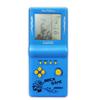
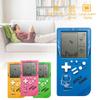
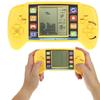
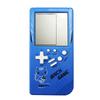
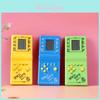
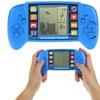
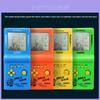
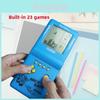
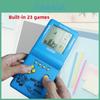
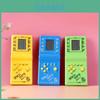
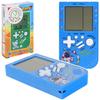
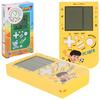
CZT Green Backlight Large Screen Tetris Game Machine Built-in Ink Chic Nostalgic Puzzle 999-in-1 Game Room/Outdoor/Travel Good Partner Child/ Student Gift (Yellow)
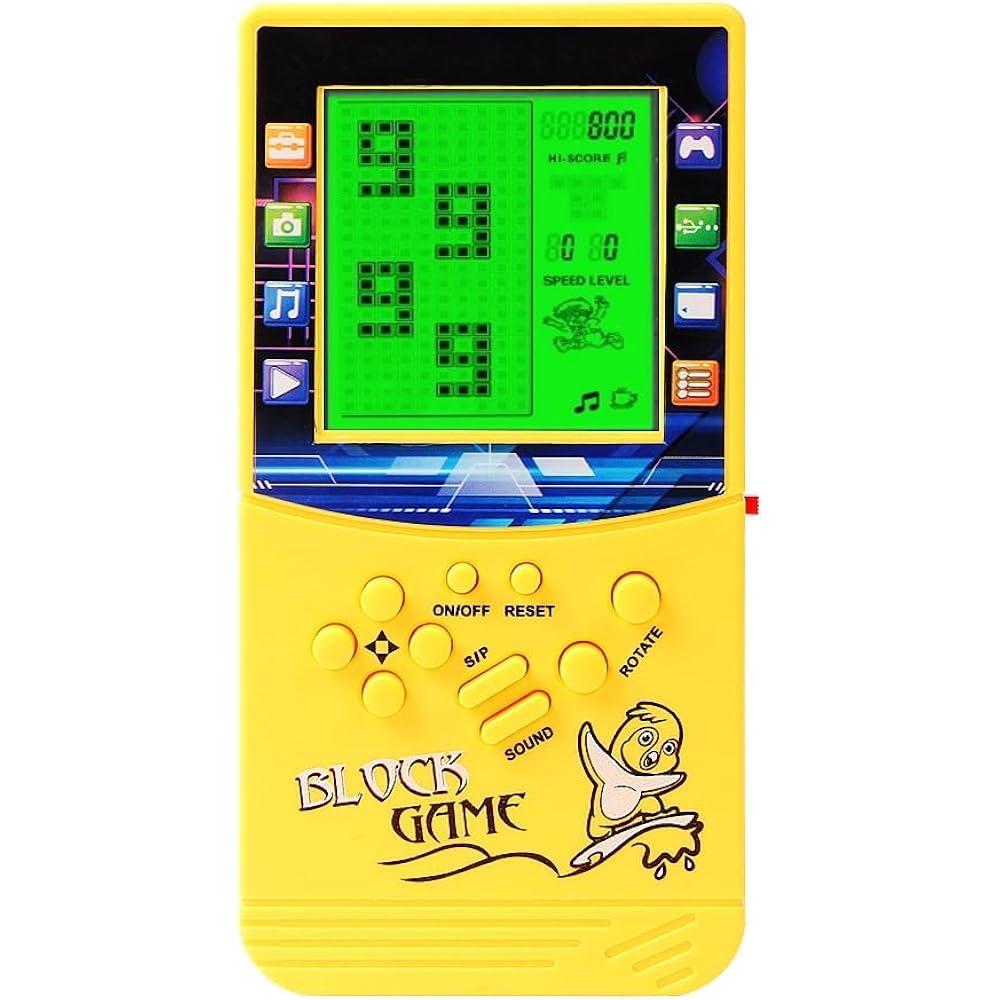
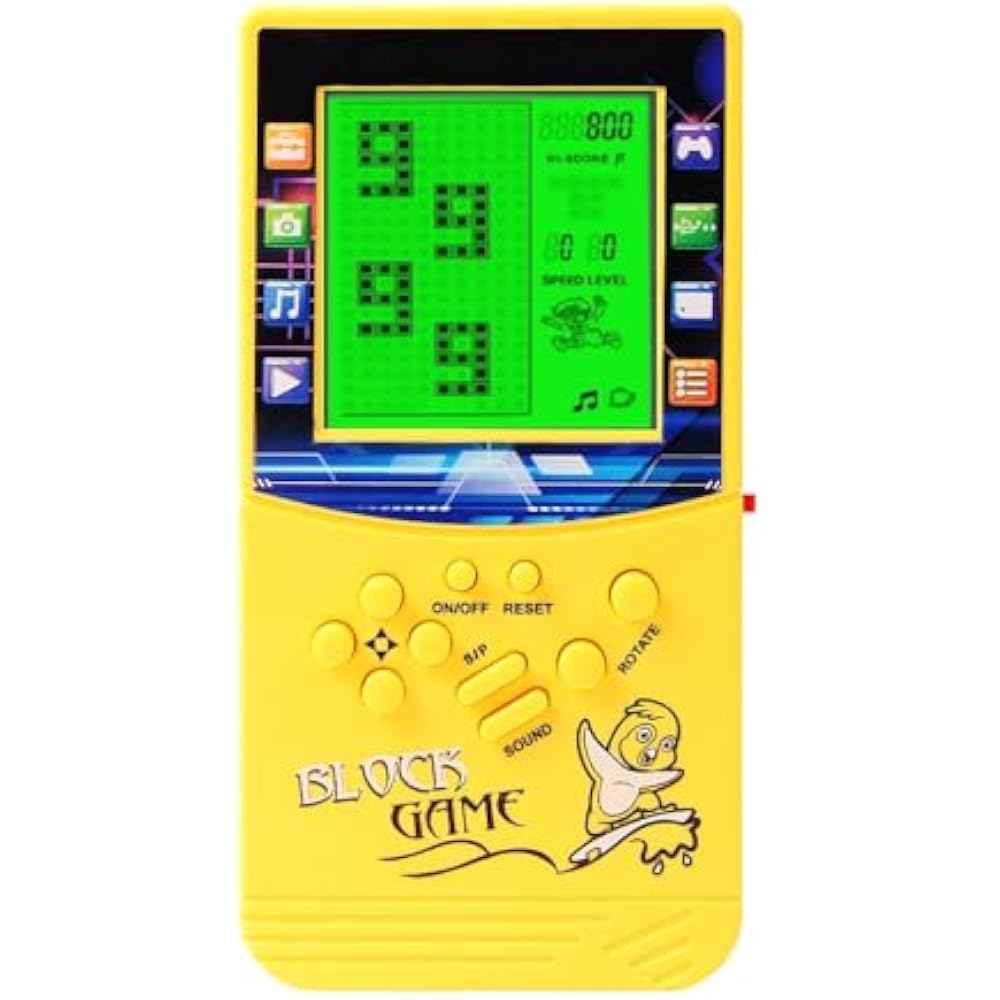
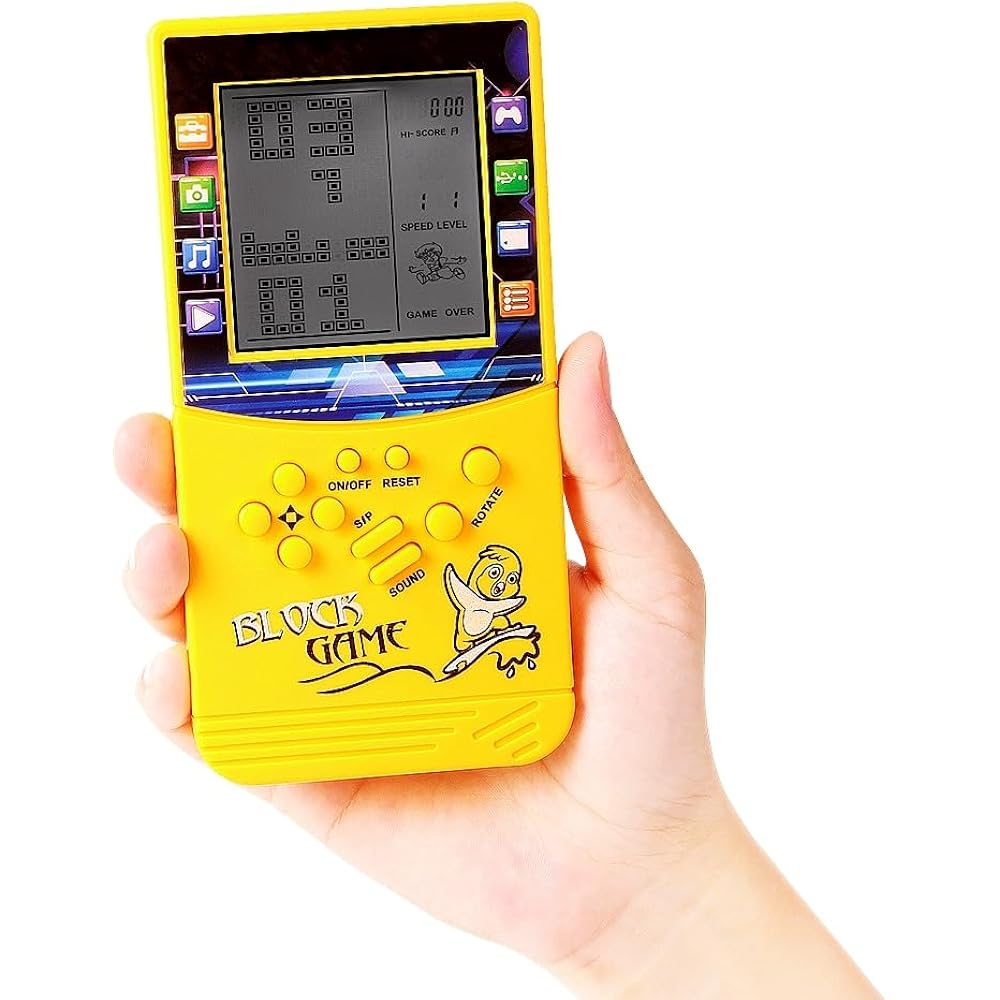
On a large screen, the screen area is 3 times that of a normal Tetris, so players can see more clearly. Ergonomic exterior design, better grip and comfortable activity.
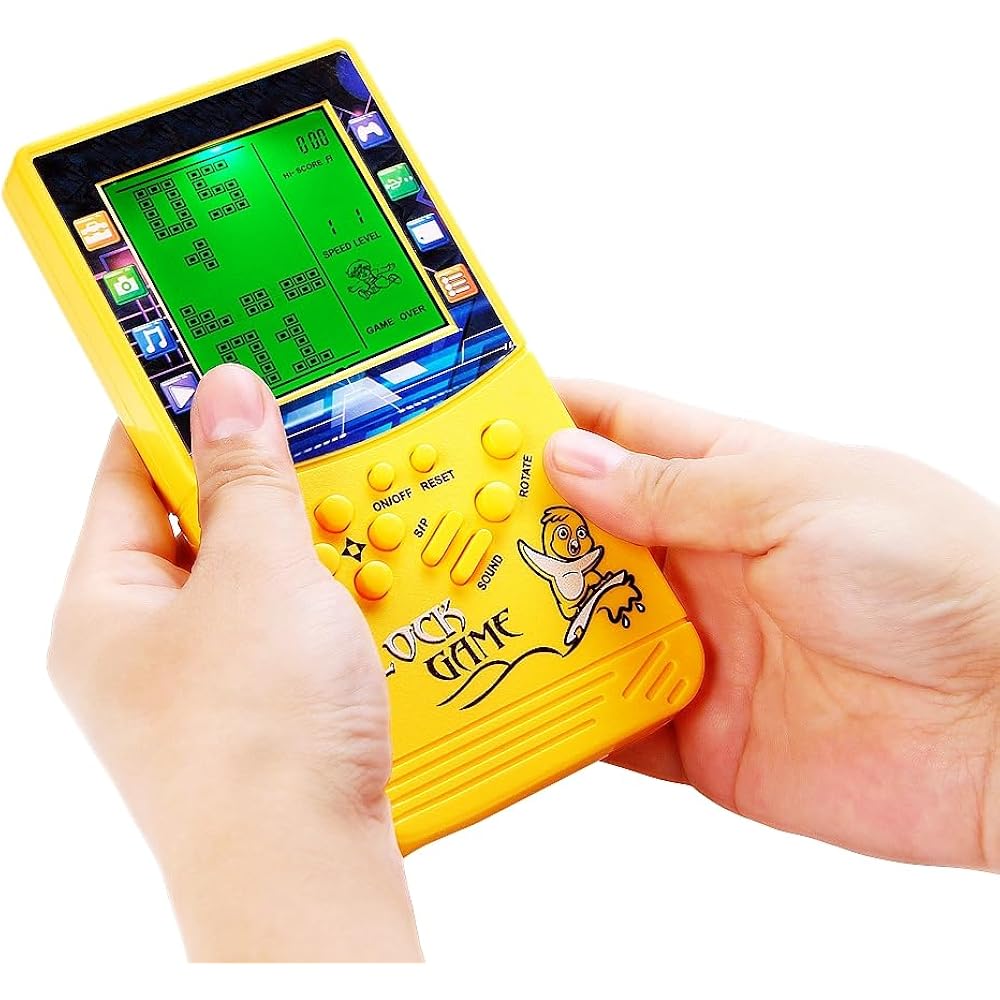
Green backlight function Press the red switch on the right side of the console to turn on the backlight. A screen is displayed. You can keep playing games even in places with poor lighting. This is one of the perfect gifts for others, and also a perfect companion for a trip or a dull moment.
You can adjust the difficulty level and speed of the game. After selecting a game to play, press the left arrow key to adjust the difficulty level before starting the game, and press the correct arrow key to adjust speed to meet players' needs at another level.
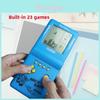
23 built-in games, each game has a different mode. You can press “Rotate” to adjust the game selection numbers at the top of the screen. “01” is a classic box game. A lot of people like it. After selecting the numbers at the top of the screen, select the different modes in the game and press the/down button. Classic, nostalgic and puzzle games can bring you happiness.
I paused the game and played it next time without restarting it. Operation method: Press the “S/P” key to pause the game, then press the “On/Off” key to shut down. Next time, press the “On/Off” key to launch the game, then press the “S/P” key to start the game.
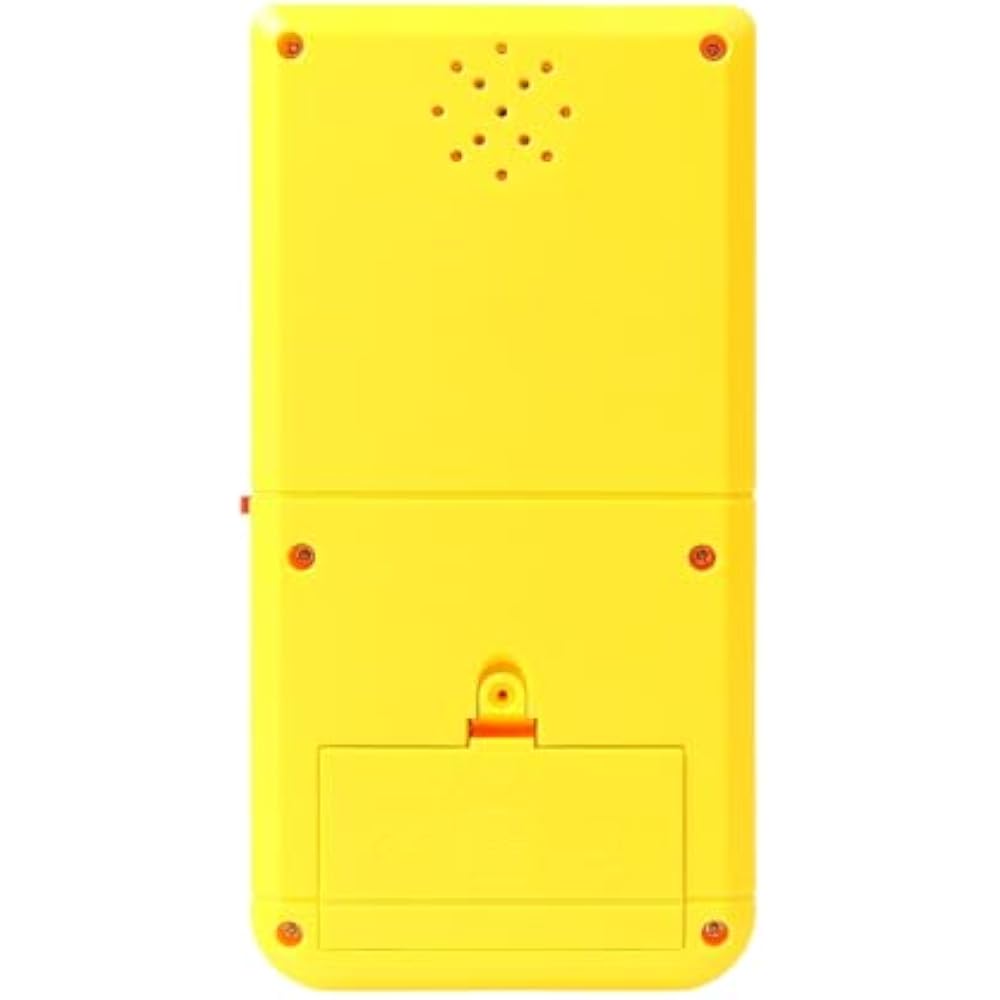
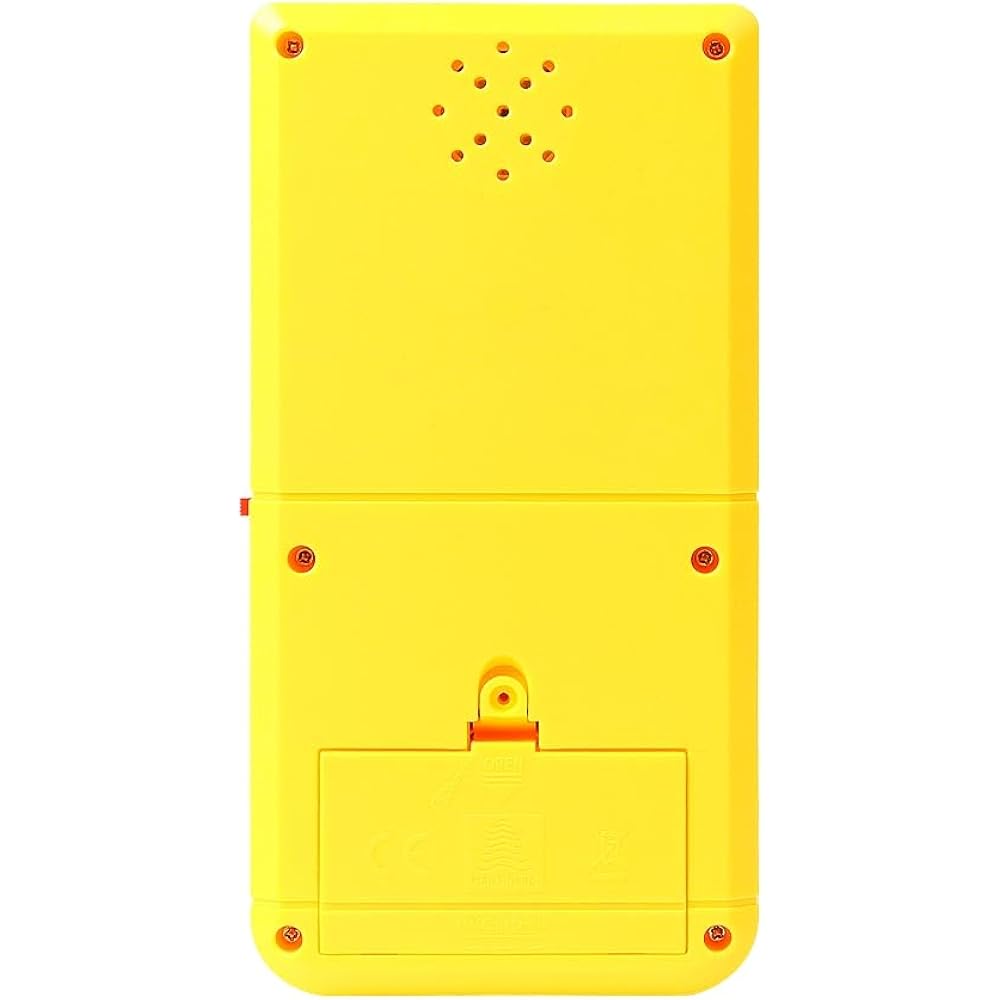
Powered by 2* single batteries, you can buy it easily. One No. 5 battery can be used for 4 weeks (depending on battery quality). Product weight/size: 90 g/16*8*2 cm; Product size according to weight/packaging box: 110 g/16.5*8.5*2.5 cm;
Button operation procedure
1. On/off: Press the on/off key to turn the game on or off.
2. ROTATE: Press the spin key to select a game before starting the game. Perform actions in the game of your choice.
3. SOUND: Repeat the sound key to turn off or turn on the sound.
4. S/P (Start/Pause): Press the S/P key to start or pause the selected game.
5. RESET: Press Reset to reset the entire unit system.
6. UP/DOWN: Press the key to select and start the selected game pattern before selecting it. Press the up/down keys to control the up/down direction in the selected game.
7. LEFT/RIGHT: Press the left/right keys to select the level (left) and speed (right) of the selected game to begin.
8. Red Switch: Press the red switch on the right side of the console to turn on the backlight.
Game list and controls
BUILT-IN 23 GAMES:
01. Classic brick game: left/right keys control direction, rotate the keys to transform.
02-08. Other brick games: LEF/right key control direction, rotate the key to a deformation.
09. -Tanks War: up/down/left/right keys control direction, rotate the keys to launch bullets.
10. Racing game: left/right keys control direction, rotate the keys to accelerate.
11. Bounce Ball: left/right keys control direction and rotate to speed up the ball's movement.
12. Shooting game: left/right keys control direction, keys activate and rotate bullets.
13. Spinning Pinball: left/right keys control direction, spin to speed up the ball's movement.
14-15. Shooting: left/right key controls direction, key to rotate the firing bullet.
16-23.Various Reverse Brick Games: left/right keys control the direction, rotate the keys to deform.
Special note:
1. Press the “Spin” key and select the numbers at the top of the screen to select the game.
2. Press the key to start or pause the game.
3. Save game progress: press the “s/p” key to pause, press the “on/off” key to shut down, then press the “s/p” key again on the next boot, and you can play. The last game progresses.
4. For beginners, we recommend choosing the number “01,” which is suitable for playing simple classic brick games.
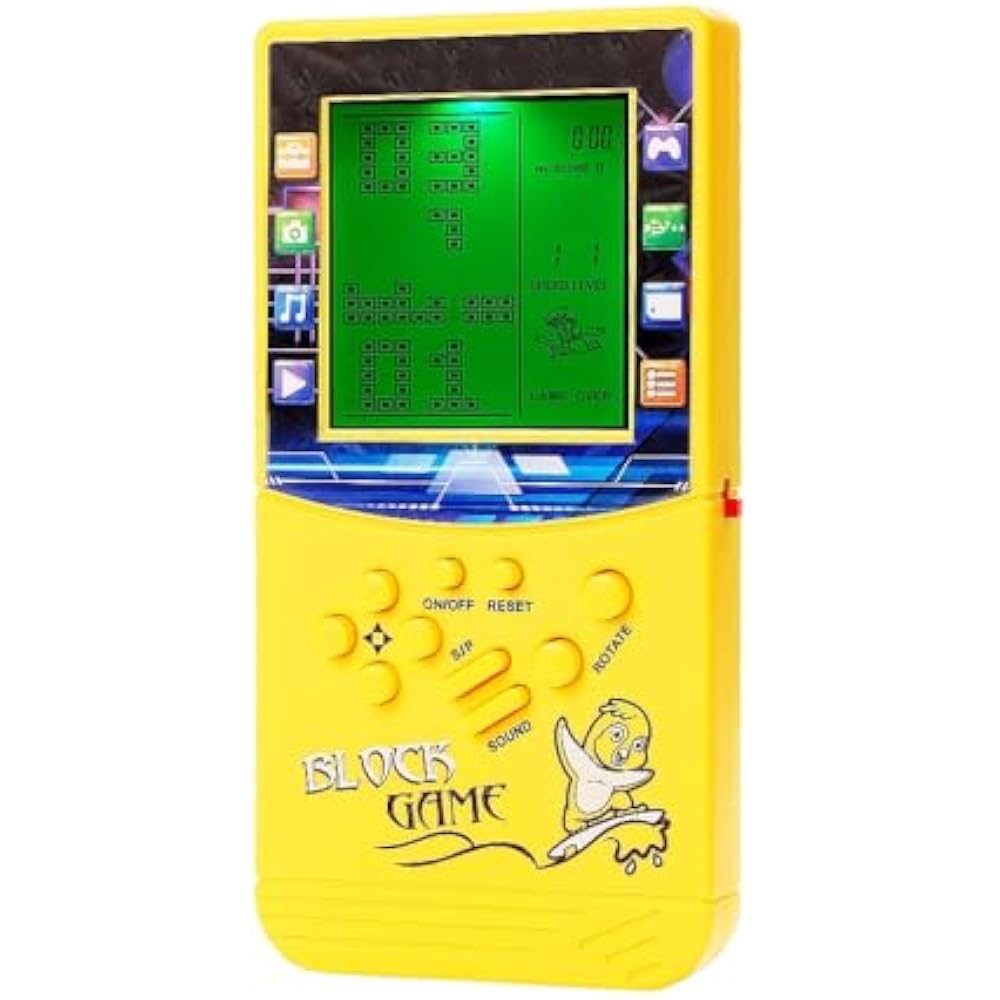
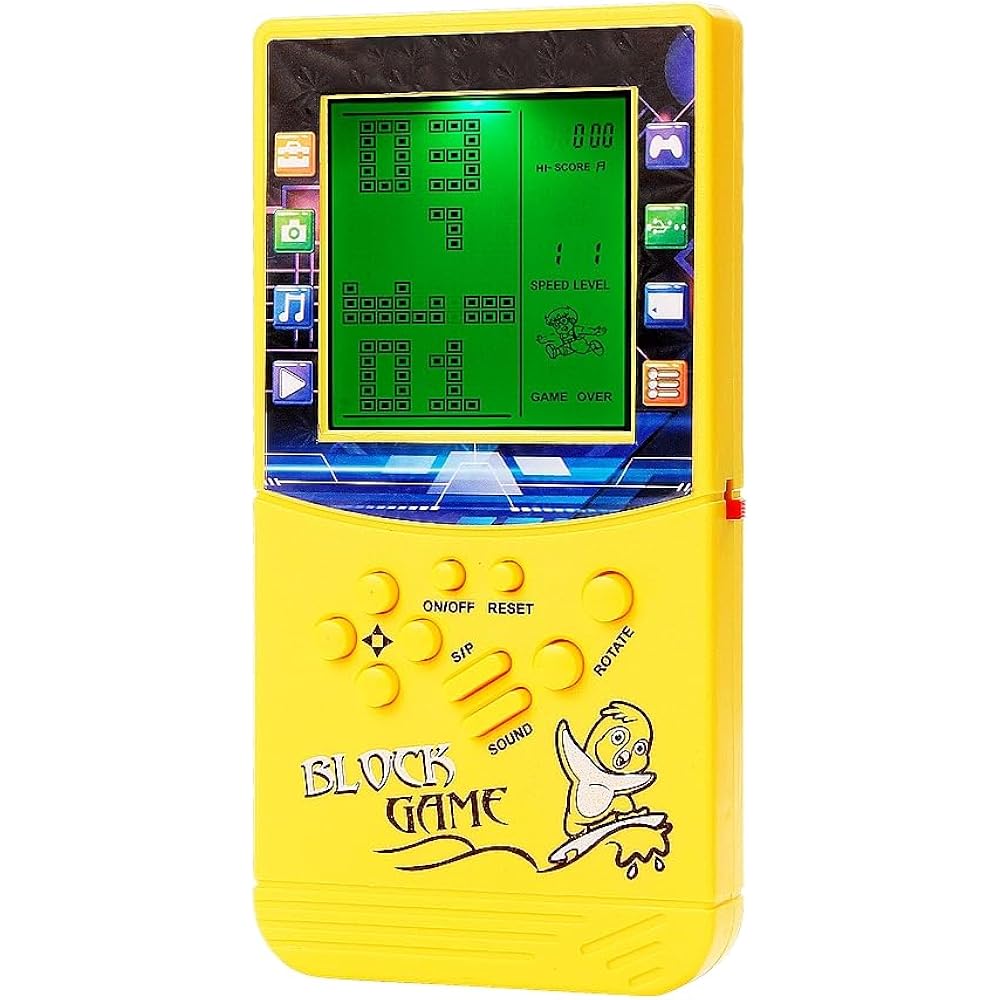
5. Use it to show a 45-degree angle tilt more clearly.




 Vrácení peněz při nedoručení