Description:
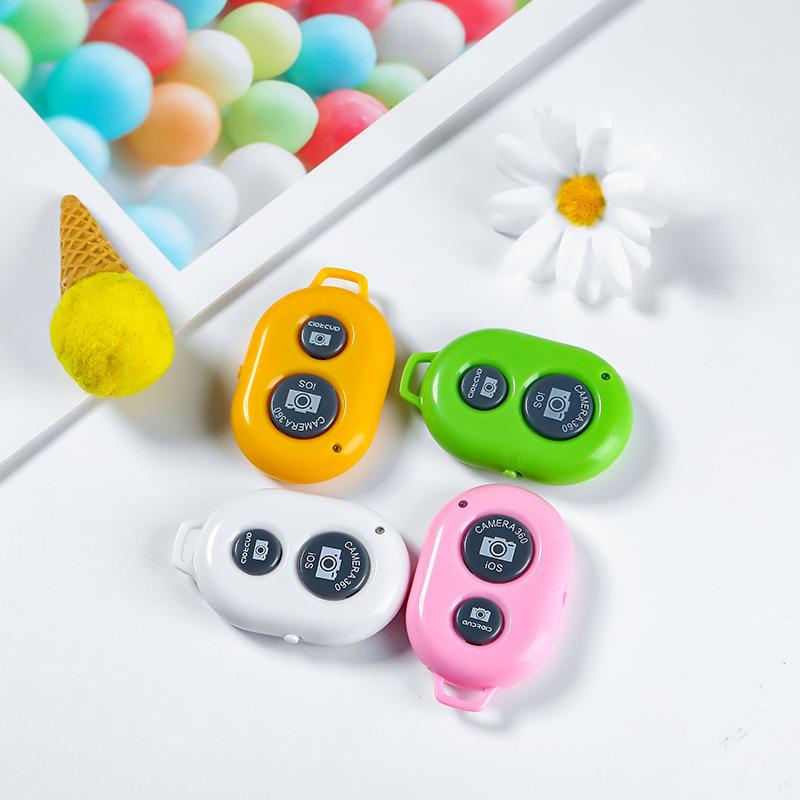
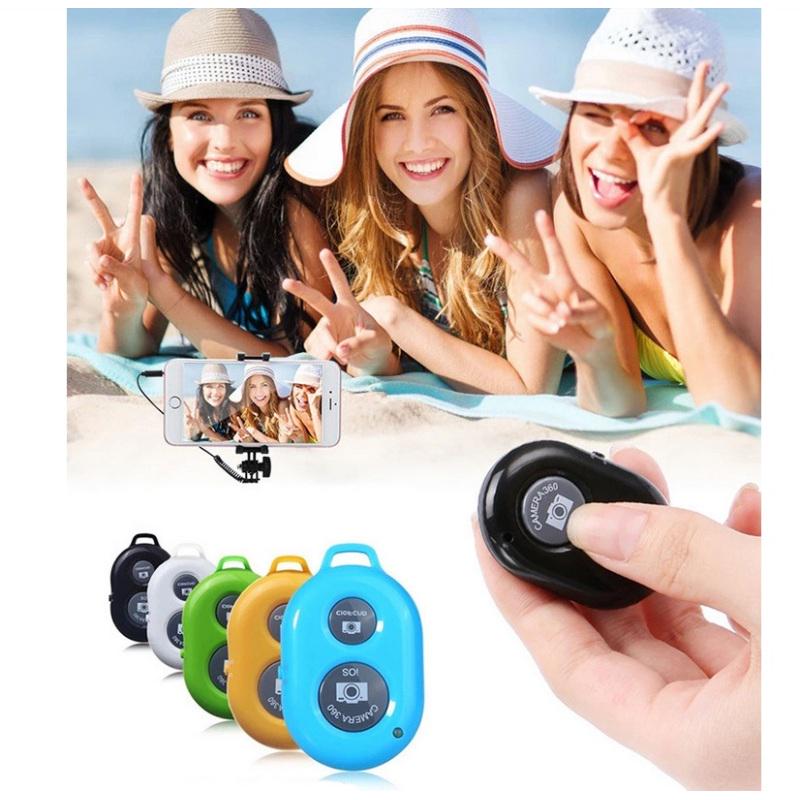
Product: Bluetooth wireless selfie remote control
Material: ABS
Connection method: Bluetooth
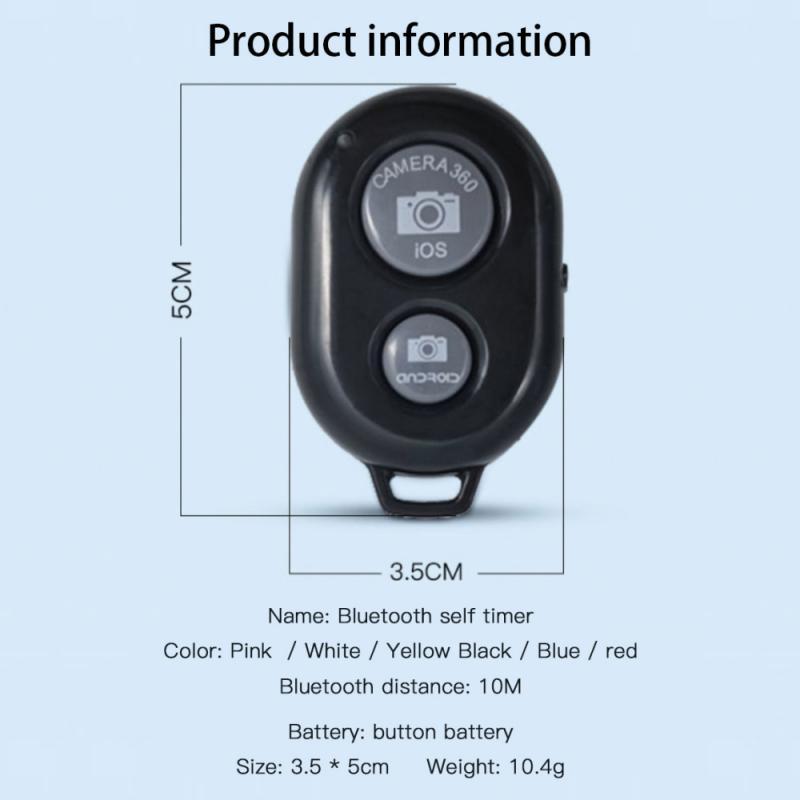
Weight: about 11g
Size: 3.5*5CM
Power supply mode: button battery
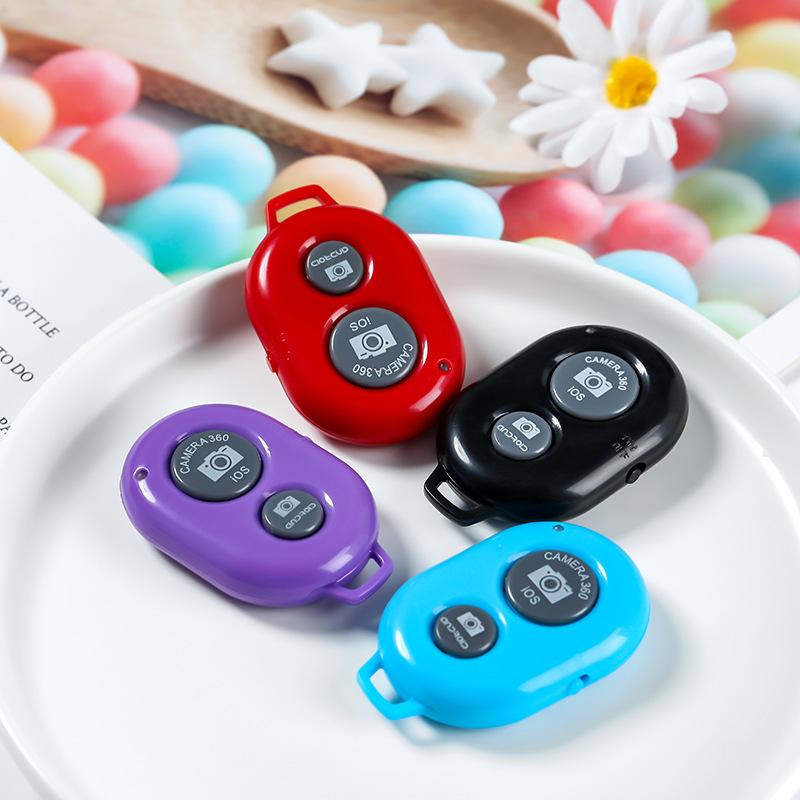
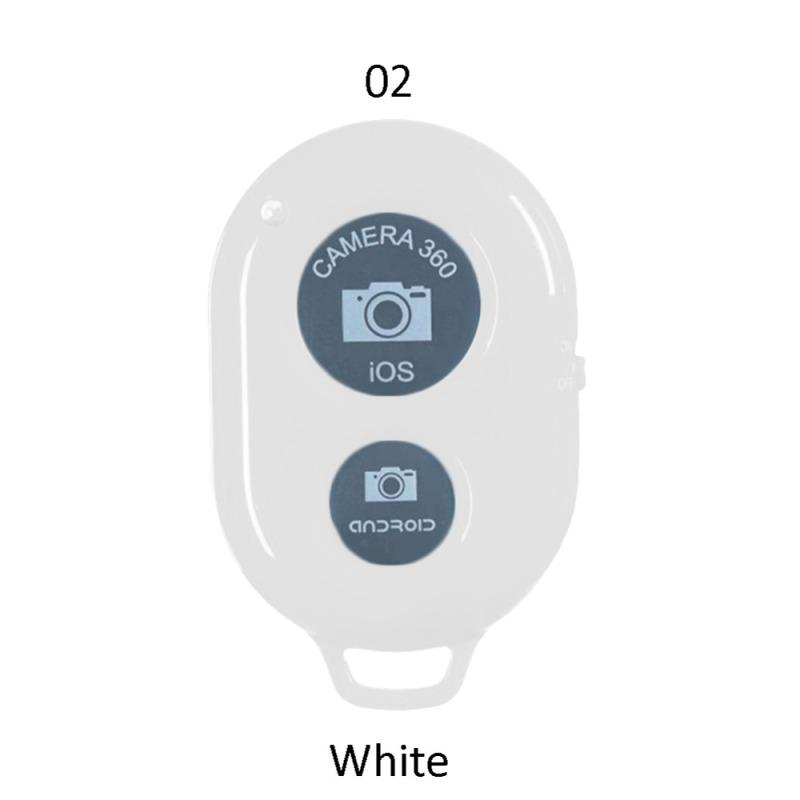
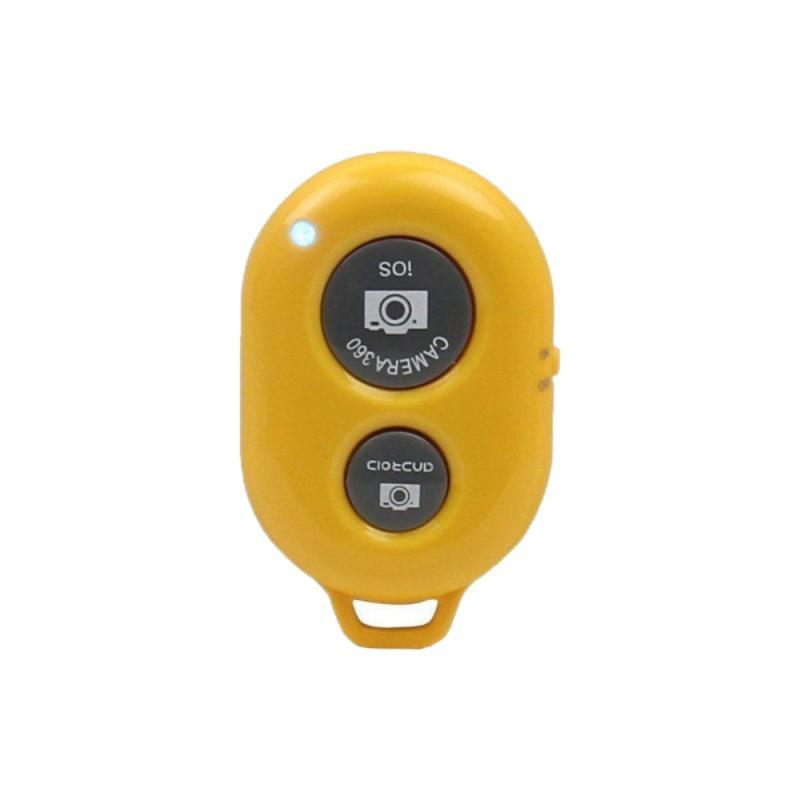
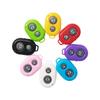
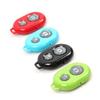
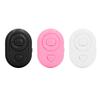
Color: black, white, red, pink, blue and yellow
Bluetooth self-timer instructions:
1. Turn on the remote control switch, the blue indicator light flashes.
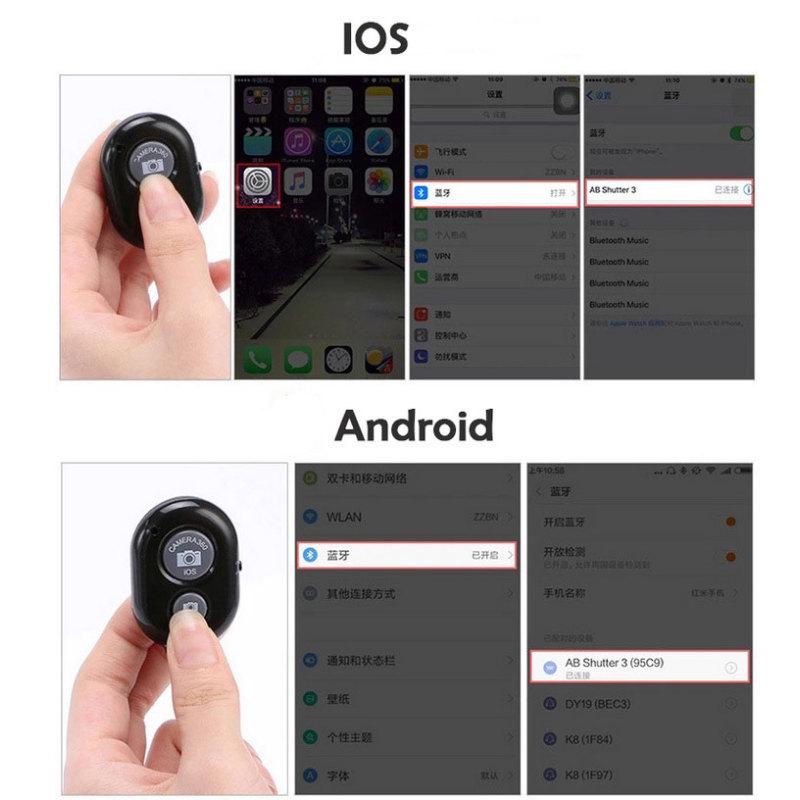
2. Turn on the phone's Bluetooth, search for a device with the Bluetooth name of AB Shutter3 and click Connect.
3. After pairing and connection are complete, open the camera software in the phone to take a picture Yes.
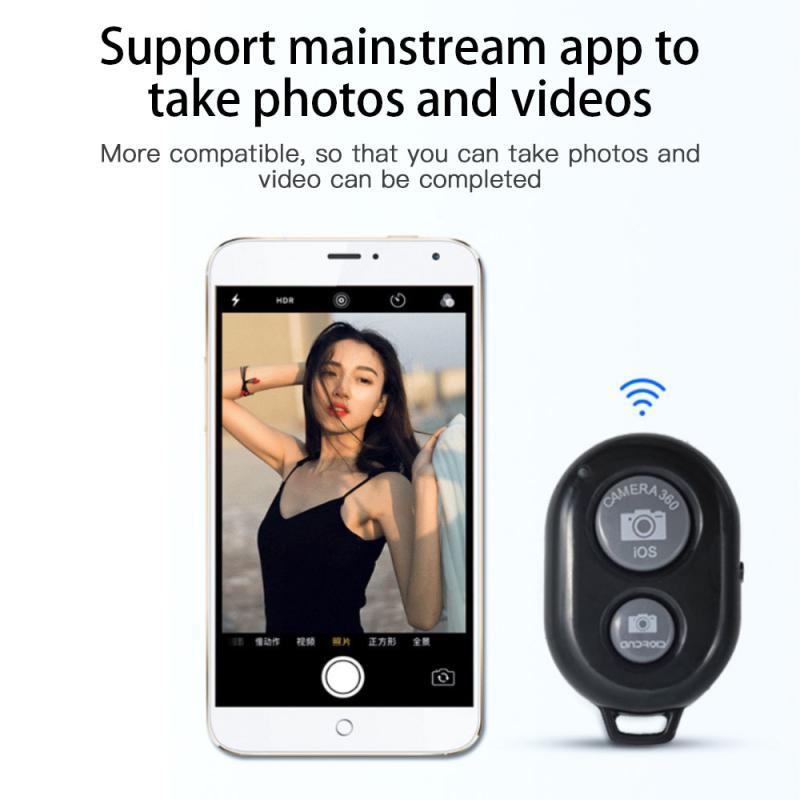
4. iphones can directly press the remote shutter button to control photos and videos, 5. Some Android phones also press the shutter button to control photos, and some are controlled by the Android shutter button.
6. Both shutter buttons can’t control taking photos. For Android phones, please download camera360, open the camera360 software and click the settings icon in the upper right corner, then click advanced settings, then click camera settings, and set the volume function option to take photos.
Packing list:
1 x Selfie Remote Control
1 x Instructions
1 x Packing Bag
Note:
The color deviation is subject to actual system configuration and slight dimension difference is allowed due to manual measurement.