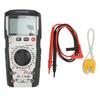
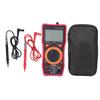
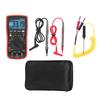
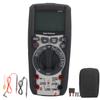
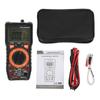
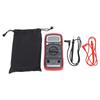
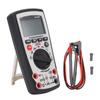
Feature:
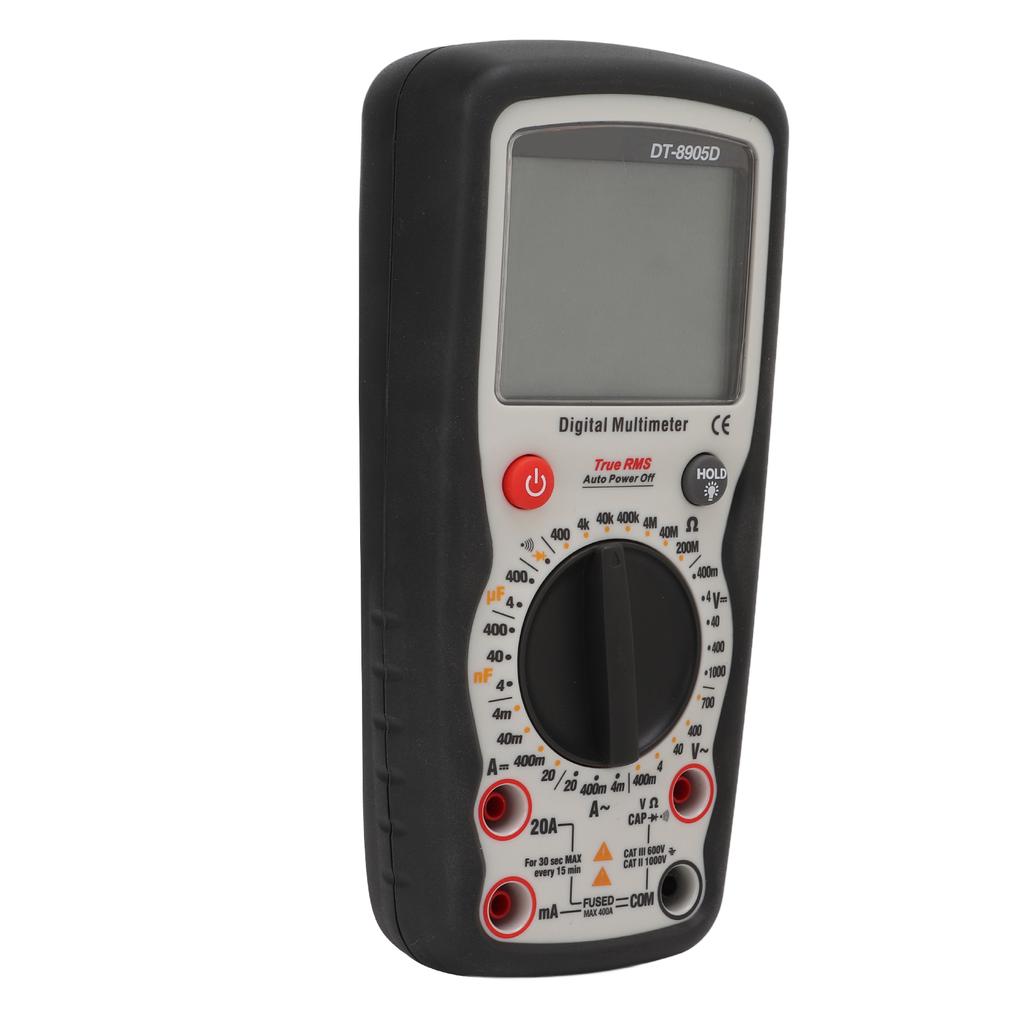
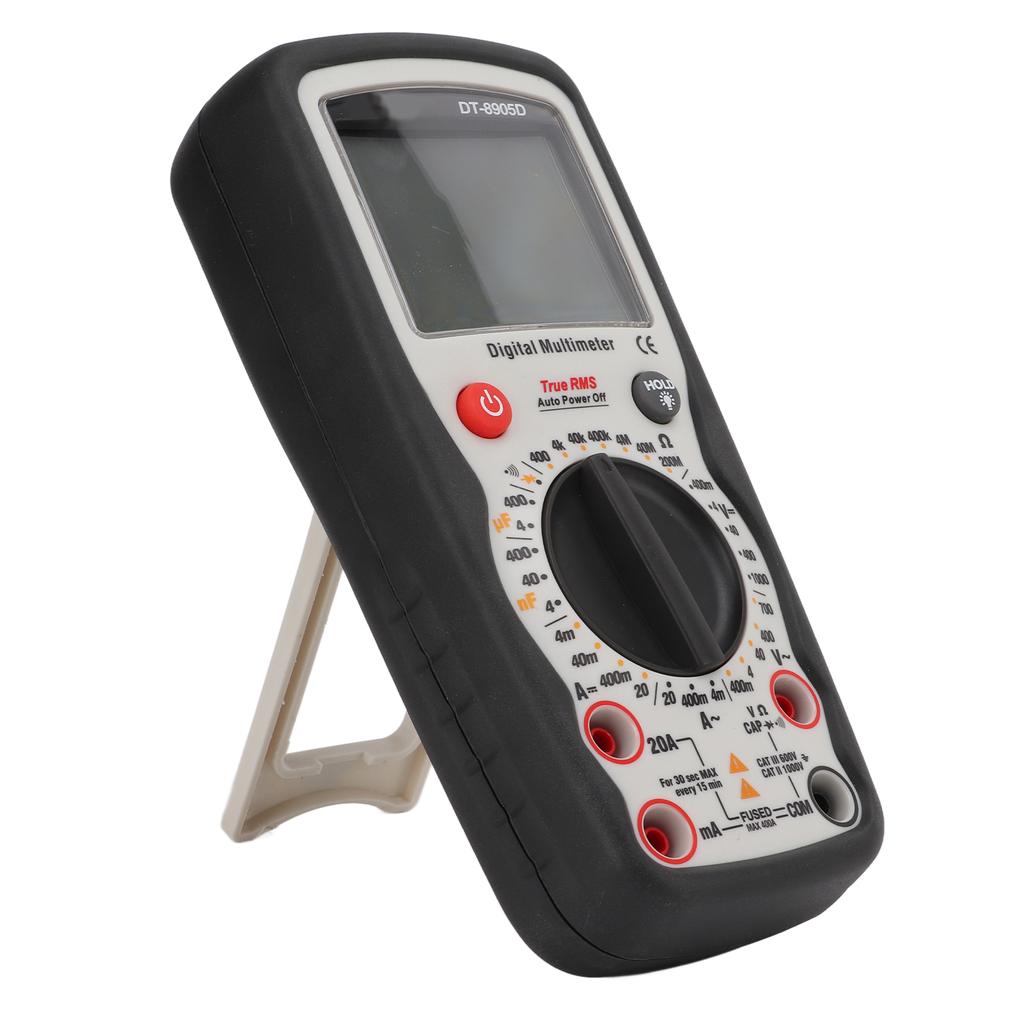
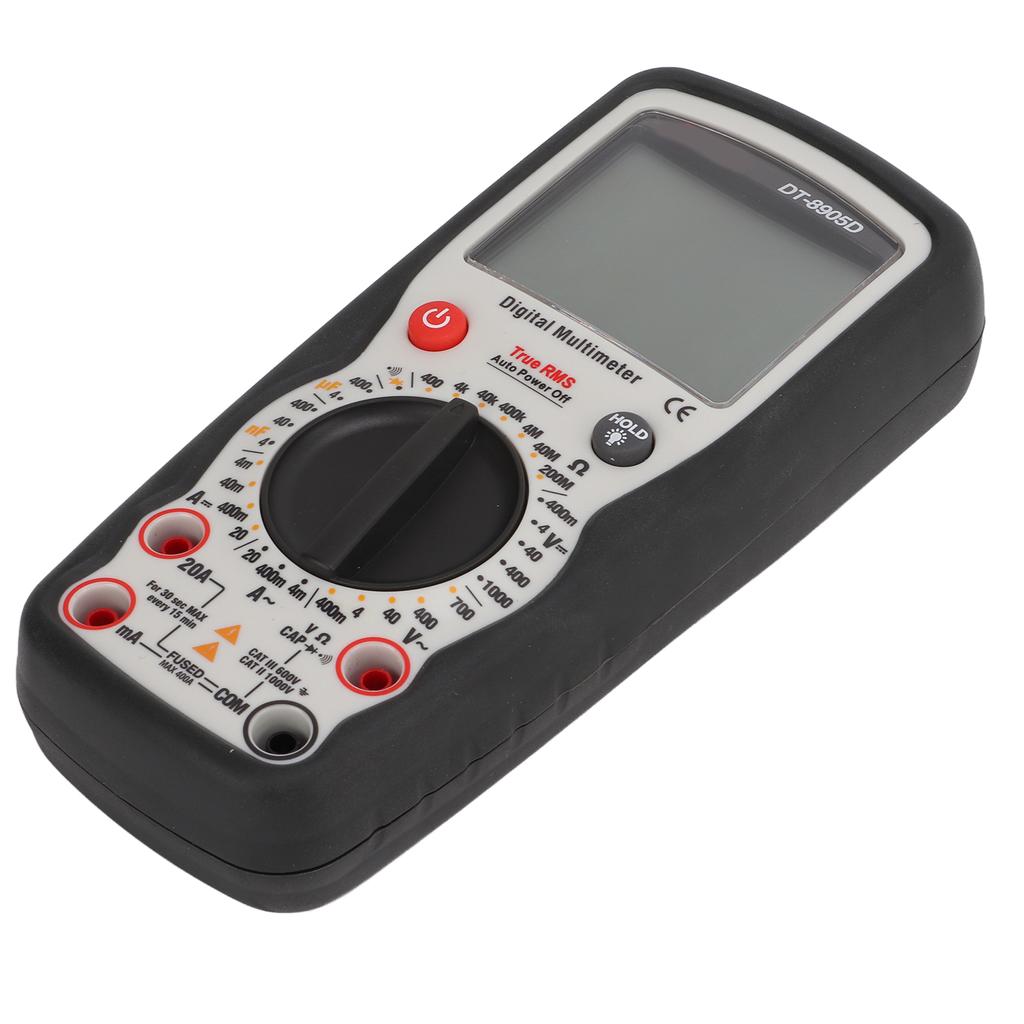
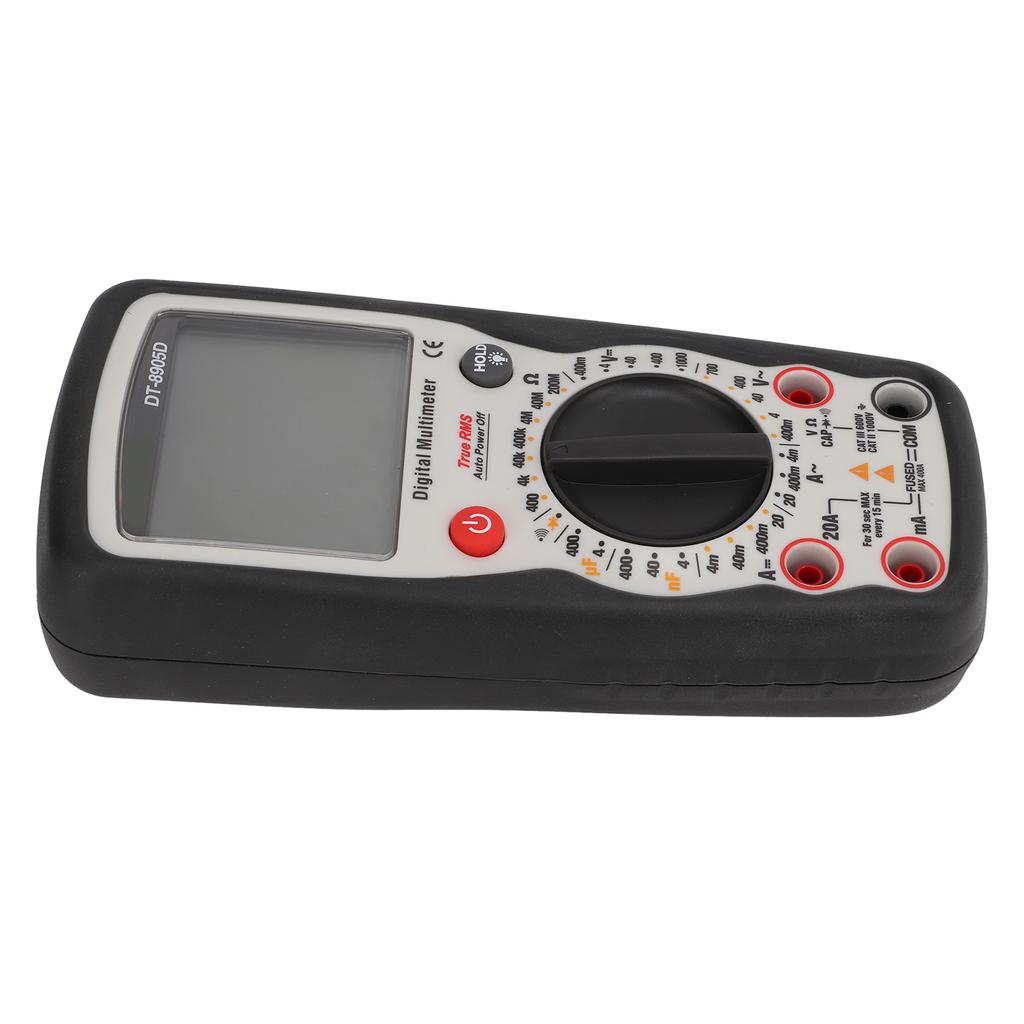
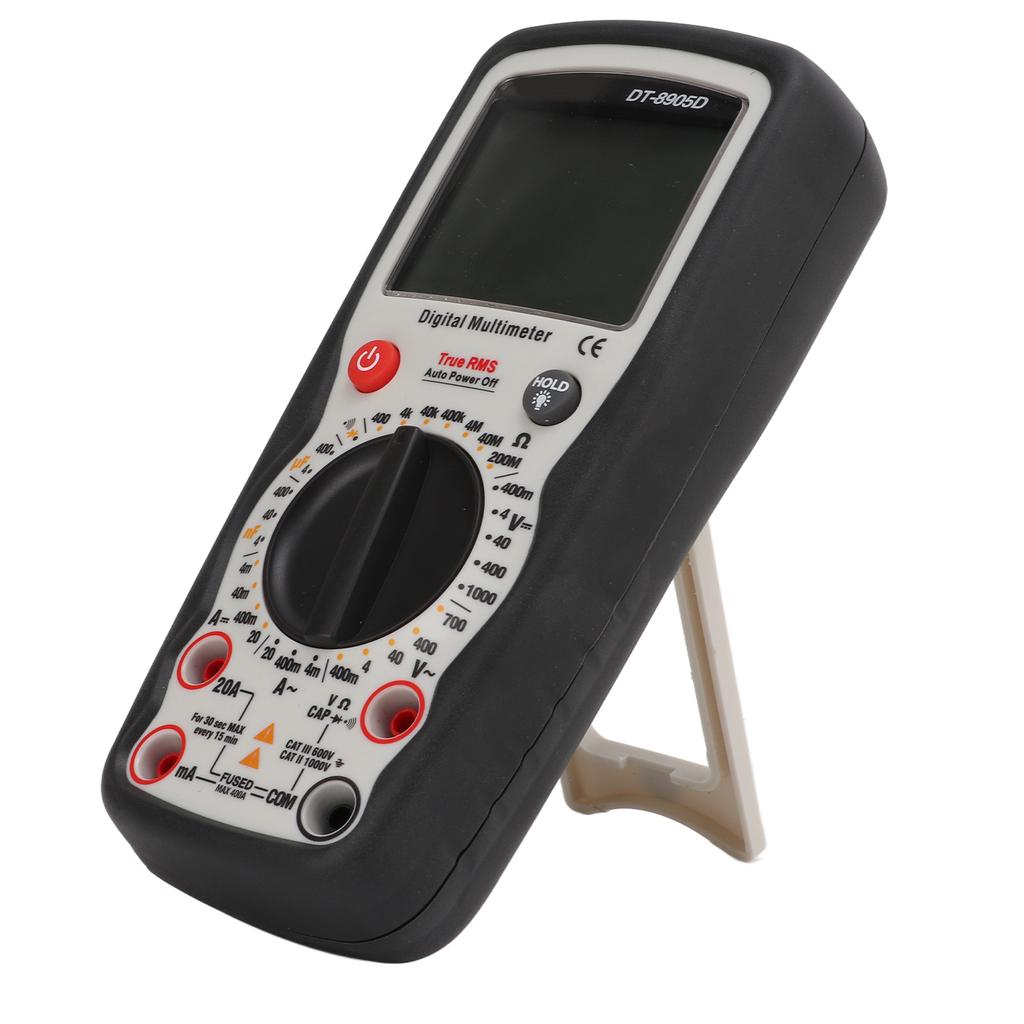
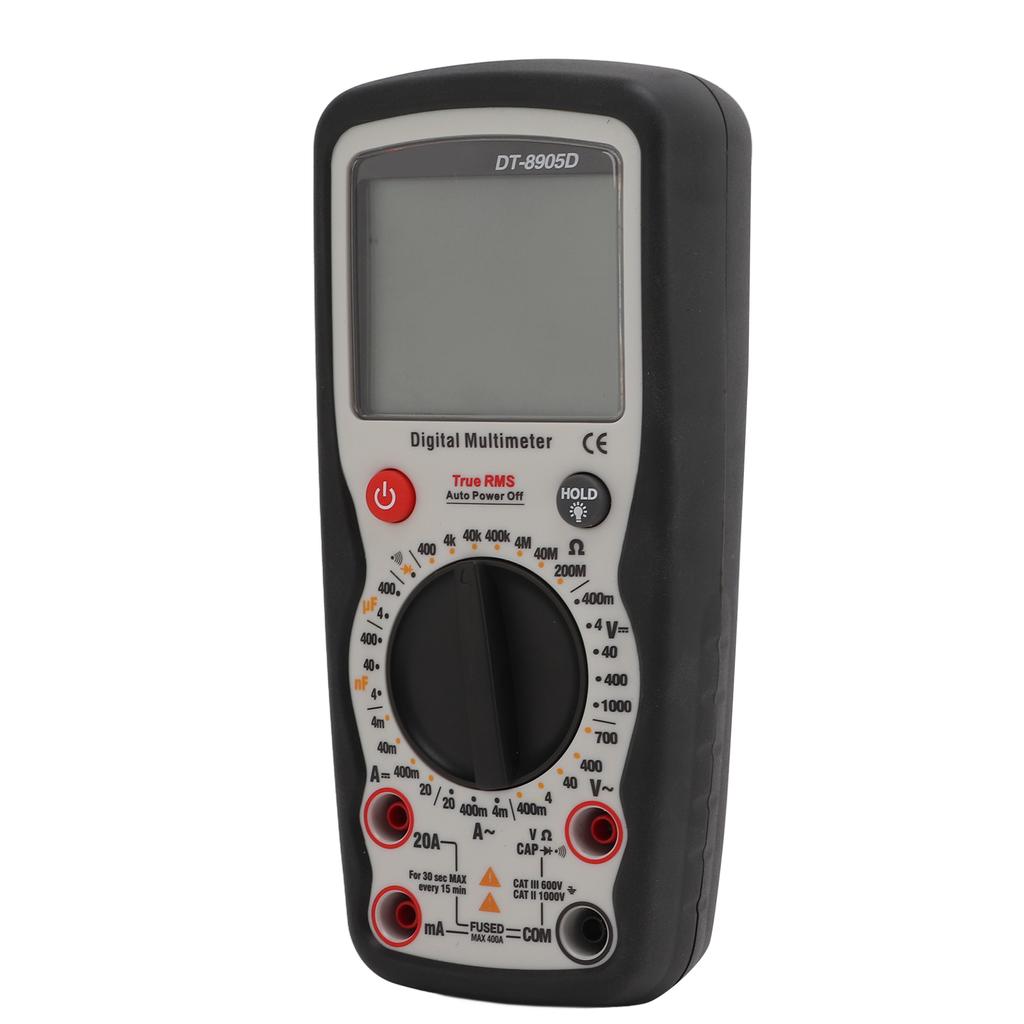
1. [LCD Display] 4000 digit LCD high definition screen, backlit digital display, the reading is clearer, can test true virtual value, voltage, current, resistance, frequency, capacitance.
2. [Overload Protection] Intelligent anti burn, with range overload protection function, safer operation, to meet your various needs.
3. [High Accuracy] This digital multimeter with manual measuring range, with a resistance measurement range of up to 200M Ohm and 0.5percent high accuracy.
4. [Durable Material] This clamp multimeter is made of high quality ABS material, which is durable and can be used with confidence for a long time.
5. [Widely Application] This digital multimeter is widely used in many situations, such as hydropower engineering, home appliance repair, industry, etc.
Specification:
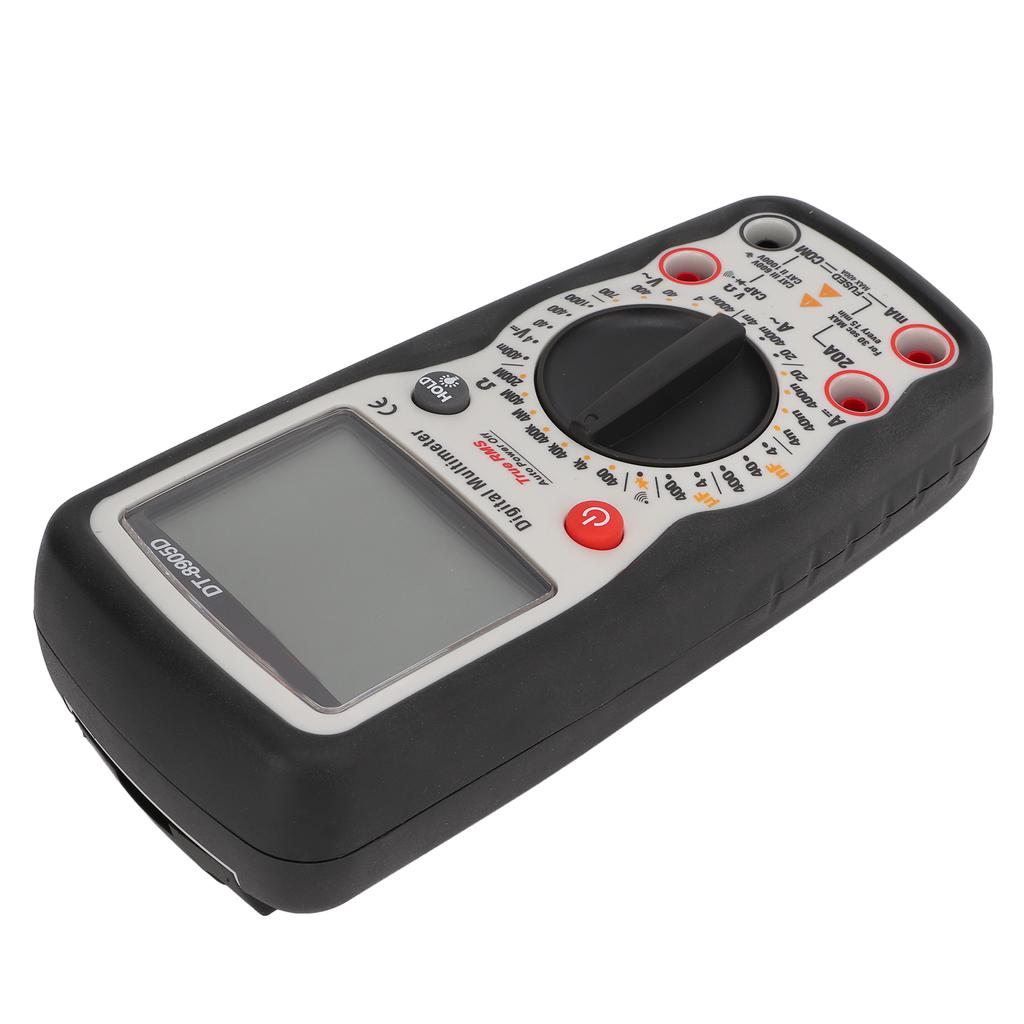
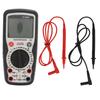
Item Type: Digital Multimeter
Model: DT 8905D
Material: ABS
Battery: 1 x 9V 6F22 (Battery Not Included)
Application: Widely used in residential, industrial factories, office buildings, home appliance maintenance and testing
Display: 4000 digit LCD display with function indication
Polarity: Automatically distinguish the polarity, ( ) negative
Over Range: Expressed as OL
Low Voltage Prompt: When the battery voltage is low, the battery symbol prompts
Automatic Shutdown: The meter will automatically shut down if there is no operation within 17 minutes. After the automatic shutdown, the meter can only be awakened by pressing the HOLD key or turning the knob. The normal measurement rate is 3 times per second
Operating Environment: 0 celsius 40 celsius (41 Fahrenheit 104 Fahrenheit ) relative humidity <70percent RH
Storage Temperature: 10 celsius 50 celsius (14 Fahrenheit 122 Fahrenheit ) relative humidity <80percent RH
Maximum Height for Indoor Use: Approx. 2000m 6561.7ft
Pollution Level: Level 2
DC Voltage
400.0mV
0.1mV
+ 0.5percent of rdg+ 8dgts
4.000V
1mV
40.00V
10mV
400.0V
100mV
+ 0.8percent of rdg+ 8dgts
1000V
1V
AC Voltage
400.0mV
0.1mV
+ 1.2percent of rdg+ 5dgts
4.000V
1mV
40.00V
10mV
400.0V
100mV
700V
1V
DC Current
4.000mA
1uA
+ 1.2percent of rdg+ 5dgts
40.00mA
10uA
400.0mA
100uA
+ 1.2percent of rdg+ 8dgts
20.00A
10mA
+ 2.0percent of rdg+ 10dgts
AC Current
4.000mA
1uA
+ 3.0percent of rdg+ 8dgts
400.0mA
100uA
+ 1.5percent of rdg+ 8dgts
20.00A
10mA
+ 2.0percent of rdg+ 10dgts
Capacitance
4.000nF
1pF
+ 3.0percent of rdg+ 70dgts
40.00nF
10pF
+ 4.0percent of rdg+ 8dgts
400.0nF
0.1nF
4.000uF
1nF
400.0uF
0.1uF
Resistance
400.0 Ohm
0.1 Ohm
+ 1.2percent of rdg+ 5dgts
4.000k Ohm
1 Ohm
+ 1.5percent of rdg+ 5dgts
40.00k Ohm
10 Ohm
400.0k Ohm
100 Ohm
4.000M Ohm
1k Ohm
+ 3.0percent of rdg+ 8dgts
40.00M Ohm
10k Ohm
200.0M Ohm
100k Ohm
+ 5.0percent of rdg+ 10dgts
How To Use:
DC Voltage Measurement:
Note: Do not perform measurement at the moment when the power is turned on or off, high voltage may damage the meter
1. Place the function dial at the VDC (range: 400mV, 4V, 40V, 400V, 1000V) position
2. Insert the black test into the negative COM port and the red test into the positive V port
3. Touch the tip of the test to the object to be tested to ensure that the polarity is correct (red is connected to the positive electrode, and black is connected to the negative electrode)
4. Read the voltage value on the display
AC Voltage Measurement:
Warning: Please observe all safety precautions when measuring on the road with wires
Note: Do not perform measurement at the moment when the power is turned on or off, high voltage may damage the meter
1. Set the function dial to VAC (range: 400mV, 4V, 40V, 400V, 700V)
2. Insert the black test into the negative COM port and the red test into the positive V port
3. Touch the tip of the test to the test object
4. Read the voltage value on the display
DC Current Measurement:
Note: The measurement time cannot exceed 30 seconds under the condition of 20A, otherwise the meter or test s may be damaged. During the measurement process, if the current cannot be estimated, start the measurement from the high range, and if necessary, select the low range
1. Insert the black test into the negative COM port
2. Measure the current below 400mA DC, set the function dial to DC mA (range: 4mA, 40mA, 400mA), and insert the red test into the mA port
3. When measuring DC 20A, set the function dial to the 20A gear and insert the red test into the 20A port
4. Disconnect the power supply of the circuit under test, and touch the black test to the negative pole of the circuit under test, and the red test to the positive pole of the circuit under test
5. Turn on the power
6. Read the current value on the display
AC current measurement
Warning: To prevent electric shock, do not measure on a circuit with a voltage exceeding 250V
Note: The measurement time cannot exceed 30 seconds under the condition of 20A, otherwise the meter or test s may be damaged. During the measurement process, if the current cannot be estimated, start the measurement from the high range, and if necessary, select the low range
1. Insert the black test into the negative COM port
2. When measuring below 400mA, set the function keyboard to the AC 4mA, 400mA gear position, and insert the red test into the mA port
3. When measuring 20A, place the function keyboard in the 20A position and insert the red test into the 20A port
4. Disconnect the power supply of the circuit under test, and touch the black test to the negative pole of the circuit under test, and the red test to the positive pole of the circuit under test
5. Turn on the power
6. Read the current value on the display.
Package List:
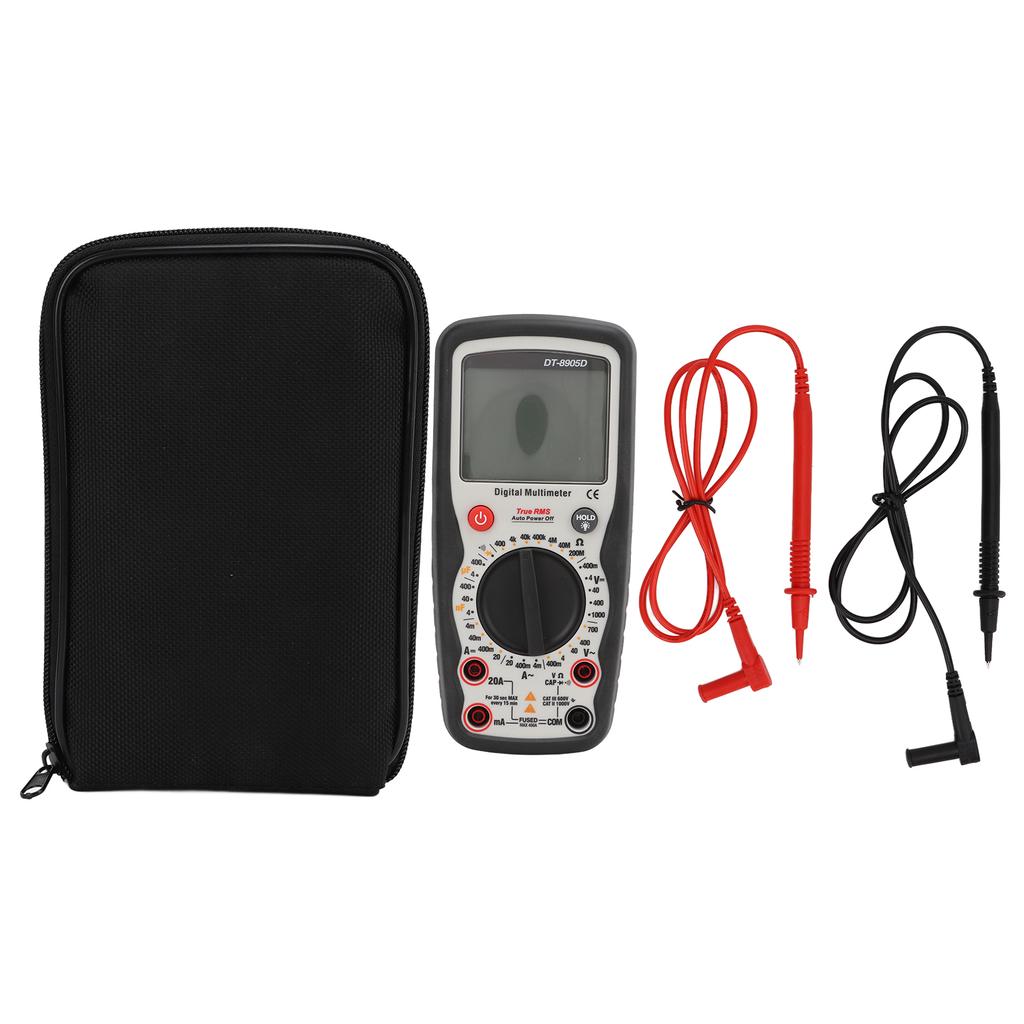
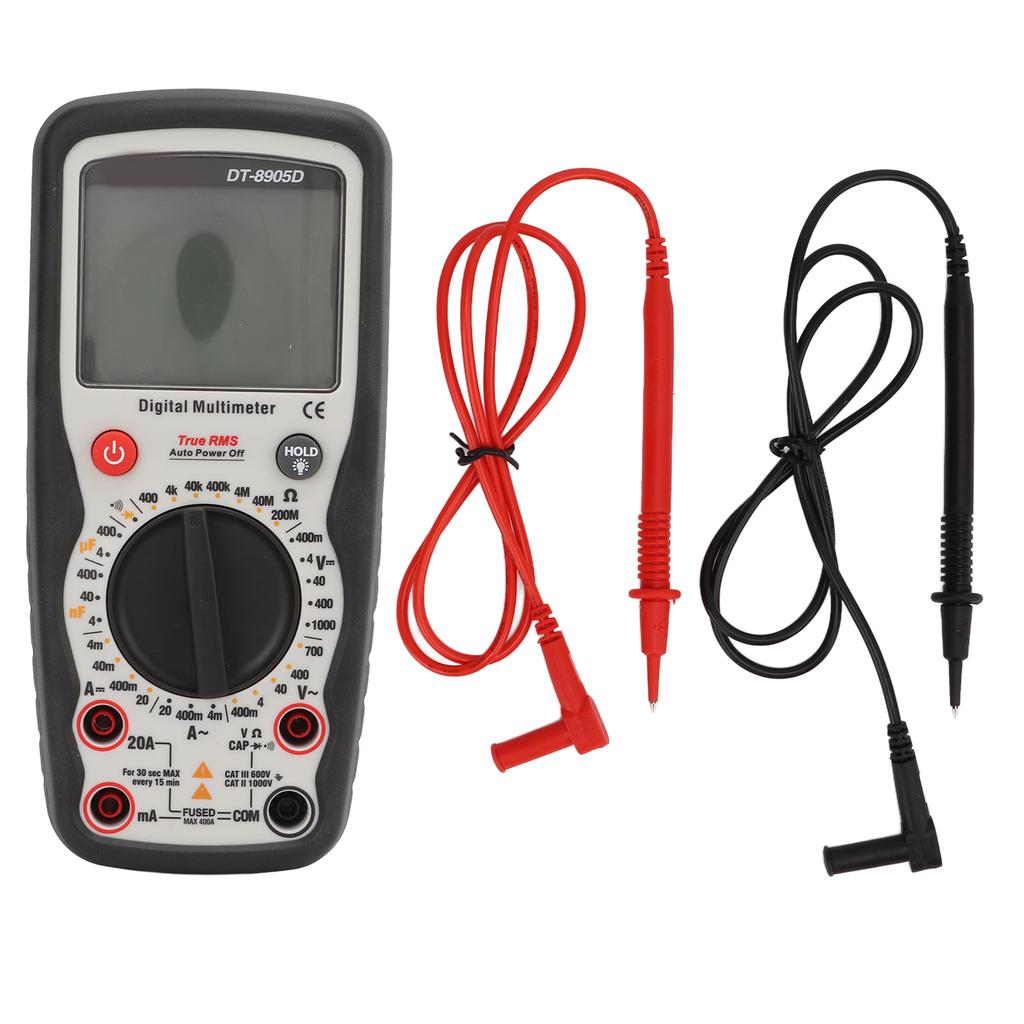
1 x Digital Multimeter (Battery Not Included)2 x Test 1 x Storage Bag1 x Manual


 Vrácení peněz při nedoručení